


Coda
An all-in-one collaborative workspace that integrates document, spreadsheet and application capabilities with built-in AI. Officially, it is said that more than 50,000 teams have used it for scenarios such as writing, hub building, tracking and application development, reducing the cost of tool switching.
Updated: 2026-10-26
What is Coda?
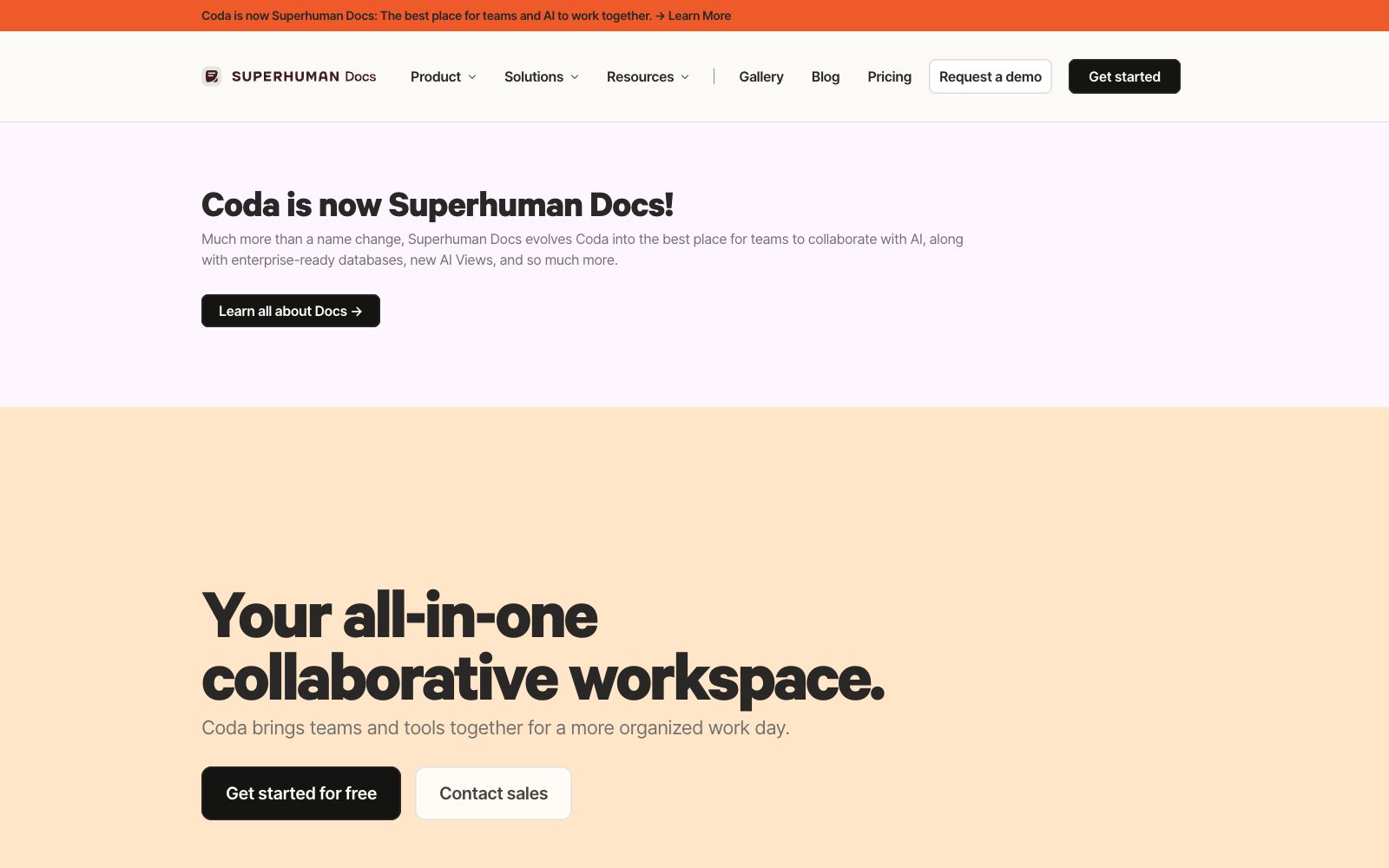
Coda is an all-in-one collaboration workspace. According to its official website, it integrates the flexibility of documents, the structure of spreadsheets, the capabilities of applications and the intelligence of AI. Recently, it rebranded to "Superhuman Docs", positioning itself as "the best place for teams to collaborate with AI". It aims to replace multiple scattered systems with a single set of tools, reducing the switching costs in collaboration.
Who is it for?
- Teams that want to replace multiple systems of "documents + spreadsheets + lightweight applications" with a single tool, reducing tool switching and licensing costs.
- Product teams create requirement documents, roadmaps, and meeting minutes; Writeups and Trackers work seamlessly together, enabling decisions to be documented and retained.
- Sales teams manage pipelines and customer follow-ups; they can use Hubs to centralize scattered information and avoid opening multiple tables.
- Engineering and design teams use it for project tracking and cross-team information hubs, preventing information from being scattered across different group chats and emails.
- Teams that want to automatically generate weekly reports and summarize meeting key points with AI can let Coda AI handle these repetitive tasks.
Key features
6Integration of Documents and Spreadsheets
As easy to use as a document and interactive like an application, teams can get started with collaboration quickly, reducing learning costs and resistance.
Four types of modules
Officially categorized as Writeups (documents), Hubs (hubs), Trackers (trackers), and Applications (applications), covering common collaboration forms.
Coda AI
Uses AI to reduce repetitive work, assist with writing, summarization and process automation, leaving trivial tasks to the model and letting humans make judgments.
Tool Integration
Connect commonly used tools via Packs, centralize data from multiple sources in a single workspace, and reduce copy-pasting and back-and-forth navigation.
Team-Scene Customization
Provides templates and solutions for product, sales, engineering, design, and other teams, which can be referenced and implemented out of the box, reducing the need to build everything from scratch.
Comparative Positioning
The official website provides comparisons against Notion, Confluence, Airtable and other tools, helping teams see the differences when making selections.
How to use Coda
- 1Start with a single high-frequency scenario (such as meeting minutes or requirement documents), and after getting it right, expand to Trackers and Applications; don't roll out everything at once.
- 2Before integrating with Packs, confirm the permission scope of the required tools to avoid losing control over permissions by pulling too much data into the same document.
- 3When comparing with Notion, Airtable and other tools, refer to the official website's feature descriptions and choose based on your team's own collaboration habits; do not blindly follow rankings.
- 4Plans and benefits may be subject to adjustment. Verify the official pricing with your team before scaling up usage to avoid budget miscalculations and overspending.
Traffic & popularity
Data month Sep 2026
Coda receives about 88.9K visits per month and ranks #612,219 worldwide.
Monthly visits
12 monthsTraffic sources
- Search46.6%
- Direct33.6%
- Referrals13.1%
- AI assistants2.1%
- Social2.1%
- Other2.5%
Top countries
- United States26.3%
- Russia4.7%
- India4.7%
- United Kingdom3.5%
- Canada3.0%
Estimated from third-party traffic data.
Similar tools
 monday.commonday.com is an AI work platform that places humans and AI agents in the same workflow. You can create agents for marketing, IT, sales, etc., including meeting assistants, research tools, reporting, and process optimization. The free version has no time limit and no credit card requirement.
 GlideGlide is an AI building tool for enterprise internal applications. The official claims that it can turn spreadsheets into trustworthy business applications and agents, allowing users to get started without development, and it is suitable for frontline personnel to build software by themselves.
 DocuopiaAn AI writing tool for product and documentation teams, officially said to produce requirement documents, help centers and wikis in minutes, supporting real-time collaboration, version management and AI-generated charts.
 MorgenAn AI scheduling app that combines multiple calendars and to-do lists into a daily plan, automatically arranging time blocks, resolving conflicts by capacity, and reminding about missed tasks. It is suitable for office workers who work across platforms.
 ArdorIntegrate agents into your tools, teams, and infrastructure, describe the results in natural language, have them handle setup, deployment, and continuous operation, and the official website emphasizes delivering real, long-lasting applications.
 MomenA no-code application building tool for founders who can't write code. Just describe your requirements, and it will generate databases, logic and pages. The official claims it supports millions of daily active users and one-click release. It can export React components and view searchable logs.