

Smart PDFs
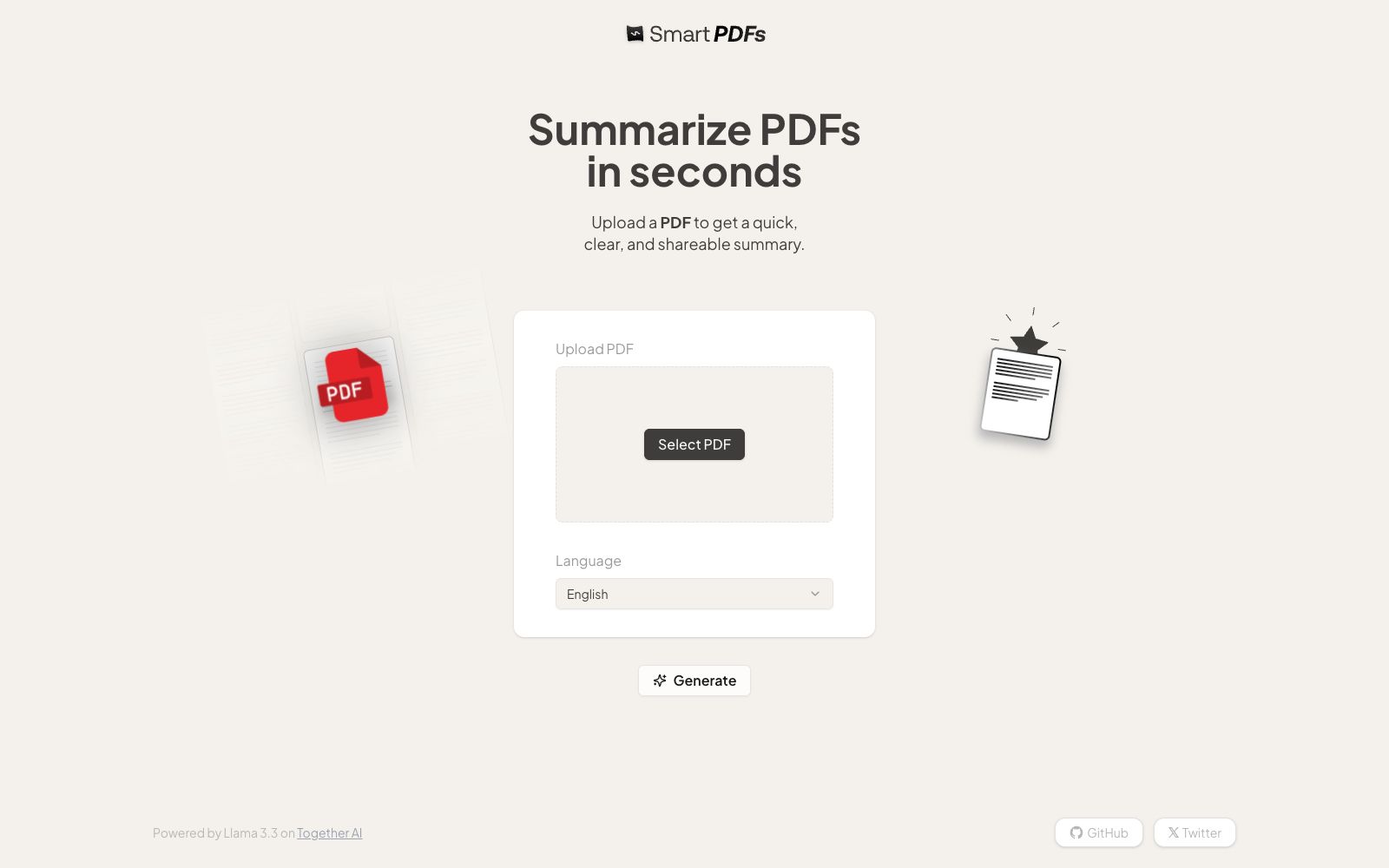
A minimalist online PDF summary tool. The official says you can upload a file to quickly generate a clear and shareable summary, generate it with one click after selecting the document language, and the footer is marked as inferred by the cloud model.
Updated: 2026-10-26
What is Smart PDFs?
Smart PDFs official website has only one title: Summarize PDFs in seconds. It has an extremely minimalist interface: upload the PDF, select the document language, click generate, and you get a shareable summary in seconds. There’s no registration process or complicated setup. The footer notes that its reasoning capabilities are powered by Together AI, and the code is open-source on GitHub. It’s the kind of one-stop tool you use and then move on from.
Who is it for?
- Researchers and students who need to go through a batch of papers and reports every day and only want to know the main content first.
- Business professionals who receive long documents from clients or suppliers and need to quickly identify the key points.
- Operations and editors who want to turn long PDFs into shareable summaries.
- Developers who want to see how a minimalist AI application is built.
Key features
6PDF Summarization
The official statement says that uploading a PDF will yield a fast, clear and shareable summary, and the official website describes it as free to use.
Select Document Language
You can specify the language of the PDF before generation, and the official website lists this as a separate step after uploading.
One-click Generation
The page only has three actions: upload, select language, and generate, with no configuration or login required.
Inference Hosting
The footer indicates that inference is provided by models on Together AI, and the official repository README also uses it for inference.
Open-source and accessible
The official website links to the GitHub repository, where the code and implementation methods are publicly available for you to review and deploy.
Use directly on the web
Open it in a browser as a web application and use it immediately without installing a client.
How to use Smart PDFs
- First, test it with a PDF you are familiar with, compare the summary with the original text, and check if it captures the key points.
- Confirm that the correct document language is selected before uploading.
- choosing the wrong language will significantly affect the quality of the summary.
- For sensitive documents such as contracts, medical records, and financial materials, exercise caution when uploading them to any third-party online services.
- First, review the privacy and data retention instructions on the official website.
- The summary is just a clue.
- any content involving numbers, conclusions, and commitments must be verified against the original text before being cited.
- The effect of scanned or image-based PDFs depends on the availability of the text layer, and the official repository lists OCR support as a to-do item.
- The official will adjust the underlying model with model upgrades, and the effect may change.
- It is recommended to try again before important use.
- It only does one thing: summarization.
- If you need question answering, translation, or batch processing, don’t expect to get it done on this page.
- The generated summaries are plain text, so you still need to add the structure and sources yourself when presenting them externally.
Traffic & popularity
Data month Sep 2026
Smart PDFs receives about 1.0K visits per month and ranks #19,179,459 worldwide.
Monthly visits
12 monthsTraffic sources
- Direct41.4%
- Search34.6%
- Referrals9.9%
- Social6.4%
- Mail2.4%
- Other5.2%
Top countries
- Brazil33.9%
- Vietnam25.6%
- Ukraine22.5%
- Taiwan, China18.1%
Estimated from third-party traffic data.
Similar tools
 HumataHumata is an AI assistant that turns documents into a conversational knowledge base. After uploading files such as PDFs, you can ask questions and get answers with citations, and it supports cross-file retrieval and web embedding.
 Mind Map WizardOnline AI mind map generation tool: enter a topic, paste a link or upload a PDF to generate a mind map. The official website states it requires no registration and has no ads. You can edit it and then export it as PDF, JPG or SVG, as well as share it.
 Online Doc TranslatorOnline Doc Translator is a free online document translation tool. It supports PDF, Word, Excel and PPT, retains the original layout, covers 109 languages, and can be used without installation or registration.
 TinyWowFree online toolbox that brings together hundreds of tools such as PDF, image, video, and AI writing tools, covering format conversion, editing, compression, and AI generation. The official offers a 7-day free trial of Premium membership.
 EightifyEightify is an AI summarization tool for YouTube videos. It can generate timestamped key points, transcripts and multilingual summaries, supports one-click sharing, and the official website states it has over 500,000 users.
 SlidesPilotAn online tool that converts materials such as PDFs, Word documents, web pages, videos, and Markdown into PowerPoint. The official states that it first analyzes the source files and then builds the narrative thread. It supports charts and diagrams and theme control, and can export slide files.