


SlidesGPT
SlidesGPT is an AI PowerPoint generator that can convert prompts, blog posts or PDFs into structured presentations, and export them as PowerPoint, Google Slides and PDF files, suitable for education, research and sales scenarios.
Updated: 2026-11-01
What is SlidesGPT?
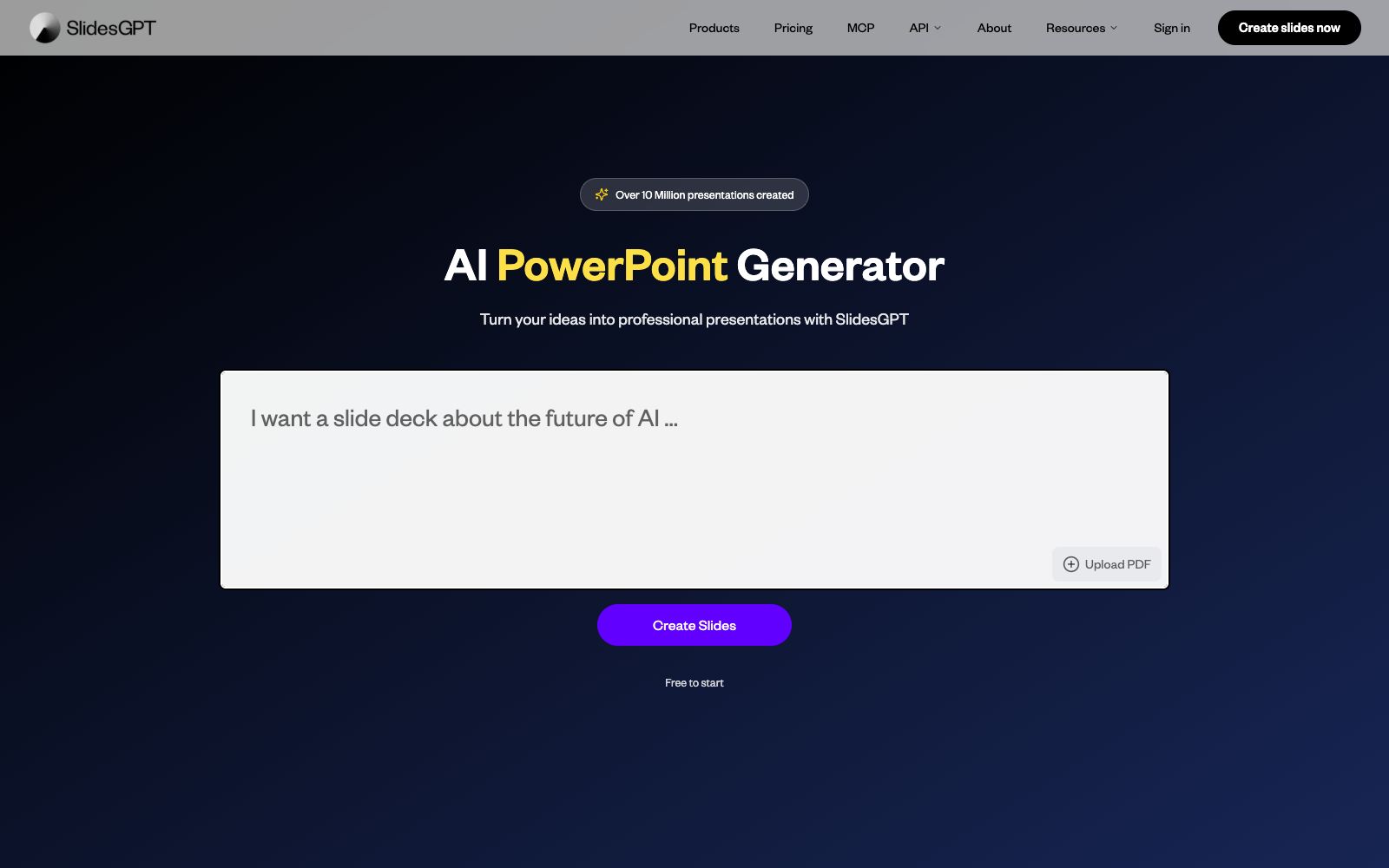
The positioning of SlidesGPT is straightforward: it condenses the process of "making PPTs" into "providing content and generating a first draft." Its official website states that it has created over 10 million presentations, and its main entry point is the AI PowerPoint Generator: you can input a topic, or paste content from blogs, articles, or PDFs, and the AI will automatically organize it into structured slides. It also offers free trials and multi-format exports, suitable for those who need to quickly turn materials into an editable first draft rather than starting formatting from a blank page.
Who is it for?
- Teachers and training instructors: Quickly convert course materials, handouts or long texts into classroom presentations.
- Students and researchers: Organize papers, reports or reading notes into presentable slides for presentations.
- Sales professionals and consultants: First generate the solution framework and the initial draft of the proposal, then spend time on customer customization.
- Teams that need to batch out internal reports: Use unified templates to reduce repetitive formatting.
- Developers who want to integrate presentation generation into their workflows: The official website provides API and MCP access.
Key features
6Generate Presentation from Prompt
Input a topic or a set of requirements, and the AI will generate the structure and content of the entire presentation. The official website emphasizes that a first draft can be obtained in a few seconds.
Text-to-Presentation
Paste blogs, articles or other ready-made text into Text-to-Presentation, and it will automatically split chapters, extract key points and arrange them into slides.
PDF Upload
Directly upload a PDF as material to generate a presentation, eliminating the steps of copy-pasting and manually organizing content.
Multi-format export
The generated results can be exported as PowerPoint, Google Slides and PDF, making it convenient to go back to your familiar editor for further revisions or share them directly.
Template and Brand Consistency
User cases on the official website mention that you can apply your own templates and brands in the ChatGPT app to ensure that the presentations produced by the team maintain a unified style.
Scenarios-based examples
The official website provides three types of input examples for education, research, and sales to help users understand the level of detail required in the prompts.
Things to know
Usage Tips
- First, organize the source material into clear sections before feeding it to SlidesGPT; the more structured the input, the less the generated outline will deviate.
- Automatically generated content must be manually verified, especially data, citations, time, and factual statements, and should not be released directly to the public.
- For formal occasions, prioritize using brand templates first, then check the font sizes, charts, and white space page by page to avoid the problem where the template looks good but the information hierarchy is messy.
- When integrating via API or MCP, first confirm the call quotas, failure retries, and content copyright agreements, and set up a manual review step for batch tasks.
- The free tier is ideal for first verifying export formats and editing experience; the official website states that over 10 million presentations have been created, but this data is subject to updates, so please refer to the current page before citing it.
Traffic & popularity
Data month Sep 2026
SlidesGPT receives about 539.6K visits per month and ranks #64,646 worldwide.
Monthly visits
12 monthsTraffic sources
- Search50.8%
- Direct21.6%
- AI assistants19.1%
- Referrals4.6%
- Social3.3%
- Other0.5%
Top countries
- India23.8%
- United States9.1%
- Mexico4.8%
- Indonesia4.4%
- Singapore3.8%
Estimated from third-party traffic data.
Similar tools
 GenPPTGenPPT is an AI presentation generator that can convert your notes, outlines or PDFs into slides available for meetings and classes. It reviews the outline first before generation, supports editing in conversations and exporting to PowerPoint, PDF and PNG.
 SlideSpeakAn AI presentation tool that turns PDFs, Word documents, Excel spreadsheets, or a single theme into editable slides, exports native PPT files, and fully retains fonts and layouts.
 MagicSlidesAn AI presentation tool that can generate a complete set of slides by entering a topic, pasting text or uploading PDF and video links. It supports layouts such as SWOT and timelines, and over 136 languages. It is suitable for quickly creating courseware and roadshow scripts on the spot.
 ChesoAI presentation creation tool that generates editable slides from ideas, files and research materials. Officially, it supports multiple output formats such as interactive H5, visual canvases and videos, and allows for online refinement, sharing and export.
 Chronicle AIChronicle AI is an AI presentation creation tool for professional teams. It can convert documents, notes and business data into editable, brand-compliant slides, and supports chart visualization, tool embedding, as well as export in multiple formats such as PPT and PDF.
 AlaiAlai is an AI presentation tool focused on brand consistency. It first builds a design system using brand assets, then batch-generates slides, social media graphics and infographics, and supports conversational modifications. It is suitable for marketing and sales teams to quickly produce drafts.