

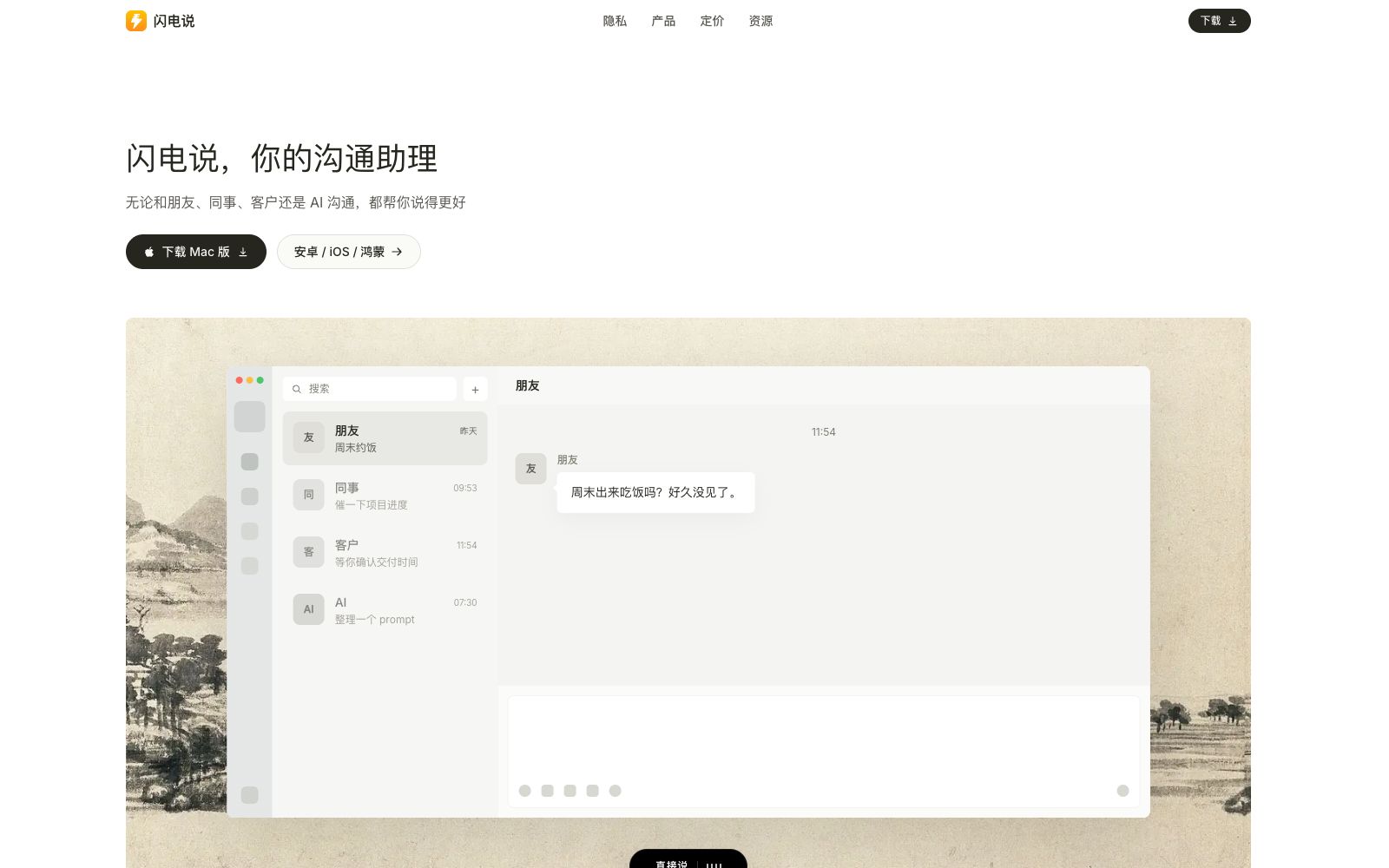

Shandianshuo
The AI communication assistant produced by Tanwei Technology helps you organize replies in chat apps such as WeChat and Feishu, transcribe voice messages into clean text, and make your expressions more tailored to the other party with continuously updated communication memory.
Updated: 2026-10-26
What is Shandianshuo?
Shandian positions itself as a "communication assistant" developed by Tanwei (Wuhan) Technology Co., Ltd. It is not just a voice input tool; instead, it is embedded in scenarios such as WeChat, WeChat Work, DingTalk, Lark, Qianniu, WhatsApp, browsers, and email. When you "don't know how to reply", "don't want to say anything", or "are afraid of making a mistake", it helps you organize your words clearly, naturally, and appropriately by combining the on-screen context and a continuously updated communication memory.
Who is it for?
- Sales, operations and business personnel who need to communicate with a large number of customers and colleagues on WeChat, Feishu and WeChat Work every day.
- Workplace communicators who need to quickly draft professional responses while viewing on-screen content and are afraid of making mistakes in their expression.
- Team leaders who have frequent meetings and want to organize the orally assigned matters into clear text and preserve the memory.
- Heavy chat users who are used to voice input but plagued by verbose verbatim transcripts and inaccurate recognition of personal names and terminology.
Key features
5Help Me Speak
Long-press the shortcut key. The AI combines the on-screen context and your memory to craft clear, natural and appropriate replies, suitable for scenarios where you don't know what to say, are unwilling to speak, or fear making mistakes.
Speak Directly
Press the shortcut key briefly, and whatever you say casually will be tidied up into clean text and dropped into the input box. It automatically organizes the content structurally, removes duplicates, corrects typos, and uses a dedicated dictionary to recognize proper nouns and technical terms.
Knowledge Base
The AI remembers styles, dictionaries, and common replies for you; the style determines the degree of organization and tone, the dictionary identifies easily misrecognized names of people and products, and common replies can be accessed at any time.
Skills
Generate a reply only after completing the task. You can let the AI execute code, request data, call tools, or adopt someone's expression style, and finally sort out the results into a reply that can be sent directly.
Comprehensive Memory
Each person has a continuously updated communication memory that records work preferences, expression habits, key matters and historical context; the memory continues to be updated after the communication ends.
How to use Shandianshuo
- 1First install the Windows or Mac version to master the two shortcut keys "Help Me Say" and "Speak Directly", then decide whether to join the closed beta for Android, iOS, HarmonyOS and Linux.
- 2First fill in your common phrases, product names, and person names into the common replies and dictionary in the knowledge base, and the response accuracy and tone will be significantly improved.
- 3When dealing with sensitive content such as contracts, quotes, and privacy information, pay attention to the storage scope of local and cloud memories, and do not store sensitive information in long-term memories.
- 4The Skills feature can request data from the internet and execute code; confirm the authorization scope of the called interfaces and scripts before use; platform rules may be adjusted, so recheck before commercial use.
Traffic & popularity
Data month Sep 2026
Shandianshuo receives about 11.0K visits per month and ranks #2,429,696 worldwide.
Monthly visits
12 monthsTraffic sources
- Search58.1%
- Direct25.9%
- Referrals15.3%
- AI assistants0.5%
- Social0.1%
Top countries
- China72.8%
- Singapore8.6%
- United States8.0%
- Taiwan, China6.2%
- Hong Kong, China3.4%
Estimated from third-party traffic data.
Similar tools
 TypelessTypeless is an AI voice input tool. According to the official, speaking will immediately be converted into smooth emails and documents. It can automatically remove colloquialisms and repetitions, switch tones according to applications, support more than 100 languages, and be used on multiple devices.
 SpeechifyA TTS assistant that specializes in reading out any text for you. According to its official website, it covers web pages, Chrome extensions, and iOS/Android/Mac/Windows platforms, and offers features such as voice input, dubbing, and voice cloning.
 SpokenlySpokenly is a free AI dictation tool that supports Mac, Windows, Linux and iPhone. It can run offline with the local Whisper model and supports over 100 languages.
 Wispr FlowWispr Flow is a speech-to-text tool. What you say is cleaned into smooth text as you speak. It automatically recognizes languages, learns your proper nouns, and switches tones for different apps. It now includes a meeting recording feature.
 NetEase BageNetEase Bage is an AI voice input tool for desktop launched by NetEase. It supports speech-to-text, intelligent polishing, automatic removal of spoken language, custom hotwords and voice translation. Its official positioning is 5 times faster than typing.
 SpeechPulseA local voice input tool based on Whisper enables voice typing in any application. It supports offline recognition and transcription of 99 languages, and can also transcribe audio files and generate subtitles. The official states that data does not leave the local device.