


Adobe Podcast
A web-based podcast and dubbing audio tool launched by Adobe offers one-click noise and echo reduction, video subtitle addition, audio and video transcription, and text-based editing just like editing a document. No software download is required, making it suitable for podcasters and video creators.
Updated: 2026-10-26
What is Adobe Podcast?
Adobe Podcast is an Adobe web-based audio tool, officially titled "AI audio recording and editing, all on the web". It focuses on enabling recording, noise reduction, editing and publishing without downloading any software. It is not a generative speech product, but a set of post-processing and recording tools for human voices. Its core value lies in rescuing human voices that sound "poorly recorded", so that materials such as oral broadcasts, interviews, and classroom recordings can reach publishable quality without re-recording. The free version is available for immediate use, and more comprehensive features are included in Adobe Podcast Premium under the Adobe Firefly Pro plan.
Who is it for?
- For podcasters creating knowledge podcasts or interview-style audio who have poor recording environments but don't want to re-record, a single enhancement pass is sufficient.
- Teachers and educational institutions recording online courses, open classes, and lectures can use it to remove classroom reverb and then convert the content into subtitles.
- Knowledge-based bloggers who need to quickly produce short video dubbing to avoid re-recording due to changing microphones.
- For editing teams who have a batch of historical materials and need to unify the audio processing, they can upload them in batches for one-time processing.
Key features
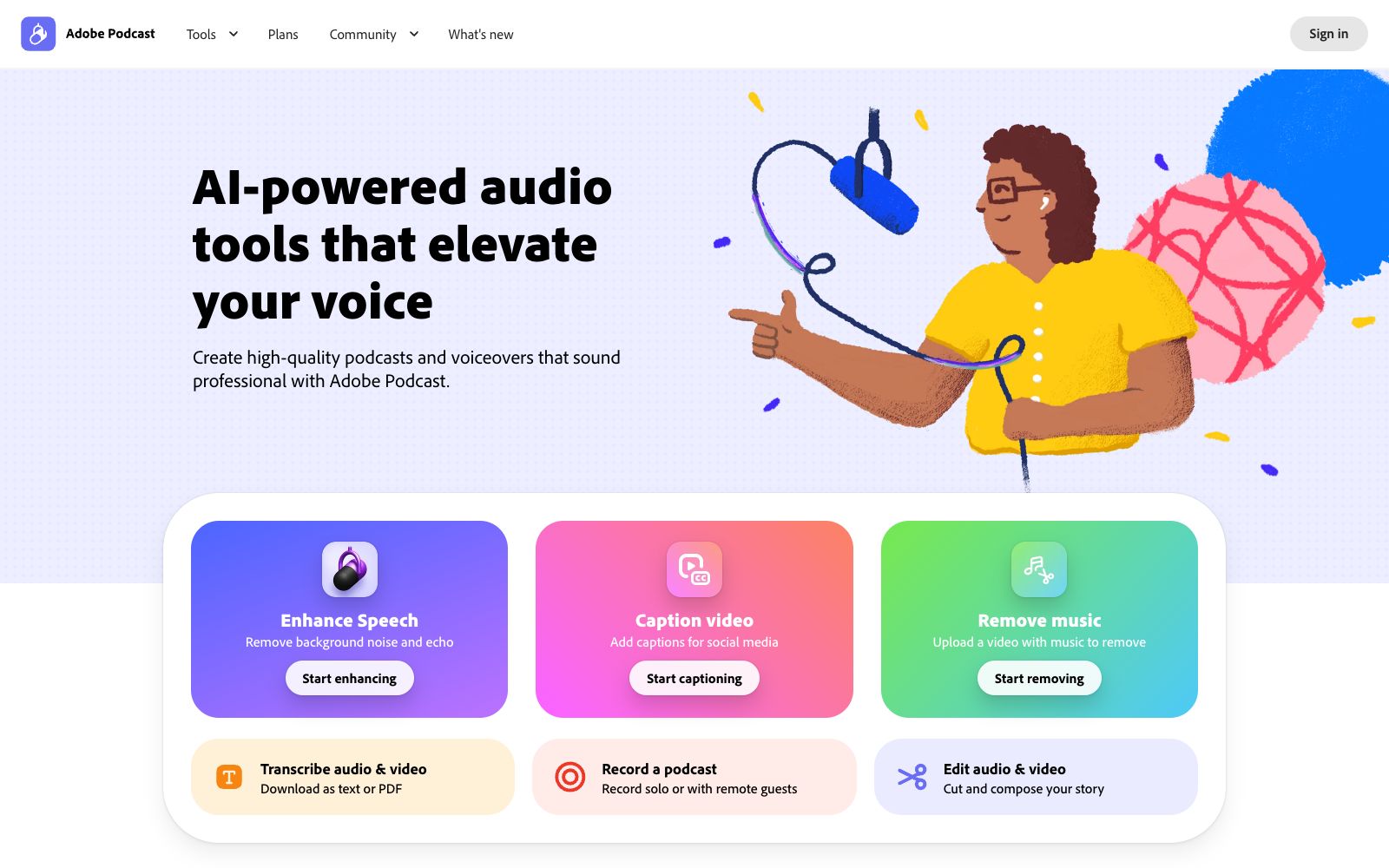
7Enhance Speech
The official website states that it repairs audio quality post-recording, with "no perfect mic needed," and allows separate adjustment of the ratios of human voice, music, and ambient sound.
Free Usage Limit
The Community Edition allows a maximum of 4 hours of audio enhancement per day, with a single file size cap of 1 GB.
Supported formats
Enhancement supports video files such as MP4 and MOV, and you can also upload multiple files in batches for one-time processing.
Caption video
Add subtitles to videos, suitable for social media distribution scenarios.
Remove music
Upload a video with music and remove the background music while preserving the human voice.
Transcribe audio & video
Convert audio and video into text, which can be downloaded as text or PDF.
Studio and audiogram
Studio projects allow you to download the original recordings, separate speaker audio tracks, and customize audiograms and subtitles based on themes.
How to use Adobe Podcast
- First, try to record as cleanly as possible (keep close to the microphone and minimize reverberation), then use Enhance, and finally transcribe the subtitles.
- Enhancement is a remedial measure, not a universal fix.
- Before processing long audio, listen to the entire segment first.
- over-adjusting the ratio of human voice to background noise can result in an artificial "talking in the bathroom" sound after one-click enhancement.
- The free version is counted by hours, which is sufficient for daily short audio files.
- speaker separation and custom audiograms are part of the Studio and paid features.
- Subtitles and audiograms use third-party materials, and the scope of commercial authorization is subject to the official website terms.
- for podcasts involving recordings of others, pay attention to the scope of guest authorization before release.
Traffic & popularity
Data month Sep 2026
Adobe Podcast receives about 6.7M visits per month.
Monthly visits
12 monthsTraffic sources
- Direct43.7%
- Search39.5%
- Social6.9%
- Referrals6.6%
- AI assistants1.6%
- Other1.7%
Top countries
- United States16.2%
- India13.4%
- Brazil9.3%
- Mexico5.2%
- Colombia4.5%
Estimated from third-party traffic data.
Similar tools
 SnipdSnipd is a podcast app for knowledge-oriented audiences. While listening to episodes, a single tap on your headphones generates clips with audio, transcripts and summaries. You can also have conversations with individual episodes and export them to sync with note-taking tools.
 DeVoiceDeVoice is a free AI transcription and audio enhancement service. It supports timestamped transcription for over 100 languages, can export subtitles and generate intelligent summaries, and is designed for podcasts and meetings.
 Adobe FireflyA generative AI creation platform launched by Adobe allows generating and editing images, videos, audios, and design drafts on the same interface. It is integrated with collaborative models from partners such as Google and OpenAI, and the company states that it is targeted at creators and design teams.
 RiversideA browser-based podcast and video recording platform with local recording support up to 4K resolution and 48kHz audio. It comes with AI transcription, text-based editing, magic clips, and one-click publishing to major podcast platforms, making it ideal for content creators and small teams.
 WhisperTranscribeWhisperTranscribe is an audio transcription tool based on OpenAI Whisper, offering 95% accuracy and speaker recognition, supporting over 55 languages, audio dialogue and automatic clipping.
 Audo StudioOnline audio cleaning tool with one-click noise reduction, echo cancellation, and voice enhancement. It also supports transcription, audio recording, and screen recording, and can export WAV and MP3 files. The official claims that the first minute is free and there are three times per day.