


Rows AI
Rows, a spreadsheet with built-in AI analysis capabilities, features the slogan "A cell is a prompt" on its official website: After typing an equal sign, describe your needs to generate formulas, charts and insights without requiring code, formulas or menu operations.
Updated: 2026-10-26
What is Rows AI?
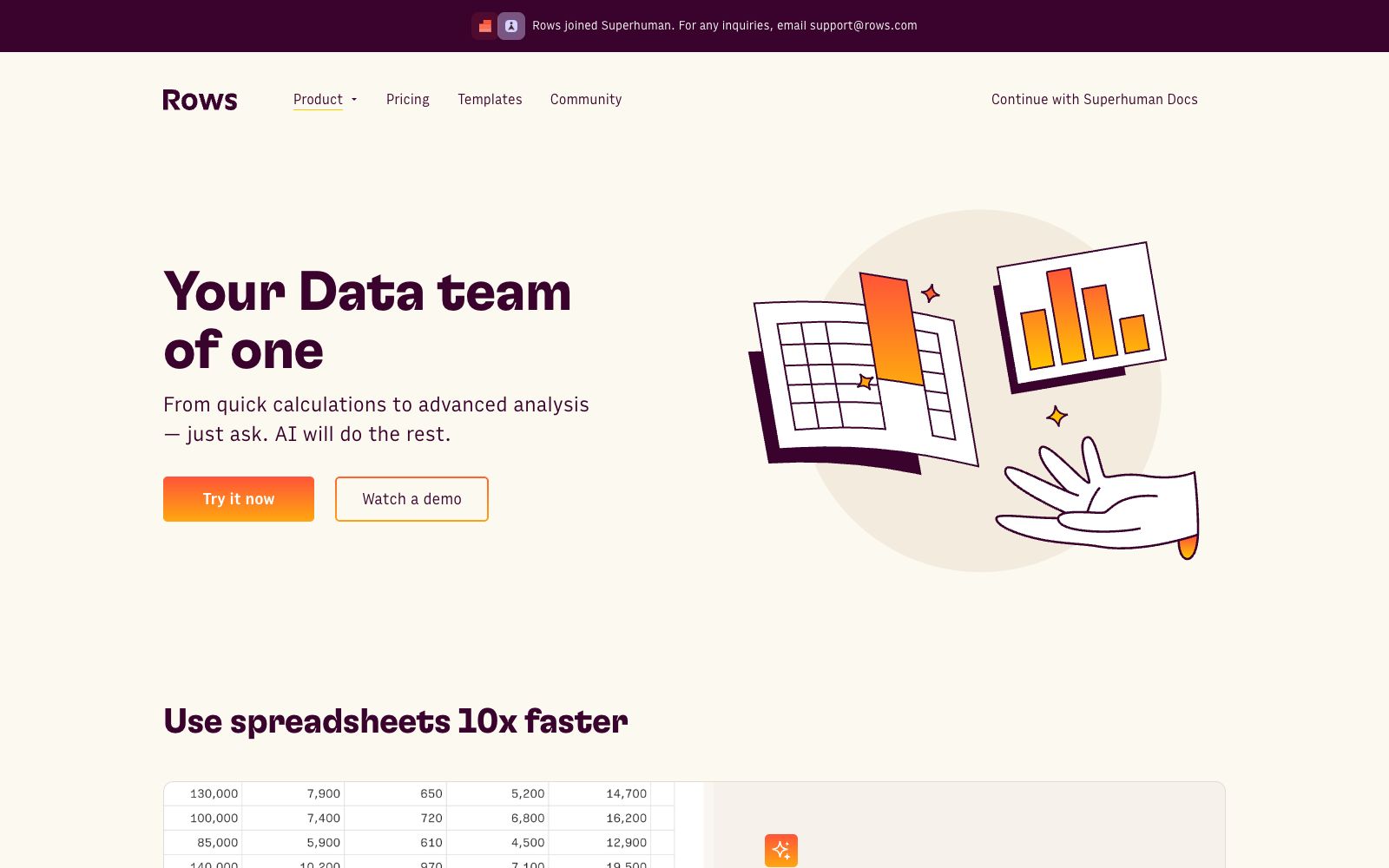
Rows AI is the built-in AI analysis capability of the spreadsheet product Rows. The official website promotes the slogan "A cell is a prompt": by typing an equal sign followed by a description of a requirement in a cell, you can let AI fix formulas, create charts or extract insights. The official claims that no code, formulas or menu operations are required. The official website describes it as a digital partner that can handle everything from quick calculations to advanced analysis with one sentence, and calls it "a one-person data team".
Who is it for?
- Business and operations personnel who can articulate requirements but cannot write formulas.
- Data analysts who need to perform cross-table associations and multi-table analysis.
- Team leaders who need to quickly create charts and forecasting dashboards.
- Marketing and customer service teams that need to label and categorize large volumes of text.
- Analysts who need to regularly perform data cleaning and unify formats.
- People who need to directly share table results for team collaboration.
Key features
8Cell as Prompt
Enter an equal sign followed by a description of your requirement, and the AI will perform subsequent operations.
Add formula columns
Create calculation columns without writing formulas.
Work across tables
Cross-table association, add lookup columns and perform multi-table analysis.
Create Charts
Convert data directly into charts.
Analysis features
The official website lists prediction, outlier detection, what-if analysis, and slice-aggregate pivot tables.
Text Processing
The official website states that it can automatically tag and categorize text, perform sentiment analysis, and extract required content.
Find & replace
The official website states that it can accurately search for and batch update data.
Format cells
The official website states that tables can be quickly formatted with consistent styles.
How to use Rows AI
- 1First try the method of typing an equal sign followed by a description in a small table to get familiar with its understanding logic before using it on large tables.
- 2Unify the primary key fields before cross-table association; otherwise, even the AI cannot make the connection.
- 3The official website calls it a "one-person data team", but the results of predictions and outliers still need to be judged by combining business common sense.
- 4The official website mentions that Rows has joined Superhuman, and the product form and account may be adjusted. Confirm the current package before subscribing to the paid version.
- 5When dealing with sensitive business data, first confirm the data source access method and permission scope.
- 6The official website claims it can boost spreadsheet efficiency tenfold, but this is official promotional content; the actual benefits depend on the complexity of the spreadsheets.
- 7The official website provides templates and a community. It's faster to find a template that matches your scenario and modify it than to start from a blank sheet.
Traffic & popularity
Data month Sep 2026
Rows AI receives about 66.2K visits per month and ranks #741,518 worldwide.
Monthly visits
12 monthsTraffic sources
- Search62.5%
- Direct30.2%
- Social3.3%
- Referrals1.5%
- AI assistants1.4%
- Other1.1%
Top countries
- United States11.9%
- Indonesia4.8%
- United Kingdom4.0%
- India3.8%
- Brazil3.6%
Estimated from third-party traffic data.
Similar tools
 ParadigmParadigm AI is an AI spreadsheet platform incubated by YC. Autonomous task-executing Agents are deployed behind cells, enabling batch completion of data collection, cleaning, completion and scoring through natural language.
 QuadraticQuadratic is a workbench that embeds AI into spreadsheets. It connects to data sources such as CSV and databases, generates formulas, code and charts in natural language, and delivers reusable insights.
 Numerous.aiA spreadsheet plugin that brings AI to Google Sheets and Excel. According to the official website, no key configuration is required—it’s ready to use right after installation. It can be called in any cell with a simple function and supports teams to share the same solution.
 Yuankong ChatExcelAn AI spreadsheet tool focused on "chat-controlled spreadsheets", its official website states that it can complete data cleaning, analysis and batch processing without formula functions, supports processing multiple files and worksheets, generating PPTs and dynamic lesson plans, and provides charts and dashboards.
 Vizly AIAI data analysis assistant: After uploading a table, you can directly ask questions in natural language. It automatically generates visualizations, statistical analysis and prediction results, and can export reports to various formats such as Word and PDF.
 ZettaZetta is an AI data analysis platform for business teams. Officially, it offers conversational AI data analysts, automated insights, visual dashboards and data warehouses, enabling businesses to gain clear insights into data without the need for a dedicated data team.