


Numerous.ai
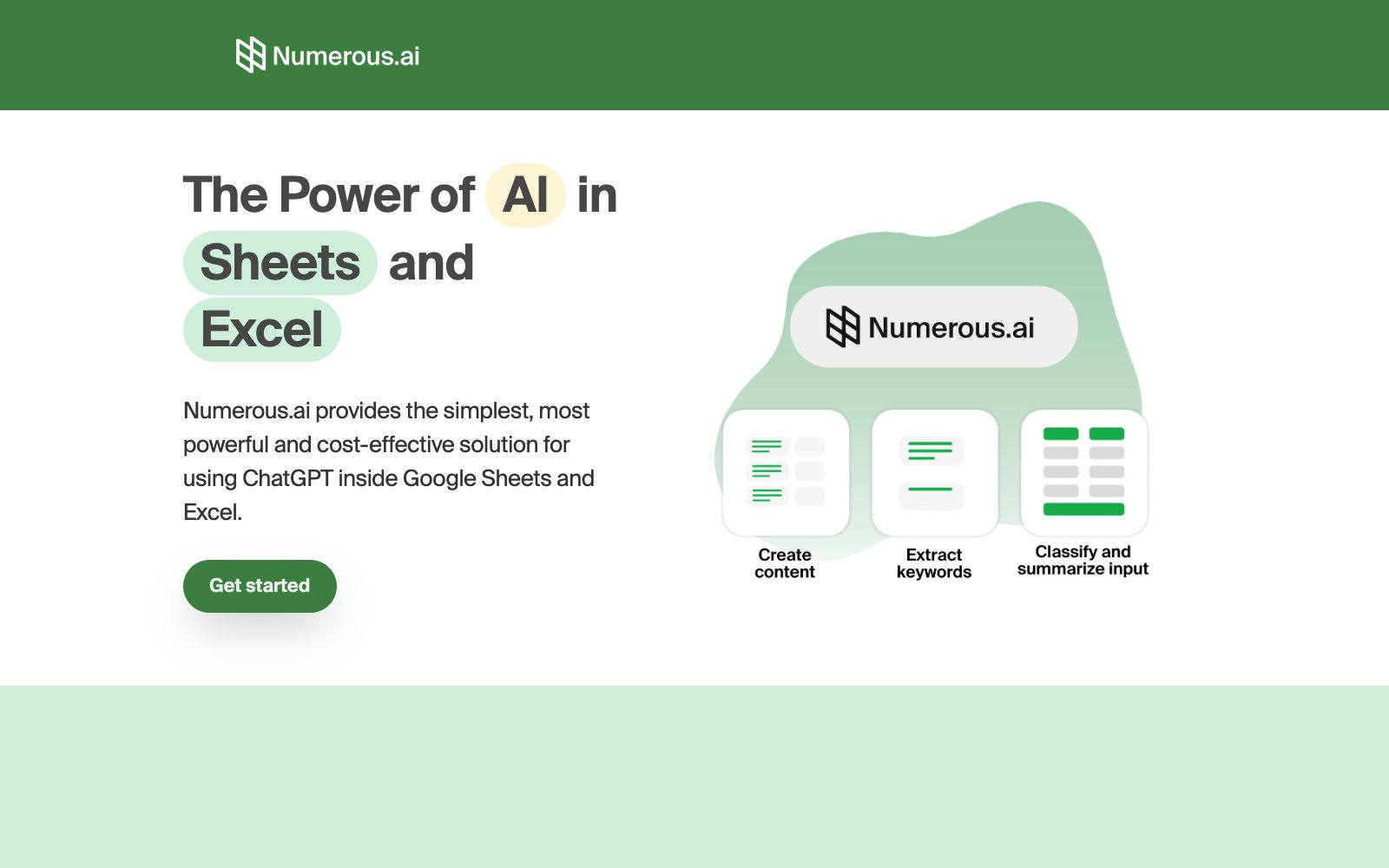
A spreadsheet plugin that brings AI to Google Sheets and Excel. According to the official website, no key configuration is required—it’s ready to use right after installation. It can be called in any cell with a simple function and supports teams to share the same solution.
Updated: 2026-10-26
What is Numerous.ai?
Numerous.ai is a spreadsheet add-on that brings AI into Google Sheets and Excel. According to its official website, there's no need to prepare your own API key—you can start using it right after installing the add-on, and call the AI features with a simple function in any cell. The official website bills it as the simplest, most powerful, and cost-effective AI solution for spreadsheets. Its typical use cases include marketing copy generation, text summarization, classification and data cleaning, as well as internal team trials and collaboration.
Who is it for?
- Campaign and growth teams that generate and organize marketing materials in bulk within spreadsheets.
- Operations professionals who have large volumes of open-ended text (surveys, comments, social media content) that needs to be categorized and cleaned.
- Teams that want to pilot AI usage in spreadsheets first and then decide whether to develop it in-house.
- Regular users who find it inconvenient to configure API keys and prefer a plug-and-play solution.
- Marketers who need to conduct bulk keyword research and draft ad copy in spreadsheets.
- Data organizers who need to clean up messy input filled out by users.
Key features
8Cell Function
Call AI by using a simple function in any cell.
No API key required
The official website states that you can start using the plugin right after installation without any need for manual configuration.
Built for teams
The official website states that it supports the entire team to collaborate under the same solution.
Cost Optimization
The official website states that it avoids repeated queries and is positioned as a more cost-effective option.
Marketing Content Generation
The official website lists scenarios such as generating ad keywords, ad copies, ad titles, and SEO content.
Text Processing
The official website states it can be used for summarization, rewriting, extraction, classification, and cleaning of messy input.
Easy to use
The official website states that you can call AI with a simple function in any cell, making it low-effort to get started.
Get help
The official website states that email support and priority support options are provided.
How to use Numerous.ai
- The official website states that the team is based in San Francisco and has partnerships with AI suppliers.
- When making a selection, you can confirm their data flow and storage location.
- Before batch processing, test with a few rows first to confirm the output format is stable before filling the entire column.
- The function returns text, so additional conversion and verification are required for numerical calculations.
- The official website states that it will avoid repeated queries to save costs, and for long spreadsheets, it is recommended to fix the reference range first.
- When handling customers' personal information, confirm compliance requirements first before uploading in bulk.
- The official website states that no API key is required, making it more user-friendly for small teams that find it inconvenient to build their own interfaces, but they should also be mindful of the reliance on a single vendor.
- The official website states that it is suitable for team collaboration, and before enabling it, first agree on which spreadsheets are allowed to call external services.
- The official website states that it has partnerships with AI suppliers to ensure performance, and it is recommended to run batch tasks for important jobs during off-peak hours.
Traffic & popularity
Data month Sep 2026
Numerous.ai receives about 396.1K visits per month and ranks #101,024 worldwide.
Monthly visits
12 monthsTraffic sources
- Search65.4%
- Direct29.0%
- Referrals2.1%
- AI assistants1.4%
- Mail1.0%
- Other1.1%
Top countries
- India18.6%
- United States12.3%
- United Kingdom3.9%
- Canada2.7%
- Uzbekistan2.7%
Estimated from third-party traffic data.
Similar tools
 AiAssistWorksA Google Workspace add-on that uses 100+ models in Sheets, Docs, and Slides for natural-language form filling, bulk generation, and formatting. Officially, it supports a bring-your-own API key mode and bulk filling of over 100,000 rows, with pricing starting at $3 per month.
 ParadigmParadigm AI is an AI spreadsheet platform incubated by YC. Autonomous task-executing Agents are deployed behind cells, enabling batch completion of data collection, cleaning, completion and scoring through natural language.
 Rows AIRows, a spreadsheet with built-in AI analysis capabilities, features the slogan "A cell is a prompt" on its official website: After typing an equal sign, describe your needs to generate formulas, charts and insights without requiring code, formulas or menu operations.
 Yuankong ChatExcelAn AI spreadsheet tool focused on "chat-controlled spreadsheets", its official website states that it can complete data cleaning, analysis and batch processing without formula functions, supports processing multiple files and worksheets, generating PPTs and dynamic lesson plans, and provides charts and dashboards.
 SheeterSheeter.ai generates Excel and Google Sheets formulas using natural language. You input your text requirements to get the corresponding functions, and it can explain the meanings of existing formulas, with a plugin for one-click insertion.
 TwistlyCellsTwistlyCells is an AI add-in for Microsoft Excel that uses natural language to automatically complete spreadsheet tasks such as classification, filling, extraction, and conversion, helping users efficiently mine the value of data.