


Pica AI
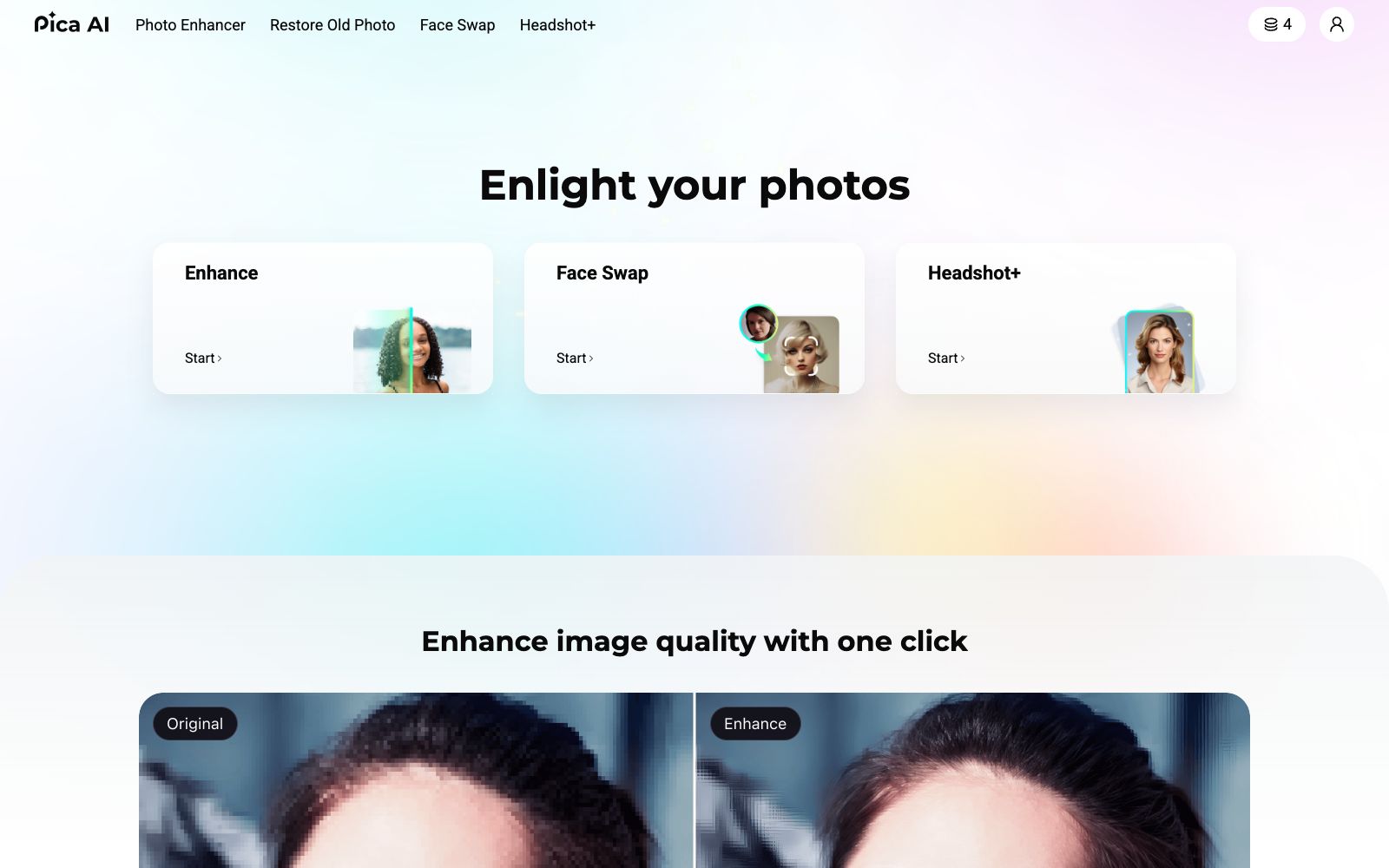
A lightweight image tool website focusing on photo quality enhancement, online face swapping and old photo restoration. It also has an entry for generating professional headshots. The official website prompts that the photo quality enhancement function has been upgraded and integrated into Artguru, which can be directly experienced on the web version.
Updated: 2026-10-26
What is Pica AI?
The official website of Pica AI positions itself as a one-stop collection of photo processing tools, focusing on three key features: image quality enhancement, face swap, and old photo restoration. The homepage clearly states "Photo Enhancer has been upgraded to Artguru on 2025-10-31", meaning the image quality enhancement feature has been migrated and integrated into Artguru, while the other functions are still available within the Pica AI platform.
Who is it for?
- Ordinary users who have old family photos and want to improve their clarity or make simple repairs
- Job seekers and freelancers who can't go to a photo studio temporarily and are in a hurry to get a formal headshot
- Light users who create funny meme images and need to quickly perform face swapping
- Individual sellers who process second-hand product images or keep photo records and need to sharpen blurry photos
Key features
5Enhance image quality
The official website title emphasizes "one-click image quality enhancement" and notes that this feature has been upgraded and integrated into Artguru. The official claims the effect is stronger and clearer.
Free Face Swap Online
An online face-swapping tool, which is listed on the official website as an independent and prominently promoted entry.
Restore Old Photo
A restoration tool for damaged old photos, with a direct "Restore Now" entry available on the official website's homepage.
Headshot+ / AI Headshot Generator
The official states that it can convert selfies into more professional profile photos for use on LinkedIn, resumes, and personal profiles.
Separate entry points for tools
The official website's navigation lists Photo Enhancer, Restore Old Photo, Face Swap, and Headshot+ side by side, and also includes a summary page for AI Tools and a blog entry.
How to use Pica AI
- The image enhancement feature has been migrated to Artguru.
- If you are redirected after entering Pica AI, this is an official arrangement.
- Please verify the domain to which you are redirected before uploading materials.
- The face swap feature is highly controversial.
- It should only be used for facial images for which you hold the portrait rights or have obtained explicit authorization.
- Do not publicly post edited photos of others.
- For profile photos used in formal scenarios such as resumes and LinkedIn, it is recommended to choose a style that closely resembles your real appearance.
- excessive beautification may negatively impact the overall impression.
- The official website splits each feature into a separate entry, and the same image may need to be processed across multiple pages.
- It is recommended to plan the processing order first before uploading to avoid image quality loss caused by repeated downloading and uploading.
- Before uploading, pay attention to the official website's terms of service and image processing instructions.
- submit sensitive photos with caution.
- The rules may be adjusted, so it is recommended to recheck the official instructions before commercial use.
Traffic & popularity
Data month Sep 2026
Pica AI receives about 764.4K visits per month and ranks #64,541 worldwide.
Monthly visits
12 monthsTraffic sources
- Search55.0%
- Direct34.8%
- Referrals7.2%
- Social2.1%
- AI assistants1.0%
Top countries
- India17.2%
- Russia14.6%
- Peru5.3%
- United States4.4%
- Japan4.2%
Estimated from third-party traffic data.
Similar tools
 ImageColorizerOnline old photo restoration tool, offering black-and-white photo coloring, faded photo restoration, blurry photo enhancement, portrait retouching, and scratch and spot removal. You can start with free credits and then upgrade to a paid package, suitable for restoring old family photos.
 IMGUpscalerImgUpscaler is an online image quality enhancement tool. Its official website states that it can boost the image resolution to 16K, repair pixelation and blurry details, supports single and batch processing, and can be used without registration.
 jpgHDjpgHD offers AI image upscaling, old photo restoration, colorization, scratch removal and other processing services. It supports super-resolution, magic photos and lossless enhancement, with a free limit of 3000px. There are also pay-as-you-go packages and multi-platform apps available.
 PhotoRestore.ioPhotoRestore.io uses AI to restore old photos, offering enhancement, colorization, upscaling and background removal. It focuses on face protection (marked areas are not automatically reconstructed), provides 2 free credits every month, and images are automatically deleted after 24 hours.
 VanceAIVanceAI provides a web-based and Windows desktop AI image and video processing toolset. The official version lists models such as upscaling, sharpening, denoising, background removal, and old photo restoration, and supports batch and local offline processing.
 AVCLabsAVCLabs provides AI video and image quality enhancement tools, including video upscaling, face blurring, object removal, watermark removal, old photo colorization and AI image generation. It supports desktop and online use and provides MCP API.