


PDNob PDF Editor
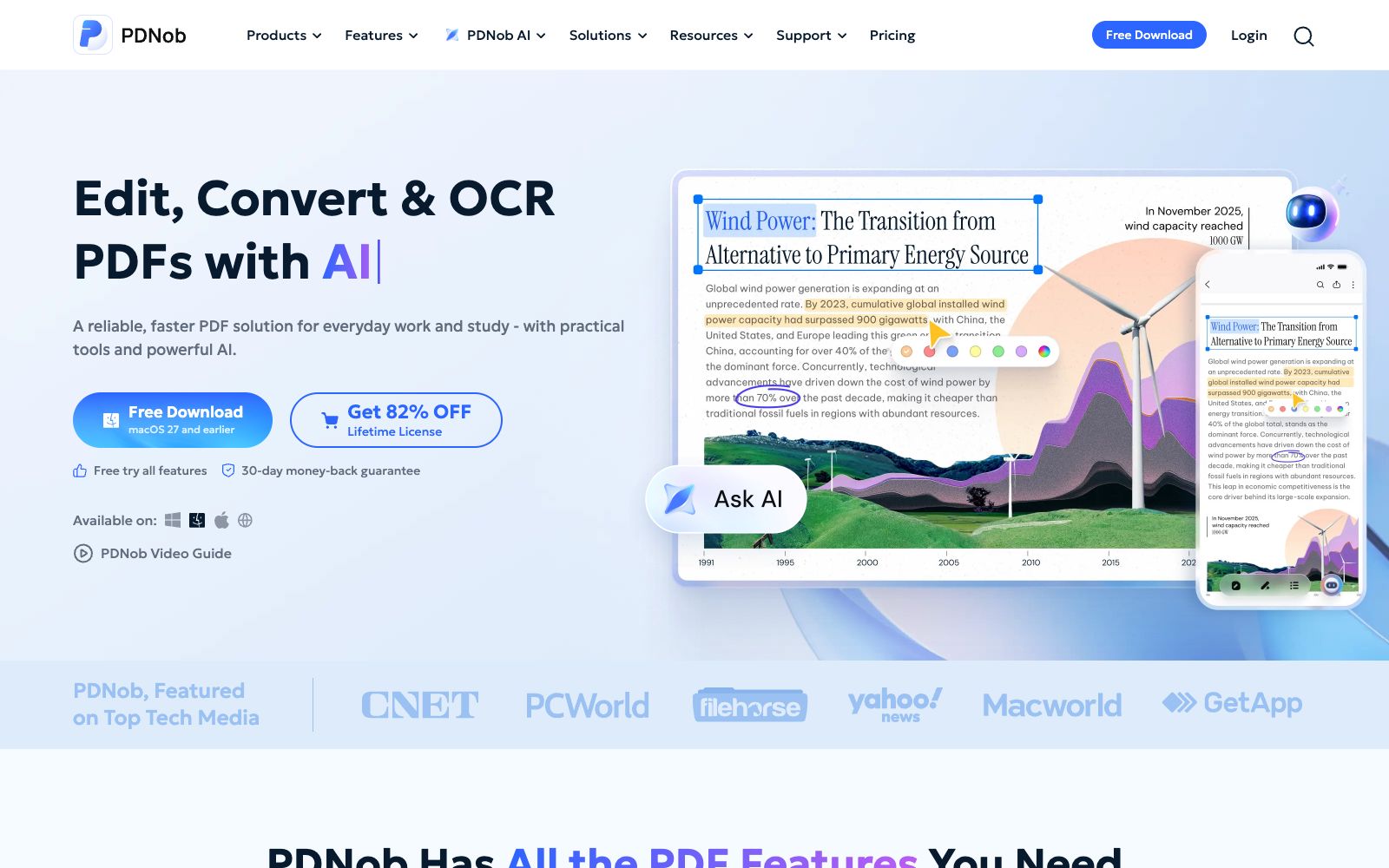
All-in-one PDF editing software that allows text modification, annotation reading, OCR recognition, format conversion and page organization like Word. It also provides compression, encryption and signature functions, and has a built-in AI for summarization, Q&A and translation.
Updated: 2026-10-26
What is PDNob PDF Editor?
PDNob is a PDF editing software launched by pdnob.com. Its official website positioning is "Edit, Convert & OCR PDFs". The product covers Windows, Mac and iPhone clients, and also has a set of online tools that do not require installation. It integrates editing, reading and annotating, conversion, organization and secure processing into one software, and has added AI functions centered on document Q&A in the past two years.
Who is it for?
- Administrative and legal staff who need to modify original PDF documents such as contracts, tender documents and forms on a daily basis.
- Teachers and researchers who need to extract text from scanned documents for further editing.
- Finance and operations staff who need to convert batches of PDFs to Word or Excel for data review.
- Individuals who want to replace heavy PDF suites with a lightweight software and are sensitive to the learning cost.
Key features
8Edit PDF like Word
Modify text, images and layout directly on the PDF, and the official emphasizes that there is no need to convert the format first.
Read & annotate PDF
Perform highlighting, commenting and note-taking in reading mode, suitable for proofreading and review work.
OCR PDF
Recognizes text in scanned documents and images into editable and searchable text.
Convert PDF
Convert PDFs to and from formats such as Word, Excel, and images. The official platform provides online entry points for converting PDF to Word, PDF to Excel, and other similar conversions.
Organize & Compress
Merge, split, adjust page order, and compress file size.
PDNob AI
Officially, it can summarize PDFs, have conversations with PDFs and images, translate PDFs, and organize these actions in the form of an AI Agent.
Smarter PDF Translation
A new feature added in the official 2.1 version, offering two modes: side-by-side translation and full-text translation.
Protect & Sign
Add password protection and electronic signatures to PDFs.
How to use PDNob PDF Editor
- First run OCR on scanned documents before editing.
- the recognition accuracy depends on the clarity of the original, and it is recommended to manually review the numbers on table-based pages.
- After converting a complex layout, export one page for preview first, confirm the format is correct, and then process the entire file in batches.
- The official brand highlights "Higher cost performance" as a selling point, but the rights and benefits of the free and paid versions are subject to the pricing page on the official website.
- please confirm the details before making a purchase.
- For sensitive documents such as contracts and certificates, prioritize using local client software instead of online tools to reduce file uploads.
- When verifying contract clauses with AI Q&A, treat the results as clues rather than conclusions and return to the original text to confirm key provisions.
- The encryption and signature functions involve legal effect.
- please confirm the formal requirements recognized by the local authorities and the other party before use.
Traffic & popularity
Data month Sep 2026
PDNob PDF Editor receives about 1.4M visits per month and ranks #38,014 worldwide.
Monthly visits
12 monthsTraffic sources
- Search70.1%
- Direct11.5%
- Social6.7%
- Display ads5.8%
- Referrals4.8%
- Other1.1%
Top countries
- Taiwan, China18.3%
- Japan14.8%
- India7.0%
- South Korea5.6%
- United States5.5%
Estimated from third-party traffic data.
Similar tools
 SwifDoo PDFAll-in-one PDF software that can create, edit, convert, annotate, compress, sign and encrypt documents, with built-in OCR and AI capabilities for summarization, explanation, proofreading, rewriting and translation, covering desktop, web and mobile platforms.
 PDF GuruAn online PDF editing and conversion tool. Officially, it claims that you can edit, convert, sign and manage PDFs without installation. It has built-in electronic signatures and fillable forms, and provides an AI summary function. The maximum file size for a single document is 100 MB.
 DoclingoDoclingo is a free AI document translation tool. It can translate PDFs, Word documents, PPTs and scanned copies online while preserving the layout. It supports over 100 languages and provides side-by-side bilingual comparison, and can be used without registration.
 MathpixMathpix is a document conversion platform for scientific research. Its official website states that it can convert PDFs and images into LaTeX, Word, Excel, and ChemDraw, covering formulas, handwritten content, and tables, and provides an OCR API.
 ChunkrA parsing interface for retrieval augmentation and document pipelines, which the official says can convert PDFs, images and tables into structured data usable by models, and provides layout analysis, OCR and structured extraction.
 UPDF AIUPDF AI is a PDF intelligent assistant built into the UPDF Reader. According to its official website, it enables conversing with PDFs, summarizing, translating, and converting them into mind maps. It also supports Q&A on images, in-depth research, and paper searches, and is available across multiple devices and supports multiple models.