


Mathpix
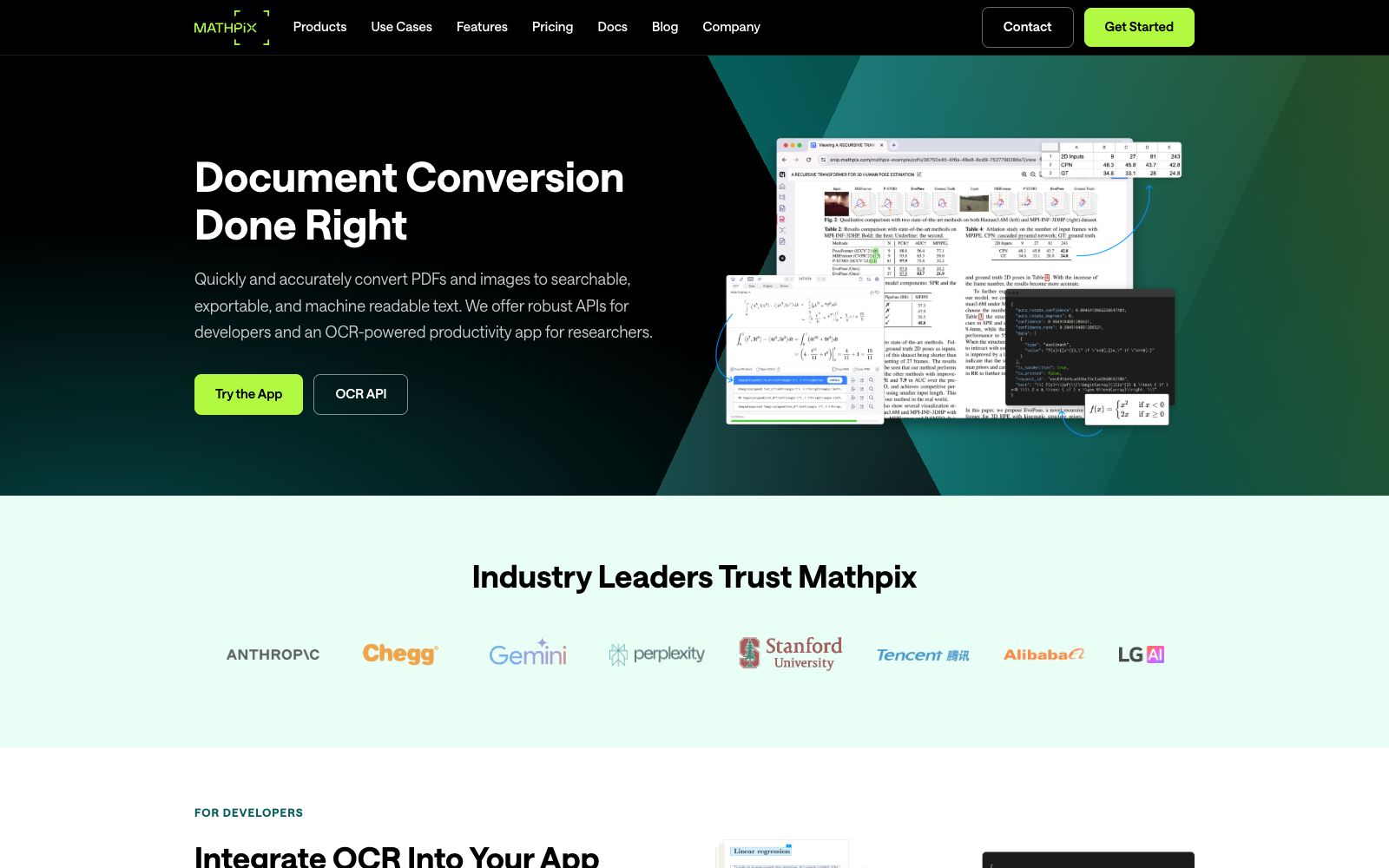
Mathpix is a document conversion platform for scientific research. Its official website states that it can convert PDFs and images into LaTeX, Word, Excel, and ChemDraw, covering formulas, handwritten content, and tables, and provides an OCR API.
Updated: 2026-10-26
What is Mathpix?
Mathpix focuses on STEM document conversion, and its official website claims "Document Conversion Done Right": it converts PDFs and images into searchable, exportable, and machine-readable text. Its difference from general OCR lies in mathematical formulas, chemical formulas, handwritten text, tables, and foreign languages, which are exactly where ordinary OCR tends to make errors. The product has three product lines: the Snip editor and desktop screenshot tool for researchers, the OCR API for developers, and the Secure Conversion Service for enterprises. The official homepage states that it has more than 5 million users and has converted a total of over 50 billion pages of PDFs (figures from the official website's statistics module).
Who is it for?
- Science and engineering teachers and students who write papers or prepare handouts and need to convert PDF formulas to LaTeX
- Students and researchers who need to convert handwritten notes and blackboard writing into editable text
- Data professionals who process scanned documents such as invoices and reports and need to export data to CSV or Excel
- Developers who need to integrate OCR into their own products (via the API)
- Enterprises and institutions with large-scale historical document digitization needs (via SCS)
Key features
6Screenshot to LaTeX (Snipping Tool)
Desktop version supports macOS, Windows and Linux. You can take a screenshot with a shortcut, recognize the content, and copy mathematical or chemical formulas to the clipboard. It is compatible with LaTeX, Markdown and Word.
Snip Editor
Described on the official website as a Markdown and AI collaborative editing environment for researchers, with built-in tools for image and PDF conversion.
PDF and Image Conversion
The conversions listed on the official website include PDF to LaTeX, Markdown, Word, DOCX, Overleaf and Excel, as well as images to LaTeX, ChemDraw, SMILES and Word. Tables can be exported to CSV, TSV, LaTeX and Markdown.
OCR API
The official statement mentions that it has been deeply adapted for converting mathematical formulas, chemical structures, handwritten content, tables, and entire PDF files; the pricing page shows a pay-as-you-go pricing model starting at $0.002 per image.
Secure Conversion Service (SCS)
A secure conversion service for enterprises, which, according to the official website, is equipped with dedicated capacity and can process millions of unstructured PDF pages and images per hour. It is used for data preparation before model training and fine-tuning.
Other Entry Points
The official website also lists Chrome extensions, PDF readers and search tools, handwritten text recognition, and Mathpix Markdown, among others.
How to use Mathpix
- The most hassle-free way for personal use is to first install Snipping Tool: take a screenshot of a printed formula and then a handwritten formula, confirm that the recognition rate meets expectations, and then consider subscribing to Snip Pro (the pricing page shows Pro starts at $4.99 per month, and the free version also has a quota).
- For an entire PDF, it is recommended to convert it chapter by chapter.
- for papers with dense formulas, convert the full text at once, as locating errors will be very painful.
- Before using the pay-as-you-go API, first estimate the cost with dozens of samples, and note that chemical structures and handwritten scenarios take longer.
- Be sure to manually check the key formulas in the conversion results, especially superscripts and subscripts and special symbols.
- before uploading documents subject to copyright or confidentiality restrictions, first assess the risks.
Traffic & popularity
Data month Sep 2026
Mathpix receives about 76.7K visits per month and ranks #470,896 worldwide.
Monthly visits
12 monthsTraffic sources
- Direct55.5%
- Search35.3%
- AI assistants2.6%
- Social2.4%
- Referrals2.3%
- Other1.8%
Top countries
- India20.5%
- United States13.0%
- Vietnam9.2%
- France4.9%
- China4.7%
Estimated from third-party traffic data.
Similar tools
 Doc2XOnline document workbench, providing PDF to Word/Markdown/LaTeX conversion, formula and table recognition, and document translation. The official claims that you can check first before editing and exporting.
 PDNob PDF EditorAll-in-one PDF editing software that allows text modification, annotation reading, OCR recognition, format conversion and page organization like Word. It also provides compression, encryption and signature functions, and has a built-in AI for summarization, Q&A and translation.
 SlidesGPTSlidesGPT is an AI PowerPoint generator that can convert prompts, blog posts or PDFs into structured presentations, and export them as PowerPoint, Google Slides and PDF files, suitable for education, research and sales scenarios.
 StempadA scientific note-taking tool for browsers, whose official website states that writing, publishing and collaboration can be done on one platform. It supports chemical structural formulas, mathematical formulas and charts, and is compatible with PDF, LaTeX and Markdown.
 Aotu WorkshopOnline handwritten simulation and font conversion tool. You can upload Word/PDF/images to generate simulated handwritten documents with one click. It provides a variety of fonts and paper backgrounds. The official states that it is only available on the web version.
 TextInThe intelligent document processing platform under Hehe Information can parse PDF, Office documents and scanned files into structured data, providing capabilities such as table formula recognition, document review and circulation, as well as image enhancement and watermark removal, targeting enterprise document automation.