


NotebookLM
NotebookLM is Google's AI research assistant. After uploading sources such as PDFs, web pages, and videos, it answers questions based on the original text with citations attached. It can generate audio overviews, video overviews, mind maps, flashcards, and quizzes, and supports notebook sharing.
Updated: 2026-10-26
What is NotebookLM?
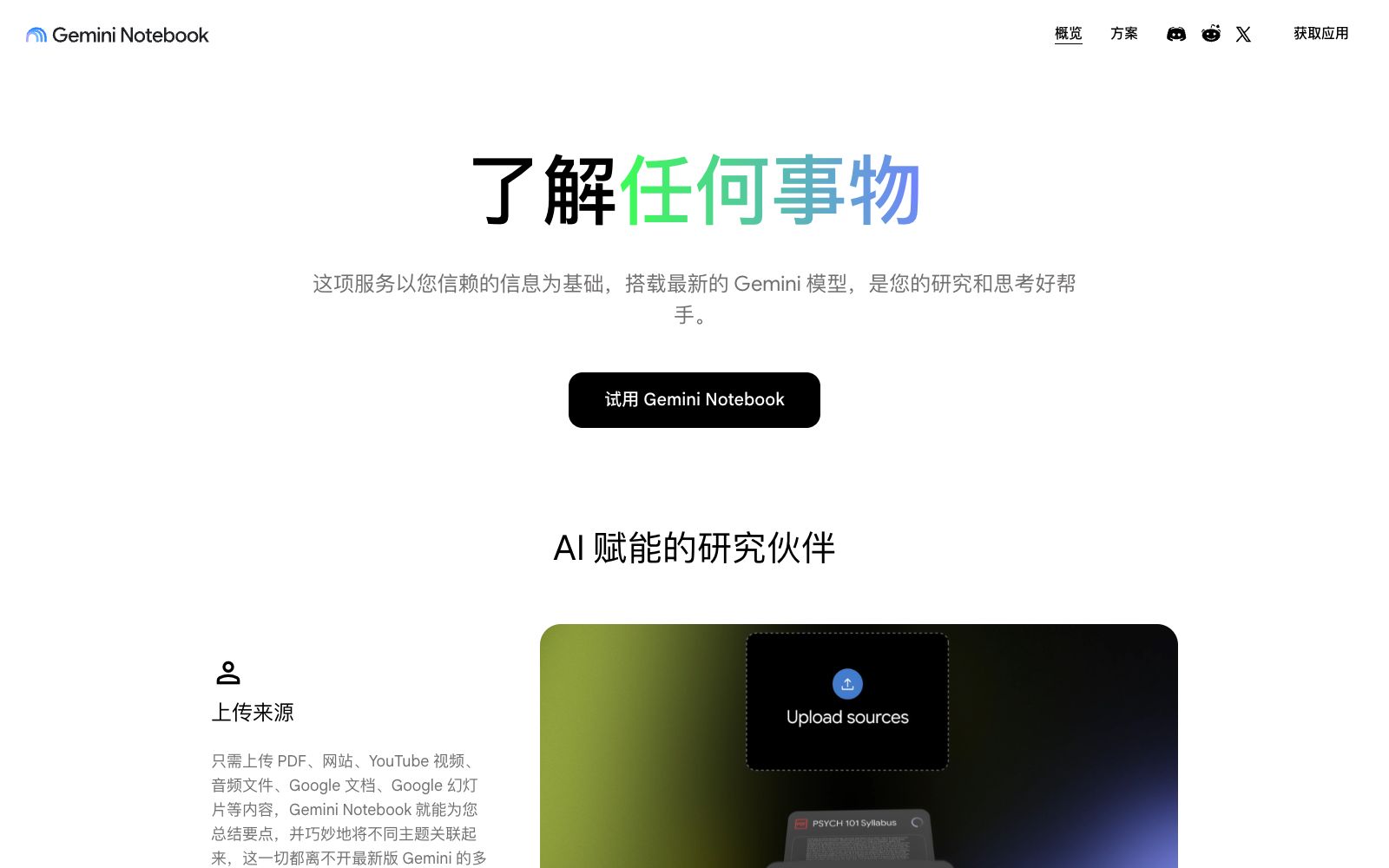
NotebookLM is Google's AI research and thinking tool. As stated on its official website, it is "based on the information you trust", and its responses are only based on the sources uploaded by the users themselves. The fundamental difference between it and general chatbots lies in the constraint of sources: first, create a notebook and upload PDFs, web pages, YouTube videos, audio files, Google Docs and slides into it. Afterwards, all Q&As, summaries and generated content are drawn from this batch of materials, with citations to the original texts provided. The official website page now appears under the name Gemini Notebook, and the official says it is built on the latest Gemini model at its core.
Who is it for?
- Students and researchers who need to read numerous papers and reports before writing a literature review or proposing a research topic
- People preparing for exams turn their handouts and textbooks into flashcards, quizzes and study guides
- People who write plans and conduct competitive analysis can have materials verify each other and then form an outline based on that
- Content creators: condense long materials into audio overviews to listen to first before deciding which parts to read in detail
- Team knowledge base maintainers who turn project documents into question-and-answerable and shareable notebooks
- Those who process meeting and course records, using source citations to quickly locate the original statements
Key features
6Upload Sources
Supports sources such as PDFs, websites, YouTube videos, audio files, Google Docs, and Google Slides. The official states that multi-modal understanding capabilities are responsible for summarizing key points and connecting different topics.
Citation-Enabled Q&A
You get answers after asking questions about the sources, complete with clear citations that display the exact quotes from the sources, and you can click back to verify the original text.
Audio Overview
One-click conversion of sources into a conversational discussion between two AI hosts, which the official describes as an engaging "in-depth exploration" dialogue suitable for listening during commutes and workouts.
Video Overview & Slides
The official education page lists generated content such as video overviews, infographics, and PDF slides, which are used to transform source materials into visual content.
Mind Maps & Study Guides
You can organize sources into visual mind maps, or generate study guides that include key terms, sample quizzes, and review questions.
Flashcards, Quizzes and Sharing
The official offers quizzes and flashcards for self-assessment; notebooks can be shared. The official states that higher-tier plans support a sharing mode where only conversations are available and the sources cannot be viewed, and also provides data analysis for shared notebooks.
How to use NotebookLM
- First, sort out the source materials before uploading them.
- Scanned documents, garbled PDF files and incomplete materials will directly reduce the quality of responses.
- When asking questions, try to be specific about "how certain points are stated in which specific materials", which is more in line with its mechanism of answering based on sources than making general inquiries.
- Make good use of citation jumps: every conclusion should be traced back to the original text for confirmation.
- This is not only its greatest value compared with general-purpose assistants, but also a way to avoid being misled by smooth expressions.
- Audio overviews are suitable for building a general impression, but you still need to return to the text when you really need citations and data.
- The free version has quota limits on the number of notebooks, the number of sources per notebook, and the number of daily Q&A and generation times.
- Google's education edition page lists the specific values.
- Before heavy use or team collaboration, check the current quotas and paid tier benefits once.
- Confirm the authorization scope before uploading confidential or copyrighted materials of others, and pay attention to whether the sources are visible together when sharing notebooks.
Traffic & popularity
Data month Sep 2026
NotebookLM receives about 725.3K visits per month and ranks #104,862 worldwide.
Monthly visits
12 monthsTraffic sources
- Search49.9%
- Direct32.1%
- Referrals6.4%
- Display ads5.7%
- Social3.1%
- Other2.9%
Top countries
- United States7.8%
- China6.7%
- Japan6.0%
- Russia3.3%
- Indonesia2.7%
Estimated from third-party traffic data.
Similar tools
 Pixno AI NotesPixno is an AI note-taking assistant that can convert photos, PDFs, audios and videos into structured text notes, support export to applications such as Notion and Obsidian, and cover scenarios such as textbooks, recordings and slides.
 HumataHumata is an AI assistant that turns documents into a conversational knowledge base. After uploading files such as PDFs, you can ask questions and get answers with citations, and it supports cross-file retrieval and web embedding.
 CuFlowA learning tool that converts PDFs, courseware, screen recordings or YouTube videos into summaries, mind maps, flashcards and quizzes. The official statement says that the AI teaching assistant only answers based on the uploaded materials, and it is currently in the waiting list for internal testing.
 SourclipSourclip is a browser workflow layer built around NotebookLM: with a Chrome extension, you can one-click capture web pages, YouTube videos, and PDFs to have conversations with AI and save them to your notebook. Organize them with folders and a prompt library, auto-generate private podcasts from audio overviews, and export in multiple formats.
 NoteGPTAll-in-one AI workbench that can summarize videos and PDFs, transcribe audio and video and separate speakers, generate documents, slides, spreadsheets and podcasts, and the official claims that the number of registered users exceeds 80 million.
 PenseumPenseum is an AI learning tool that can turn notes and exercises into notes, flashcards and quizzes, explain questions with real-time voice, draw calculations on the screen, point out mistakes, and is suitable for exam preparation for subjects such as biology, chemistry and mathematics.