


Miro AI
Miro's new team AI platform, according to the official, allows the entire canvas to be used as a prompt, offering AI Playbooks for scenario-based workflows, Sidekicks assistants, process-level automation, and enterprise-grade governance capabilities.
Updated: 2026-10-26
What is Miro AI?
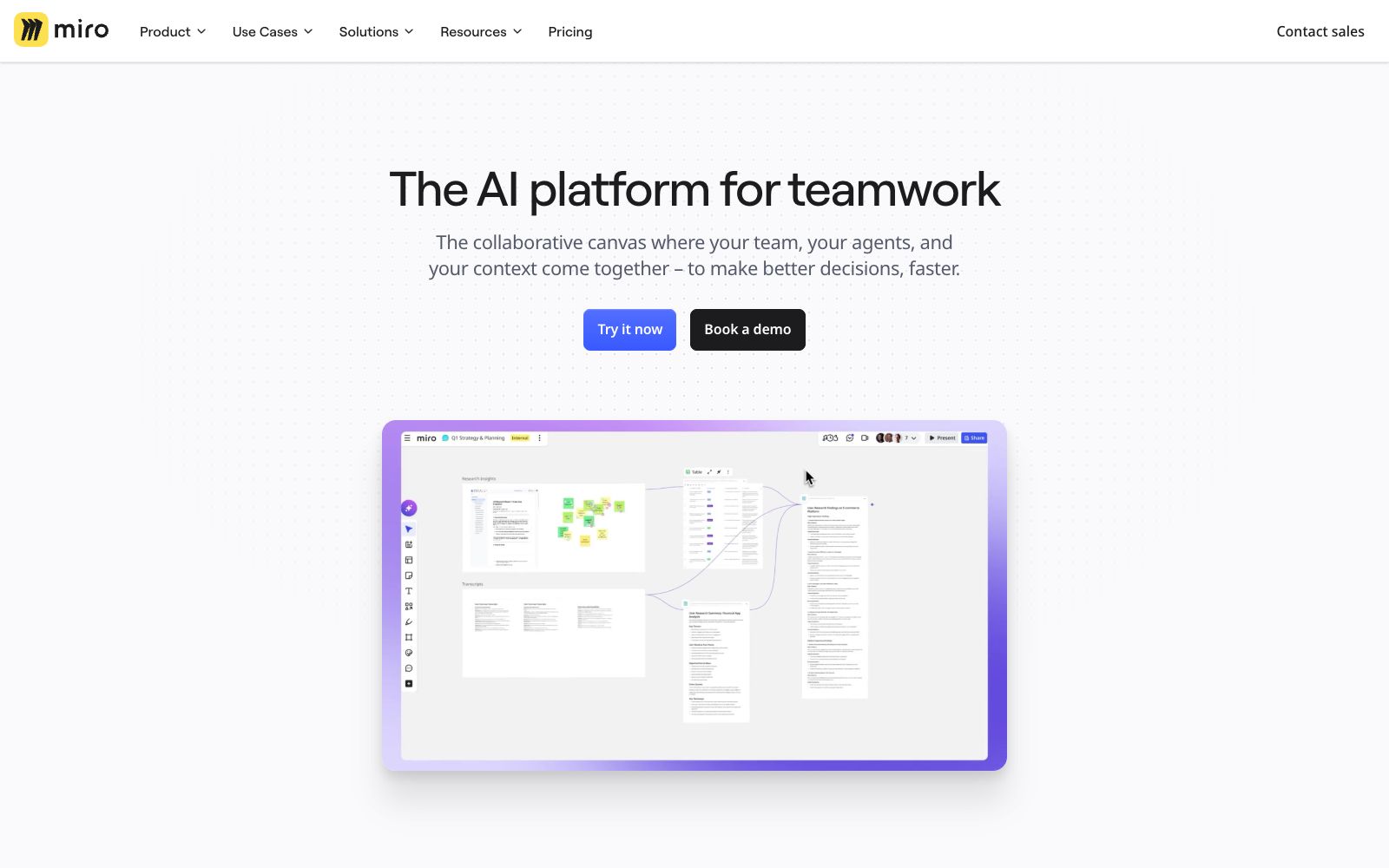
Miro AI is a collection of AI capabilities on Miro's whiteboard product line. Its official website positioning is "The AI platform for teamwork", emphasizing that this is a collaboration platform where teams, Agents and contexts stay on the same canvas. Unlike other whiteboards that only add an AI dialog box, Miro focuses on process-level transformation.
Who is it for?
- Product and design teams conduct process sorting, prototype verification and competitor analysis
- Operations and business teams move repetitive online processes onto the canvas for standardization
- Meetings and workshops that require cross-departmental collaboration and the documentation of structured conclusions
- Teams already using Miro boards who want to integrate AI into their existing collaboration habits
- Researchers who need to summarize user interviews and write research overviews, requiring complete drafts rather than just frameworks
Key features
7Use the entire canvas as a prompt
The subheading on the official website is "Use your entire canvas as a prompt", and the existing content on the canvas can directly serve as context.
AI Playbooks
The official website lists a complete set of scenario playbooks including planning and strategy, product development, rapid prototyping, competitive analysis, process transformation, research review, technical architecture, brand campaigns, and service blueprints.
Sidekicks Assistant
The official website states "Supercharge teamwork with Sidekicks", which is used to provide assistance during the collaboration process.
Process-level Enhancement
The official website states that it does not just assist individual tasks but can enhance the entire workflow.
Tool Integration
It provides Connectors and MCP Server, enabling connection to external tools and also supporting integration with Claude, Cursor, and Copilot via MCP.
Enterprise Governance
The official website lists items such as Security and Enterprise Guard, emphasizing that the use of AI is controllable.
Multi-format Support
In addition to whiteboards, a single canvas also contains Docs, Tables, Slides, TalkTrack and other formats, so outputs do not have to be limited to a single diagram.
How to use Miro AI
- 1Playbooks are scenario templates. Start with the most painful process first, and don't roll out all of them at once.
- 2The more content on the canvas, the more mixed the scope the AI draws from. First define the reference area before asking questions.
- 3Enterprise governance and data retention policies need to be confirmed with internal compliance in advance, especially for external tool integrations.
- 4There are differences in the number of editable canvases and features between the free version and the paid version. Check the official website description before rolling out the team.
- 5The free version's editable canvas limit is listed on the official pricing page; once exceeded, existing canvases become read-only, so important content should be saved to other places in a timely manner.
- 6AI outputs still require manual review, and external release of internal conclusions requires another review process.
- 7The scope of authorization for templates and materials shall be subject to the official website description; do not directly deliver external materials as your own output.
Traffic & popularity
Data month Sep 2026
Miro AI receives about 39.1M visits per month and ranks #1,429 worldwide.
Monthly visits
12 monthsTraffic sources
- Direct65.2%
- Search13.8%
- Social8.2%
- Referrals7.7%
- Mail3.7%
- Other1.4%
Top countries
- United States18.3%
- Russia9.6%
- Germany6.0%
- United Kingdom5.6%
- Brazil4.7%
Estimated from third-party traffic data.
Similar tools
 BoardmixA domestic online collaborative whiteboard that uses AI to generate mind maps, flowcharts, PPTs, text plans and images on an infinite canvas. After generation, you can continue manual editing and team collaboration. It also provides a template community and private deployment.
 Refly AIRefly.AI is an automated workflow platform for non-technical creators. Officially, it states that users can build workflows using natural language and visual canvases, and can also publish templates to earn points rewards.
 Mural AIMural AI is a visual collaboration whiteboard for teams, integrated with AI capabilities that help turn ideas into mind maps, categorize and group them, distill key points, and connect with Microsoft 365 Copilot, designed for brainstorming and strategic work.
 FigJamAn online collaborative whiteboard under Figma, officially positioned to let teams draw, brainstorm and organize ideas together, covering scenarios such as mind mapping, flow chart drawing, meetings and workshops, agile workflows and strategic planning.
 CreatelyCreately is a business-oriented AI visual collaboration platform. It offers products such as workspaces, clinical relationship diagrams, process documents and compliance reviews. It can connect the existing tools of teams and carry out planning, analysis and collaboration on a shared intelligent canvas.
 CoommitCoommit is an AI-native workspace for product teams: officially, collaborate on a shared canvas and launch video calls with one click. AI Echo listens in throughout, visualizes ideas in real time, and documents decisions and tasks. You can one-click send tasks to Claude Code or Codex, with each host seat priced at $29 per month.