


Minvo
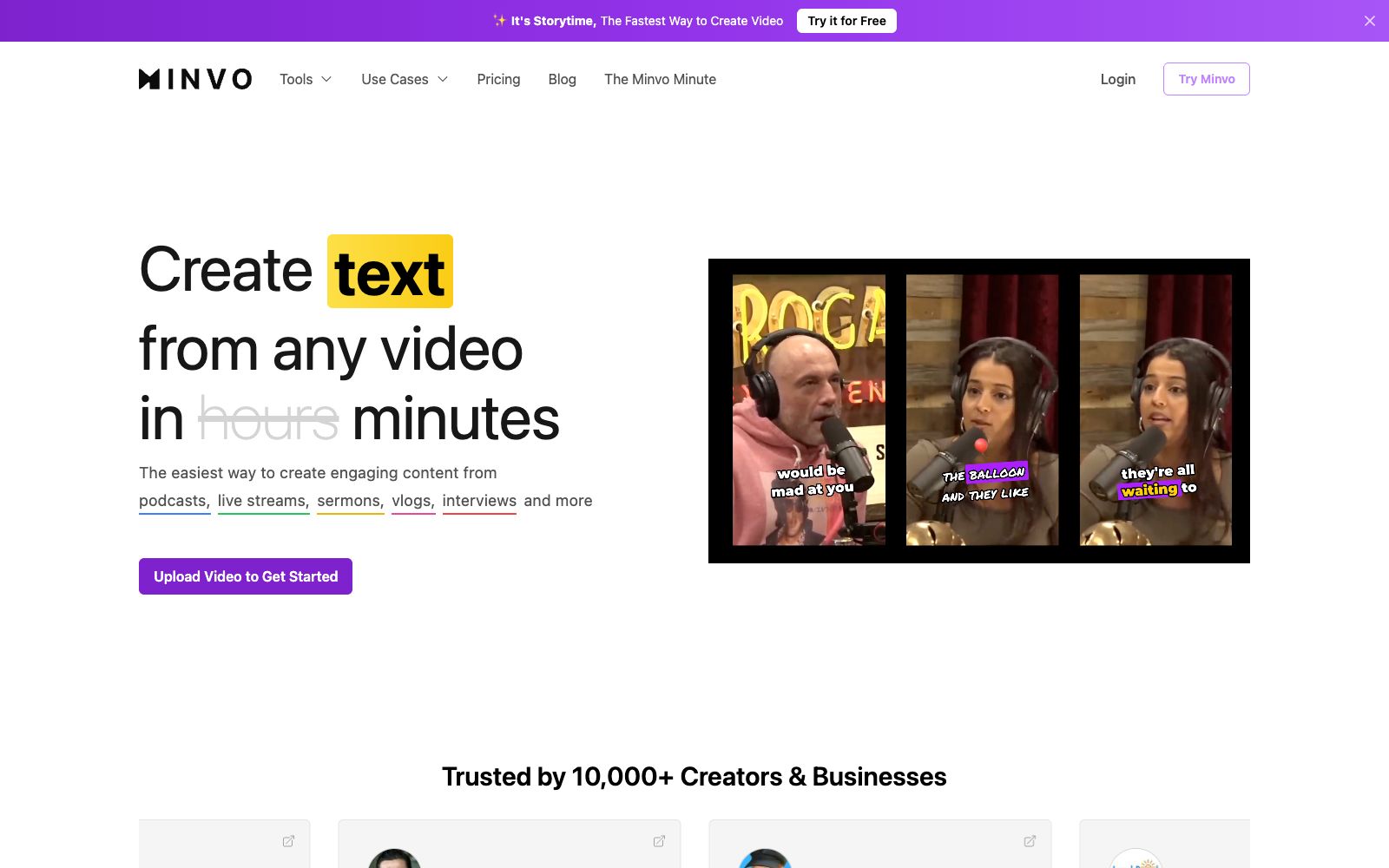
Minvo is a long video slicing tool that automatically selects publishable short videos from podcasts, live streams, sermons, and interviews, adds animated subtitles and removes catchphrases. It also supports dubbing into more than 50 languages and directly schedules releases across multiple platforms.
Updated: 2026-10-26
What is Minvo?
Minvo's official website positions itself as "The easiest way to create engaging content from podcasts, live streams, sermons, vlogs, interviews and more", which breaks long content into shareable short clips. Its editing method is quite special: you can either fine-tune on the timeline or directly highlight and delete in the transcript as you would when editing a document. The official states that the platform supports transcription and translation in over 50 languages, AI voiceover, as well as unlimited management of brand and social media accounts, and already has more than 10,000 creators and enterprises using it.
Who is it for?
- Podcasters and interview shows: Split one hour of content into a week's worth of short video clips.
- Live stream and online event operators: Select highlight clips from the recordings and directly schedule releases on various platforms.
- Churches and sermon content teams: The platform officially lists sermons as a key use case, making it suitable for batch processing weekly updated content.
- Agency companies: Manage the accounts and release schedules of multiple client brands simultaneously.
Key features
6AI Clipping with clip scoring
Automatically selects clips worth posting and assigns them a score, with the company claiming you can create a finished video in just three steps.
MagicEdit powered by GPT-4o
Automatically cuts out filler words like "um" and "ah" as well as silent segments.
AI Animated Captions
Generate animated captions in over 20 languages and automatically insert emojis and B-roll.
AI Auto Framing
Automatically reframe the shot to focus on the speaker, optimized for vertical platforms.
Schedule & Publish
Schedule and publish directly to YouTube, TikTok, Instagram, Facebook and LinkedIn.
AI Voice Dubbing
AI voice dubbing for 50+ languages, paired with unlimited AI image generation and social media data analysis.
How to use Minvo
- 1Free plan: 2 hours of uploads, 10 exports per month, maximum 5 minutes per clip, 14-day storage for assets – use it to test the quality of clips first.
- 2When directly processing long videos of more than 2 hours, the official pricing page shows that only the Pro and higher tiers lift the duration limit.
- 3The Creator tier starts at $9.99 per month (discounted price for annual payment), which removes watermarks and provides unlimited Getty and iStock B-roll.
- 4AI auto framing may cut the wrong subject in multi-person shots; be sure to check each vertical frame one by one before official release.
- 5Voiceover and subtitles use different models; it is recommended to manually review professional terms and emotional tones before publishing.
- 6Copy for all platforms is generated by AI; remember to revise it to match your brand voice before publishing.
Traffic & popularity
Data month Sep 2026
Minvo receives about 101.5K visits per month and ranks #189,359 worldwide.
Monthly visits
12 monthsTraffic sources
- Direct86.0%
- Search7.4%
- Referrals3.2%
- Mail1.5%
- Social1.1%
- Other0.7%
Top countries
- United States56.8%
- Italy12.5%
- United Kingdom12.2%
- India5.8%
- Vietnam1.8%
Estimated from third-party traffic data.
Similar tools
 SsembleAn AI tool that cuts long videos into viral short videos. Paste a YouTube link or upload a file, and it automatically picks out highlight clips, adds subtitles, and tracks faces with the rule of thirds composition, then schedules and publishes them across multiple platforms.
 Spikes StudioAn AI long-video clipping tool that officially claims to automatically find highlights, add transitions, zooms, and subtitles. It supports multi-platform formats and scheduled publishing, has over 1 million users, works in more than 99 languages, and offers a free trial with a watermark.
 Nexus ClipsA tool that automatically selects clips from long videos to create vertical short videos. It can intelligently pick exciting clips and automatically add animated subtitles and stickers. The official website states that you don't need editing experience, and it can also help you publish directly.
 KattoThe official website of Katto positions it as an AI video editing tool: after pasting a long video link, it automatically finds the best moments, scores clips based on four dimensions, reconstructs them into vertical screens and adds multilingual subtitles. It also supports dubbing, scheduling and publishing to seven platforms.
 Vmaker AIA self-service video creation and editing platform that covers screen recording, converting long videos to short videos, multilingual subtitles, AI dubbing, translation and other capabilities. The official claims that the number of global users has exceeded 2 million.
 OverlapOverlap is an AI agent platform for automatic clipping of long videos. After connecting to your own channel, it continuously detects and updates content, automatically clips and adds subtitles, and publishes in accordance with brand guidelines. The official states that it only charges based on the actual playback volume generated, and no fee is charged for unpublished content.