


Vmaker AI
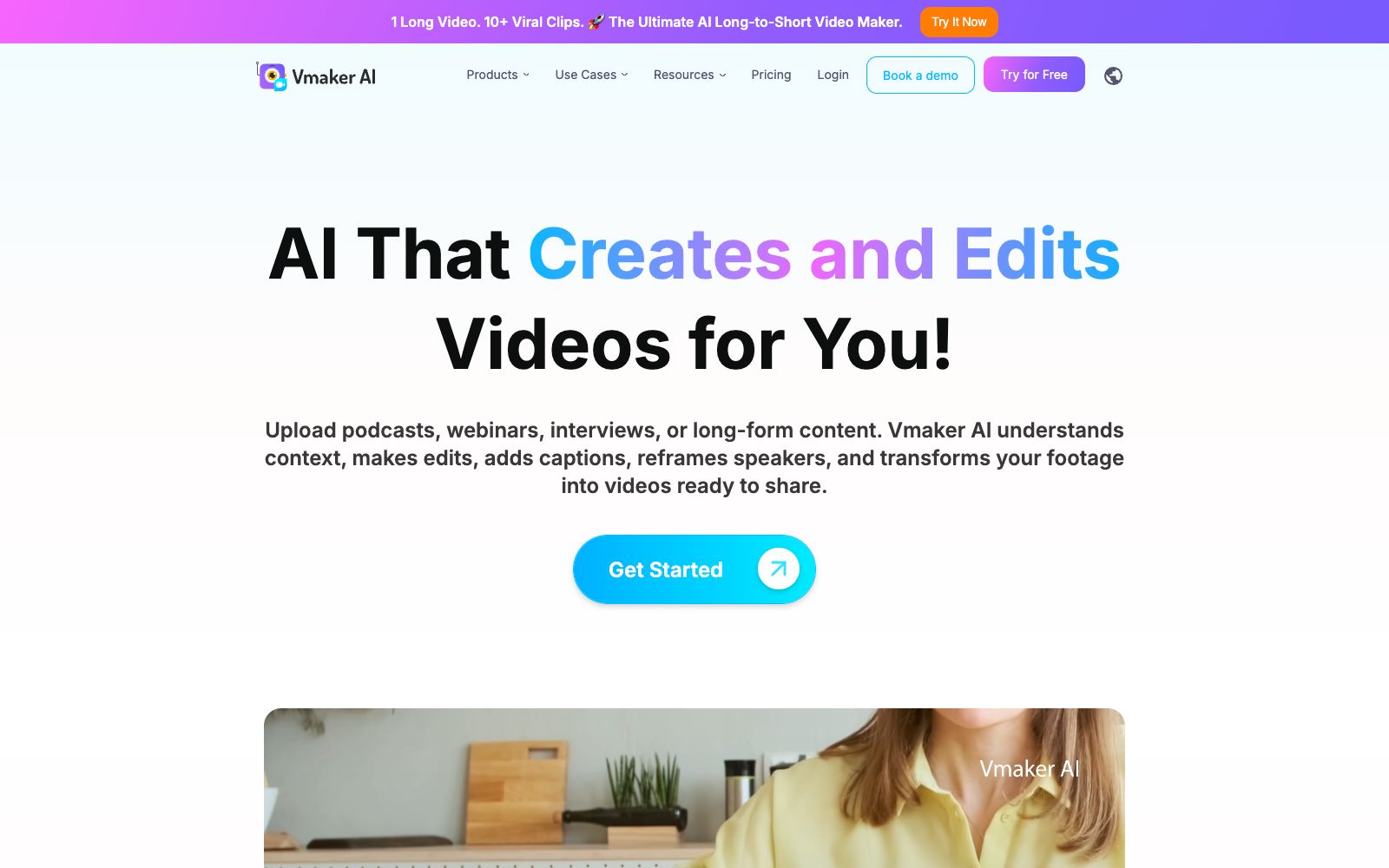
A self-service video creation and editing platform that covers screen recording, converting long videos to short videos, multilingual subtitles, AI dubbing, translation and other capabilities. The official claims that the number of global users has exceeded 2 million.
Updated: 2026-10-26
What is Vmaker AI?
Vmaker AI's official website positions itself as an all-in-one DIY video creation platform: a one-stop solution for recording, editing, and generating videos, aiming to minimize the difficulty of "making videos". It offers a wide range of product lines, including one-click screen recording, a long-to-short video tool that cuts long interviews into multiple short clips, and numerous small tools named by scenario. The official website states that it already has over two million users and has obtained GDPR compliance and ISO 27001 certification.
Who is it for?
- Professionals and HR teams who need to create software tutorials, product demonstrations, and new employee training videos
- Pre-sales and customer service teams that need to repeatedly cut multiple versions of a screen recording
- Content operations that repurpose podcasts and webinars for social media
- Teams going global that require multilingual subtitles and dubbing
- Enterprises with requirements for information security and compliance (the official website states that it has passed GDPR and ISO 27001 certifications)
Key features
5Long to Short (Long Video to Short Video)
The official description states that it can cut podcasts, webinars, interviews, educational and gaming videos into multiple short clips, with intelligent follow focus, dynamic subtitles and B-roll.
Screen Recorder & Webcam Recorder
The official website states that it can record 4K-resolution screen and webcam footage, which is then processed in the editor.
AI Subtitles (Subtitles)
The official claims that it can automatically generate subtitles in over 35 languages, offering more than ten animation styles and supporting translation into hundreds of languages.
Text / Audio / Doc to Video (Multiformat to Video)
The official website lists entry points for converting text, audio, and documents into videos, and can turn scripts into AI digital human explanation videos.
Video Toolkit
The official website lists tools such as AI background removal, quality enhancement, online resizing, speed adjustment, merging, clipping, as well as AI Dubbing (dubbing and translation) and PPT to video conversion.
How to use Vmaker AI
- The recording feature is its initial advantage: recording the screen first and then directly processing the materials in the editor is much more convenient than transferring files back and forth.
- For long-to-short conversion, it is recommended to first manually mark the valuable segments and then let the AI slice them, which is closer to your own judgment than blindly relying on automatic clip selection.
- The automatically generated subtitles must be manually proofread for terminology and proper nouns, and should never be launched directly when published in other languages.
- Confirm authorization before using others' course videos or customer meeting recordings as materials.
- for enterprise scenarios, it is recommended to go through the security and compliance instructions on the official website first.
Traffic & popularity
Data month Sep 2026
Vmaker AI receives about 123.2K visits per month and ranks #330,361 worldwide.
Monthly visits
12 monthsTraffic sources
- Search70.8%
- Direct23.0%
- Referrals2.6%
- Social1.7%
- Mail1.1%
- Other0.8%
Top countries
- India14.7%
- United States13.5%
- Brazil6.1%
- Pakistan3.5%
- Russia3.4%
Estimated from third-party traffic data.
Similar tools
 SsembleAn AI tool that cuts long videos into viral short videos. Paste a YouTube link or upload a file, and it automatically picks out highlight clips, adds subtitles, and tracks faces with the rule of thirds composition, then schedules and publishes them across multiple platforms.
 SupercutA screen recording and sharing tool built for teams, officially supporting native recording at up to 4K on macOS and Windows. Share via links, apply custom branding, and let AI generate chapters and summaries while automatically removing filler words and silence. Compliant with SOC2, ISO27001, and GDPR.
 Spikes StudioAn AI long-video clipping tool that officially claims to automatically find highlights, add transitions, zooms, and subtitles. It supports multi-platform formats and scheduled publishing, has over 1 million users, works in more than 99 languages, and offers a free trial with a watermark.
 CANVIDCANVID is an AI screen recording tool for Windows and Mac. During recording, it automatically adds zoom to clicks, features voice noise reduction, camera background blurring, and real-time subtitles. After recording, you can directly generate a sharing link, and it also offers a one-time purchase license.
 KattoThe official website of Katto positions it as an AI video editing tool: after pasting a long video link, it automatically finds the best moments, scores clips based on four dimensions, reconstructs them into vertical screens and adds multilingual subtitles. It also supports dubbing, scheduling and publishing to seven platforms.
 Nexus ClipsA tool that automatically selects clips from long videos to create vertical short videos. It can intelligently pick exciting clips and automatically add animated subtitles and stickers. The official website states that you don't need editing experience, and it can also help you publish directly.