


Le Chat
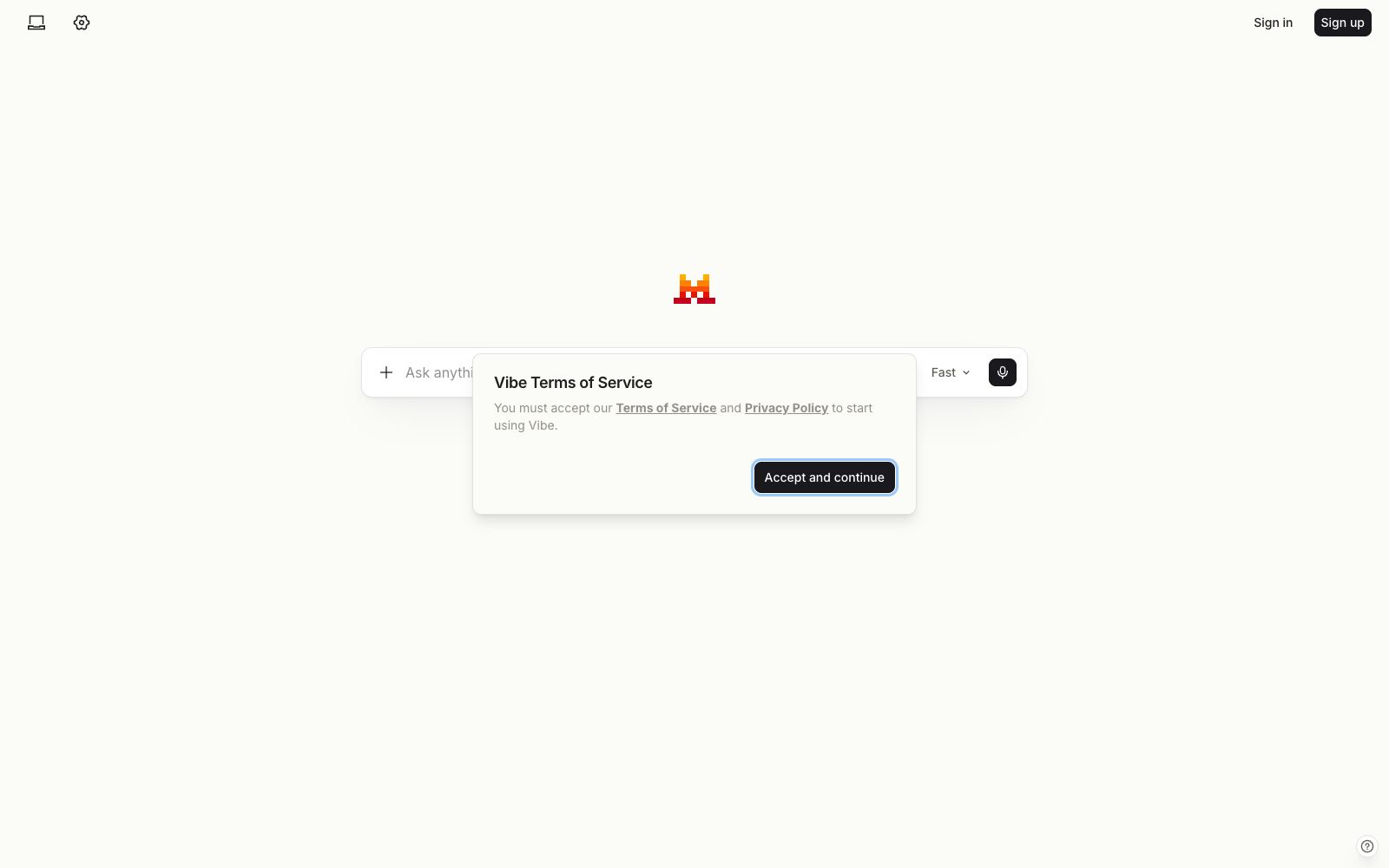
The original dialogue assistant has been renamed Vibe. The same account retains the original package and historical conversations. It is divided into three modes: work, programming, and chat. It supports online retrieval, multi-application connectors and scheduled tasks, and is suitable for users who want to switch from pure chatting to getting work done.
Updated: 2026-10-26
What is Le Chat?
If you've used Le Chat before, when you open chat.mistral.ai, you'll find it has a new name: it's now called Vibe. Your account, subscription plan, chat history and settings have all been transferred over, so you don't have to start over. It's not just a name change. The official team has split the original single chat interface into three modes—Work for handling multi-stage cross-application tasks, Code for developers, and Chat for retaining the original question-and-answer conversation. Along with these, classic features like Agents, thinking mode, code interpreter, and memory are all available.
Who is it for?
- Existing users of Le Chat who are worried about migration can continue using their accounts and historical conversations directly.
- Operations and administrative roles who need to summarize and organize information across email, calendars, and collaboration tools.
- Teams that want to make "develop a plan first then execute" their default workflow.
- Developers: Those who want to run long tasks in the terminal or editor and view review differences.
- Power users willing to pay for higher usage limits are offered tiers including Free, Pro, Team, and Enterprise by the official.
Key features
6Division of Three Modes
Work handles research, drafting, summarization and scheduled tasks; Code is for writing code in terminals, VS Code or remote cloud sessions; Chat retains fast turn-based conversations and existing features.
Plan First, Then Act
The official description states that it will first list a plan and wait for your confirmation before executing via connectors; each step of tool calls and reasoning chains can be expanded and viewed.
Enterprise Knowledge Retrieval
Can draw data across Google Workspace, Outlook, SharePoint, Slack, GitHub and custom connectors.
Structured Data Analysis
Connect to a database or upload a spreadsheet, and you can directly generate charts and dashboards within the conversation.
Document and Report Synthesis
Use the Canvas tool to generate briefings, reports, tender responses, or board presentations, which can be edited and pushed back to Notion, SharePoint, or email.
Scheduled & Reusable
Prompts can be set to run automatically daily, weekly, or monthly, with notifications sent upon completion; skills can be refined into reusable workflows.
How to use Le Chat
- The name change doesn't mean a new address.
- chat.mistral.ai remains the entry point.
- Existing chats and settings are retained in Chat mode, and the official documentation has been moved to docs.mistral.ai.
- According to the official description, the Free tier is suitable for quick answers, web searches, and simple tasks.
- advanced features such as agent capabilities, long-running tasks, and all-day coding require an upgrade to a higher tier, so estimate your usage before subscribing to a paid plan.
- Grant the minimal necessary permissions for connectors related to email, databases, and SharePoint.
- It will wait for your approval before executing—this is your checkpoint.
- For scheduled tasks, it is recommended to first set them to run in read-only mode for a week, confirm that the results are reliable, and then let them access writable files.
- The official also states that functions and packages will be adjusted, especially the quotas and agent capabilities.
- Please review the current instructions before taking action and do not follow outdated tutorials.
Traffic & popularity
Data month Sep 2026
Le Chat receives about 3.0M visits per month and ranks #22,058 worldwide.
Monthly visits
12 monthsTraffic sources
- Direct63.5%
- Search16.1%
- Referrals8.0%
- Social5.8%
- AI assistants4.6%
- Other2.0%
Top countries
- France43.3%
- Germany15.0%
- United States5.1%
- Netherlands4.8%
- Austria3.2%
Estimated from third-party traffic data.
Similar tools
 DoubaoThe AI intelligent assistant launched by ByteDance integrates capabilities such as dialogue and Q&A, writing, translation, PPT, image and video generation, supports real-time voice communication. The official states that it is free to use after logging in, and is available in both web version and computer client.
 LibreChatAn open-source self-hosted AI platform that aggregates conversations from multiple models such as Anthropic and OpenAI into a customizable interface, offering agents, code interpreters, web search, cross-session memory, and enterprise-grade authentication.
 DuMateThe AI assistant launched by Baidu Intelligent Cloud has the slogan "Get real work done with your AI sidekick". It can perform complex tasks across applications and files. The official categorizes its scenarios into three types: organizing folders into knowledge bases, automatically analyzing and visualizing data, and automating repetitive workflows. It also supports local operation.
 KimiMoonshot AI's AI assistant K3 is specially built for agent programming and knowledge work. It supports long text processing, in-depth research, Swarm agent clusters, Goal mode, PPT generation and scheduled tasks.
 ChatGPTChatGPT is a conversational AI assistant developed by OpenAI. It can answer questions, write content, generate images, write and debug code. It is available on web, desktop and mobile platforms, with both free and paid usage options.
 Z.aiZhipu has launched an advanced AI dialogue and Agent platform, featuring GLM-5.3-Flash. It can write code, build websites and landing pages, handle long-distance tasks, support 3D modeling, mini-games and deep thinking modes, and provides ZCo.