

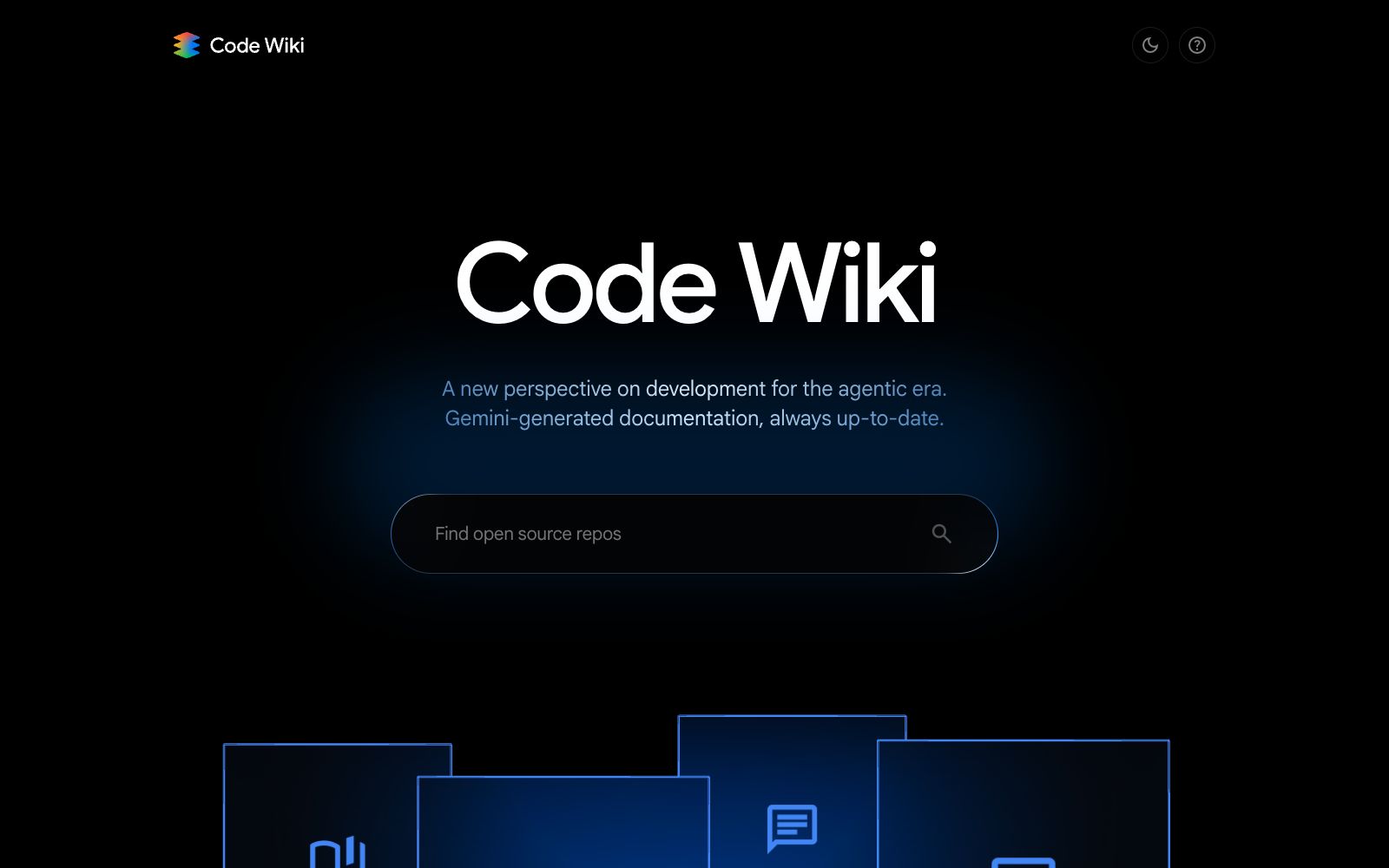

Code Wiki
A tool that automatically generates and continuously synchronizes documentation for codebases, which the official says allows for instant access to code insights, API references and architecture overviews, saving teams the cost of manually writing and maintaining documentation.
Updated: 2026-10-27
What is Code Wiki?
Code Wiki aims to solve the problem where documentation always falls behind code. The official website's description is straightforward: it automatically generates and keeps updated documentation for code, so teams no longer have to spend time writing manual explanations. Instead, they can check codebase insights, API references, and architecture overviews at any time. For developers who are new to unfamiliar repositories, the value of such tools lies in "understanding the structure first and then making changes," rather than making guesses and trying things out. From another perspective, it turns documentation from an asset that requires dedicated maintenance into a byproduct automatically generated by code. A new team member can get up to speed faster by reading the documentation once than by asking three people in the group one after another.
Who is it for?
- Developers who have just taken over legacy projects and need to quickly understand the structure.
- Teams that maintain open-source repositories and aim to lower the barrier for new contributors.
- R&D teams that need to supplement documentation for internal systems but lack available personnel.
- Architects who conduct technical reviews and need to quickly assess the impact scope of changes.
- Technical leaders who onboard new team members and repeatedly explain the same code structure; handover personnel responsible for code handover who need to clarify the system.
Key features
6Automatically generate documentation
There is no need for humans to write tables of contents and chapters first; the system compiles explanations from the code. The official emphasizes that it is automatically generated rather than filled in with templates.
Continuous Synchronization
Documents are updated alongside the code, reducing the situation where "comments are still stuck three versions ago", which is the core difference between it and handwritten Wikis.
Codebase Insights
Compiles the overall structure and module responsibilities of the repository into a readable overview, ideal for new members to quickly build a mental map; new hires can know which module to start reading on their first day, and it can also serve as background material for scheduling reviews.
API Reference
Extract interface information from the code to form browsable reference pages, which is faster than jumping between multiple files to find definitions.
Architecture Overview
It presents the system's layers and call relationships, providing a common reference when discussing transformation plans, so that reviews do not require half an hour of background explanation first.
Accessible Anytime
The official website emphasizes "instant" access—no need to wait for documentation pipelines to finish or for someone to update them. You can share links directly during discussions, and the other party doesn’t need to install anything.
How to use Code Wiki
- First, test it on a small-to-medium repository with clear boundaries, check if the generated module division aligns with your actual layering, and then decide whether to roll it out to large repositories.
- Auto-generated documentation works well as a roadmap, but key design decisions and historical pitfalls still need to be supplemented manually.
- don't expect it to explain the rationale behind the design.
- For private code, first confirm the access and data retention policies before deciding to integrate it.
- do not treat private repositories the same as public ones by default.
- Review the generated results together with the code review, and confirm whether the documents are synchronized in a timely manner after interface changes.
- otherwise, the old problem of outdated documents will return.
- Use it as an onboarding tool rather than a deliverable.
- write external documentation separately in accordance with team norms.
- the product capabilities shall be subject to the current description on the official website.
Traffic & popularity
Data month Sep 2026
Code Wiki receives about 183.7K visits per month and ranks #189,334 worldwide.
Monthly visits
7 monthsTraffic sources
- Direct38.9%
- Search36.1%
- Referrals17.0%
- Social4.0%
- AI assistants2.2%
- Other1.8%
Top countries
- United States15.6%
- India10.1%
- South Korea5.1%
- Germany4.5%
- Italy3.4%
Estimated from third-party traffic data.
Similar tools
 CodeMate.aiA private-focused AI programming assistant that provides in-editor coding agents, design-to-application conversion, automated PR reviews, and an AI terminal. The official emphasizes self-hosting and on-device architecture, ensuring code never leaves the local environment.
 MacroscopeAn AI code review tool for R&D teams that checks the correctness, security, testing and regression risks of each change before merging, automatically generates PR descriptions and summarizes multi-repository changes, and also includes a cloud-based coding Agent.
 CodeGPTCodeGPT is an AI programming agent embedded in mainstream development environments. It supports integrating multiple models with its own API Key. It first reads the code, provides modifiable solutions, and then takes action, making it suitable for teams that value data controllability.
 UI to Code AIA tool that converts screenshots, images, PDFs, or PSDs into front-end code, outputs React, Vue, Next.js, or HTML/CSS with real-time preview, and allows downloading the entire project package or copying individual components.
 opcodeA desktop client built for Claude Code, officially described as managing Claude sessions through a graphical interface, creating custom Agents, tracking usage, and transforming command-line operations in the terminal into visual panels.
 Magic PatternsMagic Patterns is a design tool that directly turns requirements into high-fidelity interfaces. It can read your components and design specifications, compare multiple schemes side by side on an infinite canvas, and then hand the selected version to the coding agent, making it suitable for product teams to create functional prototypes.