


Kapwing
A modern video editor in the browser that offers capabilities such as generating complete video projects from prompts, automatic subtitling, audio editing, text-to-speech, and Repurpose Studio clipping. According to its official website, more than 30 million creators worldwide use it.
Updated: 2026-10-26
What is Kapwing?
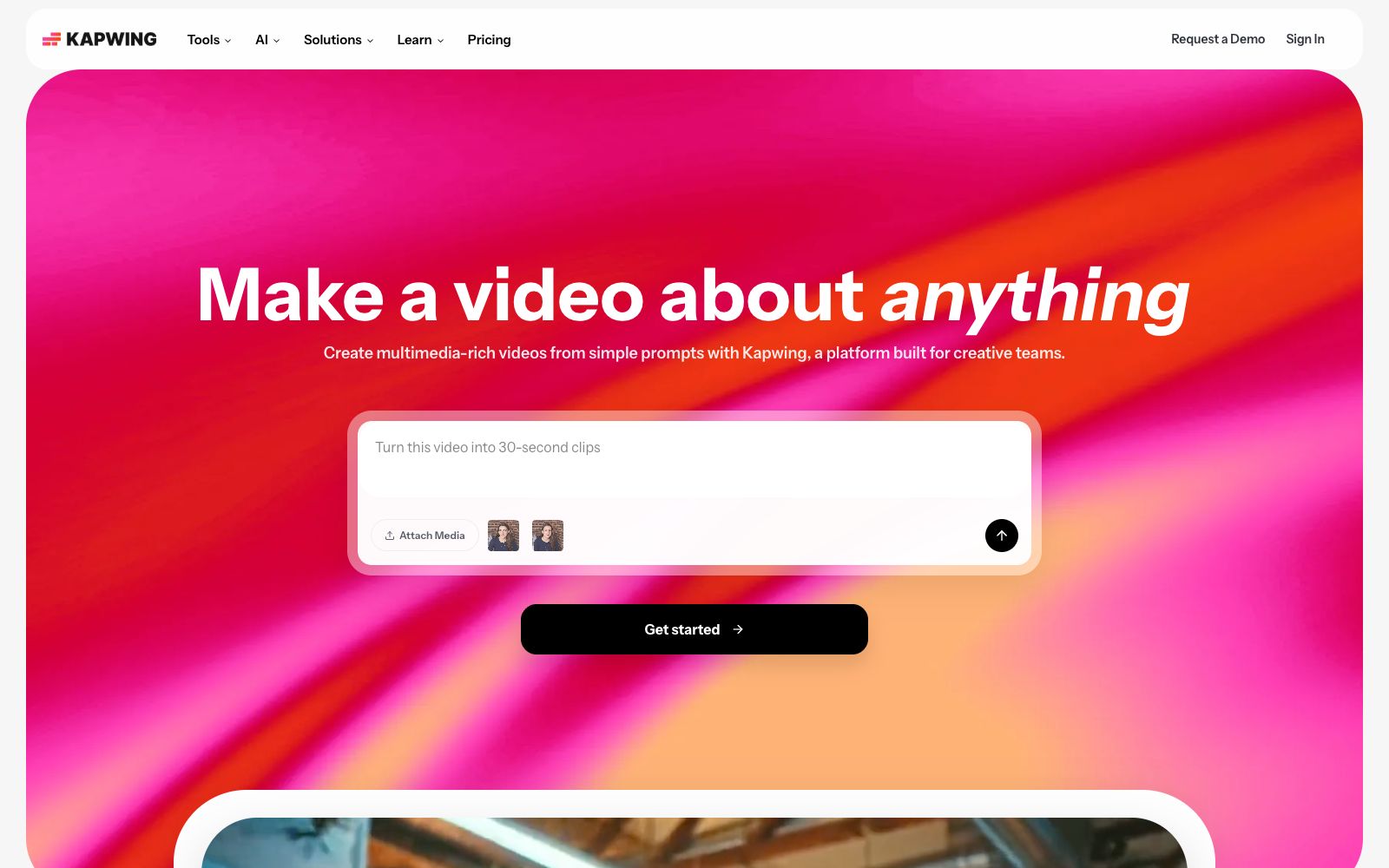
Kapwing is a modern video editor that runs in a browser. The slogan on the first screen of its official website is "Make a video for any topic", and it claims that a complete video project can be generated with one prompt. More than 30 million creators worldwide are using it. It has more than one entry: the Tools panel lists specific tools such as the video editor, subtitle tool, Speaker Focus, and audio editor, while the AI panel offers another set of intelligent capabilities, also covering common areas such as social media, advertising, and multilingualad delivery.
Who is it for?
- Self-media and content creators who need to continuously produce social media content, as they always need to clip long videos and repost them in rounds
- Internal teams at enterprises that create training materials, as the platform offers dedicated solutions for recording screens, creating tutorials, and producing teaching videos specifically for training teams
- School teachers and curriculum designers: The official website lists this as a scenario for multimedia assignments and digital lesson plans to make courses more engaging
- Overseasad delivery teams that need cross-lingual repurposing, with videos, audio, and subtitles translated together
- Marketing teams creating in-feed ads need a workflow to produce versions of various sizes
- Video editing beginners who are used to document-based thinking will find Trim with Transcript more user-friendly for editing videos by modifying text
Key features
6Video Generator
The official website states that it can use AI to generate videos on any topic. Combined with the AI video editor and script generator, it creates a seamless workflow from ideas to scripts to visuals all within the platform.
Subtitler and Transcribe Video
The subtitling tool allows adding subtitles to videos directly in the browser, the transcription tool automatically converts video content into text, and Trim with Transcript enables video editing by modifying the transcribed text.
Repurpose Studio and Clip Maker
Repurpose Studio turns one video into a batch of social media-ready clips, while Clip Maker generates short segments from a single video.
Clean Audio and Audio Editor
The audio editor supports recording, editing, and cleaning podcast audio, while Clean Audio focuses on enhancing sound quality and removing background noise.
Dubbing & Translate Video
The dubbing tool supports translating dialogue into over 40 languages, and the video translation tool outputs both audio tracks and subtitles together for localized distribution.
AI Toolkit
Includes B-Roll Generator for automatically generating supplementary footage, Smart Cut for automatically removing silent segments, Character Consistency for creating AI characters reusable across projects, and Speaker Focus for centering the frame on the speaker.
How to use Kapwing
- First, clarify the workflow before starting work: For a long video, Repurpose Studio and Clip Maker can split it into multiple social media clips, saving time compared to manually marking chapters.
- Before slicing, run Transcribe first, then use Trim with Transcript to cut based on text, which is much more intuitive than dragging the timeline.
- For oral broadcast content, it is recommended to run Clean Audio first and then add subtitles.
- this step yields the most obvious results when the recording environment is not ideal.
- For overseasad delivery, use Dubbing to solve audio tracks and subtitles at once.
- The official website states that it supports more than 40 languages, but it is recommended to manually proofread professional terms.
- Character Consistency is suitable for creators who long-term use the same virtual avatar.
- Before exporting, confirm the aspect ratio of the target platform.
- both Resize Video and Speaker Focus can be used to remedy this step.
- The free version has export restrictions, so confirm the package terms before batch commercial use.
- for materials involving music, fonts, and others' portraits, confirm the authorization first.
Traffic & popularity
Data month Sep 2026
Kapwing receives about 2.1M visits per month and ranks #21,780 worldwide.
Monthly visits
12 monthsTraffic sources
- Search63.1%
- Direct28.9%
- Social3.5%
- Referrals3.1%
- AI assistants1.3%
Top countries
- United States18.8%
- India12.6%
- Russia4.5%
- Indonesia3.5%
- Brazil3.0%
Estimated from third-party traffic data.
In these collections
Similar tools
 ChoppityChoppity is an AI video editor that automatically cuts podcasts and long videos into more than 30 short videos with subtitles and automatic framing, and supports one-click publishing to various social media platforms.
 VEEDAn online AI video platform for social media and marketing scenarios integrates generation, editing, dubbing and subtitle merging into a single workflow. It supports lip-sync videos, branded templates and automatic subtitles, and its official website states that it serves millions of teams worldwide.
 SsembleAn AI tool that cuts long videos into viral short videos. Paste a YouTube link or upload a file, and it automatically picks out highlight clips, adds subtitles, and tracks faces with the rule of thirds composition, then schedules and publishes them across multiple platforms.
 Spikes StudioAn AI long-video clipping tool that officially claims to automatically find highlights, add transitions, zooms, and subtitles. It supports multi-platform formats and scheduled publishing, has over 1 million users, works in more than 99 languages, and offers a free trial with a watermark.
 WisecutWisecut is an AI editing tool for podcasts, YouTube and webinars. It automatically slices videos, adds subtitles, reframes content and adds background music. The official statement says that more than 1 million creators have used it.
 Short AIAn AI generation and publishing tool for short video creators, which can batch generate faceless videos, cut long videos into multiple Shorts, automatically add dynamic subtitles, and schedule releases to platforms such as YouTube and TikTok.