


InVideo
An AI video platform for creators and teams, focusing on AI agent-assisted editing: upload materials and describe requirements to complete rough cutting. It has built-in storyboards, scripts, timelines and multi-person collaboration, suitable for large-scale production of marketing videos.
Updated: 2026-10-26
What is InVideo?
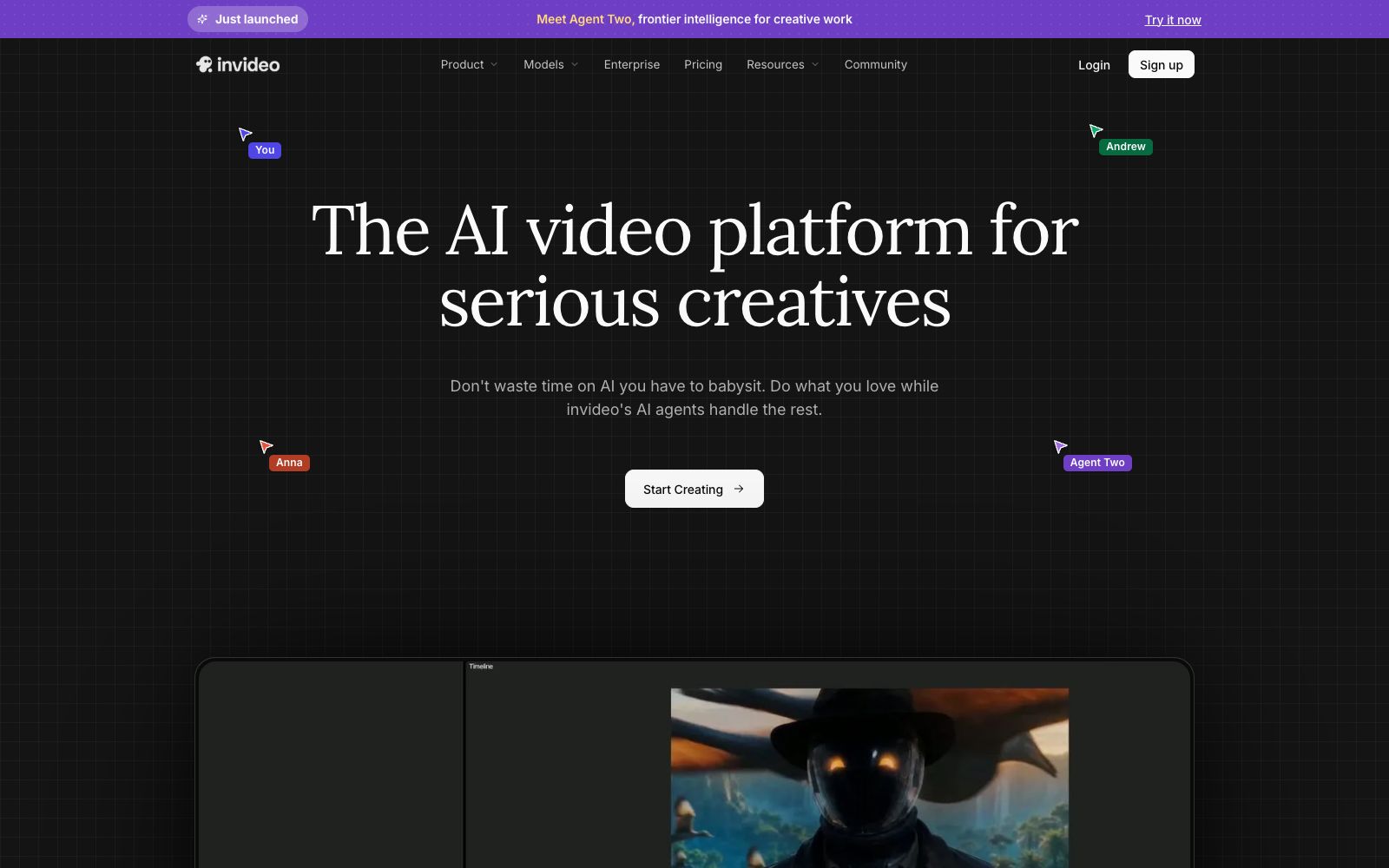
Invideo's official positioning is "an AI video platform for people who are serious about content creation", and its core proposition is not to waste time on AI tools that require constant human supervision. Its current flagship product is the newly launched Agent Two, which the company calls a cutting-edge intelligent agent for creative work. The usage process is condensed into four steps: upload materials, describe the editing you want, review the rough cut, and export. Compared with template-based editing tools, its difference lies in putting "description" before timeline operations – you express your intent in everyday language, and multiple AI agents on the platform execute it, with the results presented on a multi-track timeline configured in one track, and you can take over and fine-tune at any frame at any time. Another main line of the platform is "expanding one idea into multiple pieces of content", covering independent creators all the way to creative enterprises.
Who is it for?
- Individual creators who have a large amount of footage and struggle to find clips and perform repetitive trimming
- A multi-person editing team that needs to work in parallel on the same video, with comments and cursor positions visible to all
- Marketing teams engaged in advertising placement who need to maintain a consistent tone across multiple formats such as vertical and horizontal versions for a single brief
- Teams creating short dramas or serialized content who need to maintain consistency in characters and story during large-scale updates
- For editors who want to balance AI efficiency with manual fine-tuning and can take over the timeline at any time
- From individual creators all the way to enterprise buyers that require compliance endorsements such as SOC 2 and GDPR
Key features
6Material Memory and Retrieval
The official website states that the editing AI will watch every piece of material and store it in memory. Afterwards, you only need to describe the clip you're looking for in words to locate it, eliminating the need to repeatedly drag the progress bar to find a specific clip.
Batch Modify Multiple Shots
Give the editing agent a direction, and it will apply this instruction to every shot on the timeline—from trimming pauses to unifying the visual tone of the footage, eliminating the repetitive work of modifying dozens of clips one by one.
Natural Language Editing
The official platform emphasizes that you don't need to become a prompt engineer first; just describe your editing intent in plain sentences. The editing results are presented on a multi-track timeline where you can take manual control at any time.
Multiplayer Collaboration
Supports real-time collaboration, allowing users to see the real-time cursor positions of everyone involved. It also enables direct comments on the footage, such as "Can this shot be delayed by two seconds?"
Storyboarding and Scriptwriting
Storyboarding can convert any script or idea into a shot-by-shot storyboard plan, which can be adjusted repeatedly before generation; scripts can be written directly within the platform, and you can also have AI co-writers assist you.
Build Your Own Agent
You can create custom agents to take on fixed roles such as cinematography direction, music composition, screenwriting, editing, sound design, and color grading, solidifying team responsibilities into reusable configurations.
How to use InVideo
- Follow the four-step guide provided on the official website: first, upload all materials in one go, then clearly write down the editing instructions you need.
- After reviewing the rough cut generated by the intelligent agent, decide whether to revise the description or directly move to the timeline for adjustments.
- Try to write instructions as acceptable descriptions, such as specifying the extent to which pauses should be cut and the unified tone of the images.
- vague instructions will lead to more revisions.
- When cutting one idea into multiple versions, prioritize the social media link that allows "cutting one idea into dozens of vertical videos" instead of re-running the entire process from scratch.
- The security section on the official website indicates SOC 2 and GDPR compliance.
- before uploading confidential materials, you can request to review the security instructions first.
- Note that the packages are tiered, and different tiers have different access permissions to the models (the Seedance series is indicated on the page).
- Before official use, confirm whether the models you need are available in your tier.
Traffic & popularity
Data month Sep 2026
InVideo receives about 4.0M visits per month and ranks #10,737 worldwide.
Monthly visits
12 monthsTraffic sources
- Search53.8%
- Direct33.1%
- AI assistants3.9%
- Social3.5%
- Referrals2.8%
- Other2.8%
Top countries
- United States15.0%
- India14.5%
- Brazil6.5%
- Philippines3.1%
- United Kingdom2.6%
Estimated from third-party traffic data.
In these collections
Similar tools
 updreamupdream is an AI video creation product independently developed by Bilibili. Officially, it is designed for Bilibili UP owners. It organizes scripts, storyboards and characters with a canvas and a conversational assistant, and provides multi-track timeline editing, subtitle erasure and video super-resolution.
 ClipflyA one-stop online AI creation platform for ordinary users. It can generate videos, images and music from text, and provides hundreds of small tools such as online clipping, quality enhancement and background removal. The official says no clipping foundation or expensive software is needed.
 TopviewTopview is an AI Video Agent designed for short films and marketing videos: provide a script, reference video or product link, and the Agent will plan scenes and shots and select models. A short drama studio and 3D shot arrangement are also available.
 VidmoatVidmoat is an AI video editor that supports "delegated clipping". The official states that its Agent can review all the footage, perform cutting, subtitle addition, color grading and soundtrack matching on a real timeline, with the entire process allowing manual modification and undo; it offers a way to type, send messages or make calls to let Otto edit clips while chatting, and the free plan is available to start.
 DujiaAn all-in-one AIGC creation platform officially launched by Baidu. The company states that it supports AI-generated finished videos, AI-generated text, AI stories, AI scripts, anime videos, highlight clipping, digital humans and voice cloning, and allows one-click publishing to content ecosystems such as Baijiahao.
 VirboWondershare's launched marketing video tool organizes the creation process around people, products and scenarios. It supports generating live-streaming sales videos with one sentence, one image or a product link. The official states it has built-in multi-category templates and adopts virtual-reality separate control technology, targeting e-commerce marketing.