


PandaStudio
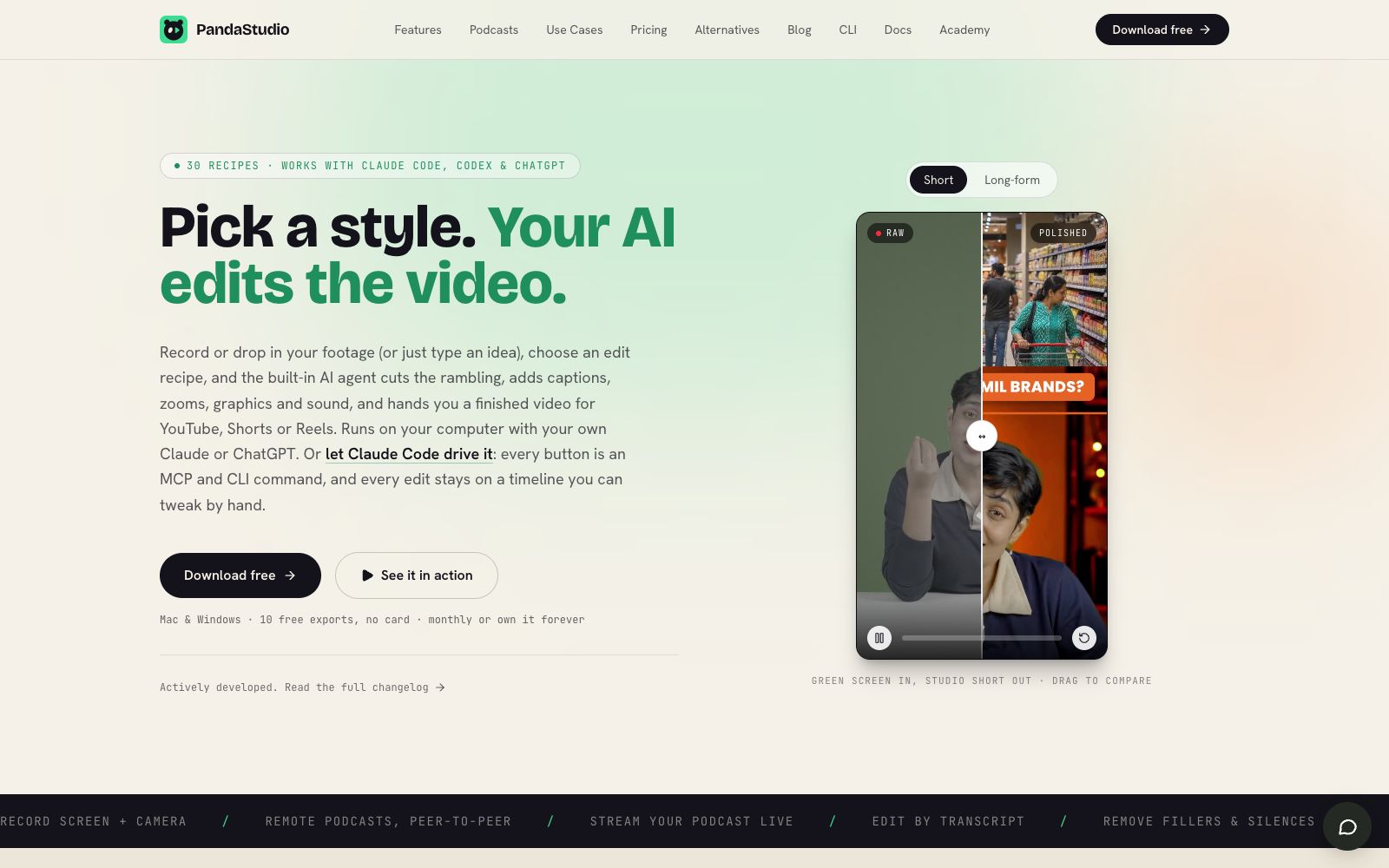
PandaStudio is a desktop AI video editor. According to its official website, it supports screen recording and camera shooting, clips videos based on transcripts, generates subtitle graphics, creates AI titles and covers, and can be published to YouTube; its built-in intelligent agent can edit according to text instructions, and Claude Code and Codex can also drive it.
Updated: 2026-10-27
What is PandaStudio?
According to its official website, PandaStudio is a desktop AI video editor available for Claude, Codex and creators, supporting both Mac and Windows. The official description states that it covers the entire workflow from raw materials to published videos, with built-in AI agents that can complete editing, subtitle creation, scaling, graphics processing and audio processing according to instructions. The official website also mentions that the edited results remain on a timeline that can be manually adjusted.
Who is it for?
- Individual creators and content teams who need to consistently produce YouTube, Shorts, and Reels content.
- A video editor in charge who wants to split long podcasts or interviews into a batch of short videos for one cycle.
- Independent developers or knowledge creators who regularly record product demos, courses, and explanatory videos.
- Developers who want to use coding agents like Claude Code and Codex to automatically drive the editing process.
Key features
6Recording & Importing
The official website states that it can record the entire screen or a single window while simultaneously turning on the camera, and it can also import existing videos or remote podcast materials.
Edit based on transcript
The official description states that all speech is transcribed locally; deleting a word will cut the corresponding frame, and correcting misrecognitions will update subtitles in real time.
Agent Editing
The official website states that the built-in agent can complete clipping, subtitle addition, scaling and graphic addition according to English natural language instructions, and users can use their own ChatGPT, Claude or MiniMax accounts.
Style Presets
The official website offers 30 editing presets covering formats such as podcast clips, explainer videos, product demos, Faceless Shorts, and long-form videos.
Video and Audio Processing
The official website states that it supports background replacement, automatic zoom following clicks, noise and reverb reduction, animated subtitles, motion effect templates, and local blurring or pixelation.
Publishing & Automation
The official website describes it as capable of generating titles, descriptions, chapters and covers, then publishing to YouTube or Instagram; each button also corresponds to MCP and CLI commands, which can be handed over to Claude Code, Codex or Cursor for operation.
Things to know
Usage Tips
- First, run a formula with a short piece of raw footage to check if the style, subtitle density and rhythm match the tone of your account.
- First perform a local blur check on screen recordings containing personal information, then proceed to subtitle and graphic refinement.
- For long footage, first ask the agent to identify segments that can stand on their own, then manually confirm the hooks before batch reformatting to vertical screen.
- Check the auto-generated titles, chapters and covers before publishing to avoid misleading claims.
- Save commonly used backgrounds, shots, subtitles and music into a fixed workflow, and let AI only handle repetitive tasks.
Traffic & popularity
Data month Sep 2026
PandaStudio receives about 4.2K visits per month and ranks #4,789,873 worldwide.
Monthly visits
12 monthsTraffic sources
- Direct39.4%
- Search33.2%
- Referrals10.2%
- Social6.2%
- Display ads3.5%
- Other7.6%
Top countries
- United States58.2%
- India24.2%
- United Kingdom11.5%
- Brazil6.1%
Estimated from third-party traffic data.
In these collections
Similar tools
 captionrichAn AI dubbing video editing tool based on text editing, the official website states that editing can be completed by modifying the transcription script. It automatically removes filler words and awkward pauses, supports B-roll insertion, motion graphics subtitles, and translation into more than 50 languages, and is targeted at the short video and podcast editing scenarios.
 PalmierPalmier Pro is a video editor built for AI. Officially, it claims to use Claude or Codex for automatic clipping, generate materials on the timeline, and then export them to professional editing software for further refinement, making it suitable for agency workflows.
 KuaijianjiA domestic cloud-based video editing SaaS that offers online watermark removal, screen recording, video-text conversion and intelligent subtitles, built-in AI tools such as text-to-video editing, intelligent matting and video original sound translation, equipped with a massive amount of copyrighted template materials, and supports web, mobile and desktop platforms.
 CinLinkCinLink is a natural language-driven AI media workspace that brings together speech, visuals, subtitles, and timecodes into a single searchable project. Officially, it enables transcription, subtitle translation, dubbing, clip merging/splitting, and quality enhancement on the local desktop, with you verifying each step before export.
 CapCutCapCut, the international version of Jianying, is a video editing platform covering mobile, desktop and web versions. It provides AI subtitles, text-to-video generation, intelligent templates and special effects tools, comes with a huge collection of creative templates, and is a leading short video editing tool worldwide.
 RiversideA browser-based podcast and video recording platform with local recording support up to 4K resolution and 48kHz audio. It comes with AI transcription, text-based editing, magic clips, and one-click publishing to major podcast platforms, making it ideal for content creators and small teams.