


Humata
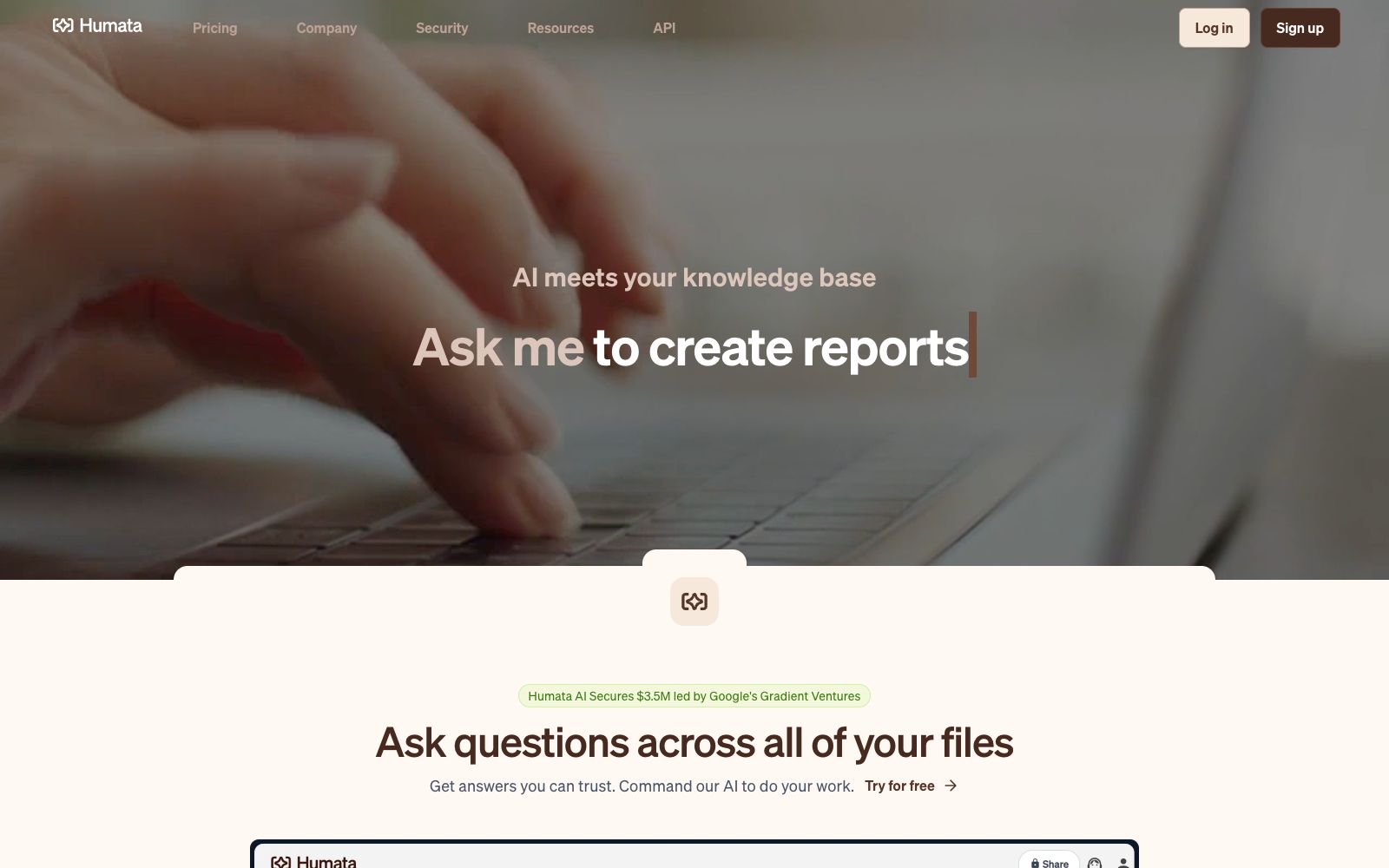
Humata is an AI assistant that turns documents into a conversational knowledge base. After uploading files such as PDFs, you can ask questions and get answers with citations, and it supports cross-file retrieval and web embedding.
Updated: 2026-10-26
What is Humata?
Humata is an AI assistant that turns documents into conversational knowledge bases. After uploading files, you can ask questions in natural language and get answers with citations. It excels at handling long technical papers and PDFs, capable of summarizing, comparing and retrieving content, enabling individuals and teams to draw credible conclusions without reading the full text. Whether in research, legal or customer service scenarios, it can serve as an on-demand information consultant, saving time spent on searching for information.
Who is it for?
- Researchers dealing with a large volume of literature: Faced with piles of papers and reports, they can use it to quickly locate conclusions and evidence without having to read each document in detail.
- Team knowledge managers: Enterprise-level data rooms allow members to share files and control access permissions, making them suitable for collaborative organizations to accumulate internal materials.
- Websites that wish to provide document Q&A: Embed the function into web pages with one click to open the database to customers for self-service inquiry, reducing the cost of manual response.
- Organizations that prioritize data security: Files are stored with enterprise-level encryption, and access can be restricted by role, meeting the basic requirements of compliance and internal control.
- Students and lifelong learners: It can turn textbooks and lecture notes into an interactive private tutor to help clarify difficult concepts at any time.
Key features
5Cross-document querying
You can submit multiple documents to Humata together and ask questions directly about all of them, enabling it to conduct cross-retrieval across different materials and provide comprehensive answers.
Citation-included responses
Each answer will highlight and label the source links, making it easy to trace back the original paragraphs and build trust in the conclusions instead of simply providing an unsubstantiated claim.
Long document summarization and rewriting: It can skip lengthy technical content, summarize key points as required, compare differences between documents, and rewrite the summary repeatedly until you are satisfied.
Web Embedding
Embed the Q&A functionality into any web page with one click, allowing visitors to ask questions directly about your public documents and reducing repetitive customer service work.
Unlimited Files and Follow-up Questions: Supports uploading any number of documents and allows unlimited follow-up inquiries, gradually approaching the desired information and details like a conversation.
How to use Humata
- 1Start with the free tier: The free plan can handle a small number of pages, making it suitable for verifying the quality of Q&A first before deciding whether to upgrade to a paid plan.
- 2Make good use of citation verification: After receiving an answer, follow the highlighted sources back to the original text to confirm the information is reliable before using it for official work or citations.
- 3Use follow-up questions to zero in on key points: First ask for a summary in one sentence, then continue questioning specific details, which is more effective than writing a very long prompt all at once.
- 4Control access permissions properly: Set visibility scopes by role in team plans to prevent sensitive documents from being seen or leaked by unauthorized personnel.
- 5Embed externally after organizing documents: Place the files to be made public in the data room before embedding them on the webpage, ensuring that visitors only ask relevant questions.
Traffic & popularity
Data month Sep 2026
Humata receives about 285.5K visits per month and ranks #105,627 worldwide.
Monthly visits
12 monthsTraffic sources
- Direct46.9%
- Search37.3%
- Referrals7.4%
- AI assistants6.1%
- Mail1.0%
- Other1.3%
Top countries
- India20.4%
- Indonesia18.6%
- Colombia18.6%
- Czech Republic12.4%
- United States6.3%
Estimated from third-party traffic data.
Similar tools
 iAskA free question-and-answer search engine for students and researchers, its official website focuses on being free of hallucinations and providing authoritative citations. It supports document analysis, web and file summarization, and can be used as a homework tutoring and information inquiry tool.
 NotebookLMNotebookLM is Google's AI research assistant. After uploading sources such as PDFs, web pages, and videos, it answers questions based on the original text with citations attached. It can generate audio overviews, video overviews, mind maps, flashcards, and quizzes, and supports notebook sharing.SSmart PDFsA minimalist online PDF summary tool. The official says you can upload a file to quickly generate a clear and shareable summary, generate it with one click after selecting the document language, and the footer is marked as inferred by the cloud model.
 OtioOtio is a research workbench for large volumes of materials. Officially, it allows you to collect PDFs, videos and web pages into a unified database, conduct cross-model conversations and provide page-level citations, and supports long-term projects and note-taking.
 Lexiang Knowledge BaseTencent Lexiang is an enterprise AI knowledge base and intelligent knowledge management platform under Tencent. Based on the DeepSeek large model, it provides multimodal document analysis, AI question answering, Agent construction and MCP docking capabilities.
 AskYourPDFAn AI tool platform for PDFs and websites that supports conversational Q&A for any PDF, embeds AI customer service on web pages, and automatically fills out forms using AI. The official claims there are over 5 million users worldwide.