


Fabric
Fabric is a thinking AI workspace. Officially, it offers more than 50 integrations and multiple exclusive AI assistants, bringing together files, notes, ideas and meetings in one place to help you write, collaborate and publish.
Updated: 2026-10-26
What is Fabric?
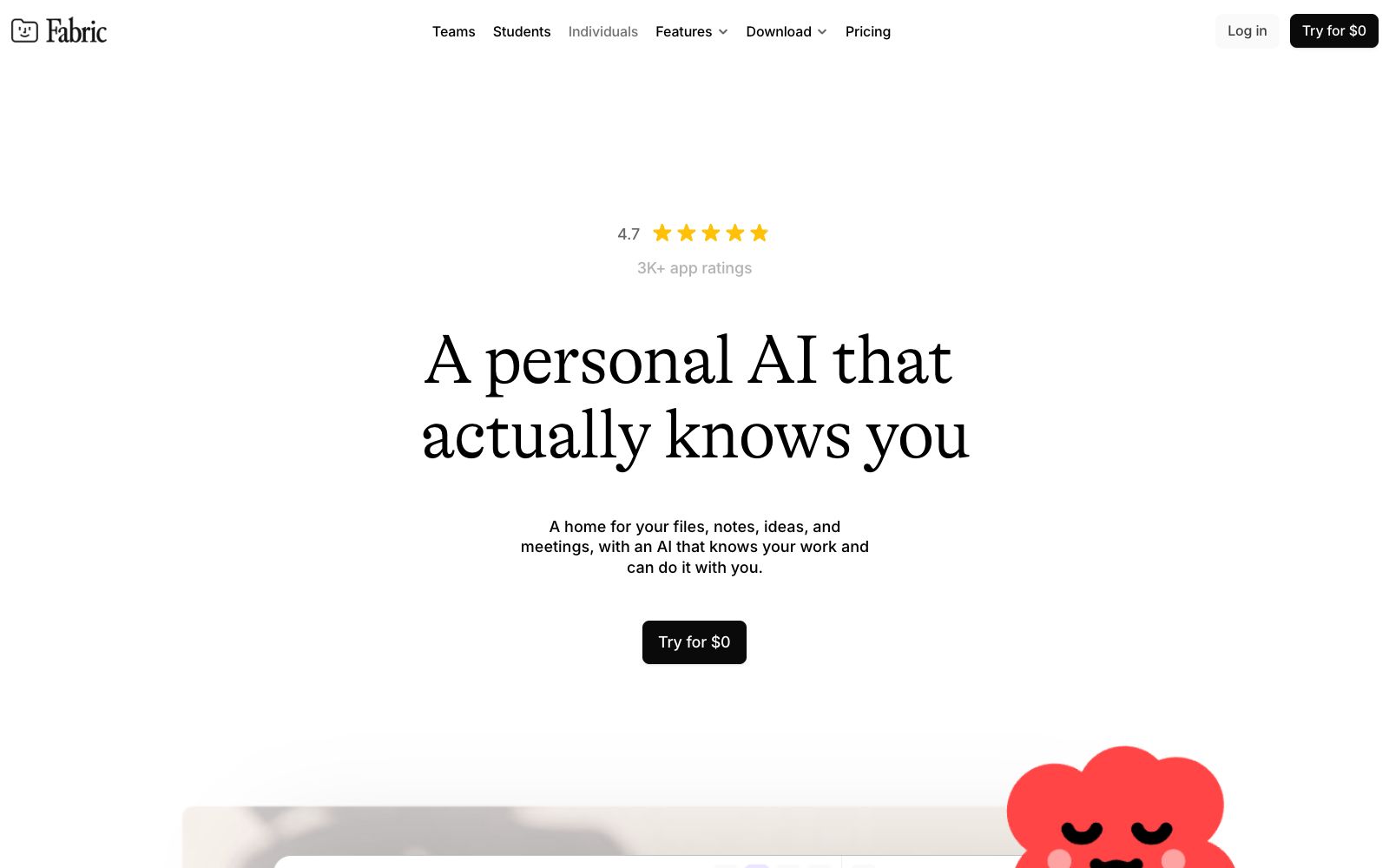
Fabric refers to itself as "an AI workspace that thinks with you," and its official tagline is "a personal AI that truly knows you." It brings together files, notes, ideas, and meetings in one place, equipped with multiple AI assistants with different expertise to accompany you in writing, collaborating, and publishing.
Who is it for?
- Researchers and designers who need to keep their research materials, inspiration, and deliverables in one place.
- Independent creators who want AI to help them draft emails and organize notes into outlines.
- Small teams that want AI agents to take care of scheduling, follow-ups, and document organization.
- Knowledge workers who need unified search across files and avoid scattered information.
- For people doing project reviews, use the canvas to gather scattered ideas into publishable results.
Key features
6Your Personal AI That Knows You
The AI reads your projects, files, and ideas and works with you like a partner. Officially called "an AI that actually knows you".
Search Everything
Integrates with over 50 tools for unified search across files, notes, and meetings. Officially called "Search everything, 50+ integrations".
Infinite Canvas
Spread out your content for visual thinking, with all Fabric content on a single canvas. Officially called "an infinite canvas".
Dedicated AI Agents
Sol, Juno, Pip, Mochi, and Ada handle scheduling, drafting responses, updating roadmaps, organizing outlines, and creating mood boards respectively. The official showcase features specific examples.
Collaboration & Publishing
Supports multiplayer collaboration and allows direct content publishing. Officially called "Publish anything", the basic version is available for $0.
Persistent Memory
The official claim is that your AI's memory grows as you use it. The more you work with the AI, the better it understands your projects and preferences, evolving into a personalized work companion over time.
How to use Fabric
- 1Start with the free tier ($0), import your frequently used files and notes, and experience unified search.
- 2Try assigning fixed tasks to different AI agents, for example, ask Mochi to turn scattered notes into an outline.
- 3Use the infinite canvas for project brainstorming, laying out links, images, and text before organizing them into a cohesive structure.
- 4Pay attention to data ownership in multi-player collaboration and cloud synchronization, and confirm permission settings for sensitive projects first.
- 5Treat AI-generated content as drafts, and finalize and proofread them yourself before publishing.
Traffic & popularity
Data month Sep 2026
Fabric receives about 54.6K visits per month and ranks #735,373 worldwide.
Monthly visits
12 monthsTraffic sources
- Direct50.8%
- Search35.6%
- Referrals5.7%
- AI assistants5.2%
- Social2.7%
Top countries
- United States23.1%
- Canada7.2%
- Germany6.1%
- India4.6%
- Brazil4.0%
Estimated from third-party traffic data.
Similar tools
 NoteeyA visual note-taking application that organizes ideas and materials on an infinite canvas, supporting PDF annotation, video notes, drawing, flowcharts and mind maps, presentation mode, and deep links. The official focus is on offline-first and local backup.
 Kuse AIKuse is an AI workspace that connects your files and applications, generates documents, spreadsheets and presentations in seconds, and configures daily repetitive processes into automatically running workflows. The official offer includes 1800 free credits.
 Saner.AIA personal AI assistant for people with attention deficit disorders, it centralizes emails, notes, and to-do lists, retrieves information, schedules, and creates tasks through conversational methods, and can sync external tools such as calendars and email inboxes.
 LittlebirdLittlebird is a persistent AI assistant with working memory. It can attend meetings, take automatic notes, retrieve information across applications, and bring working memory into various AI tools via MCP, with a focus on local privacy.