

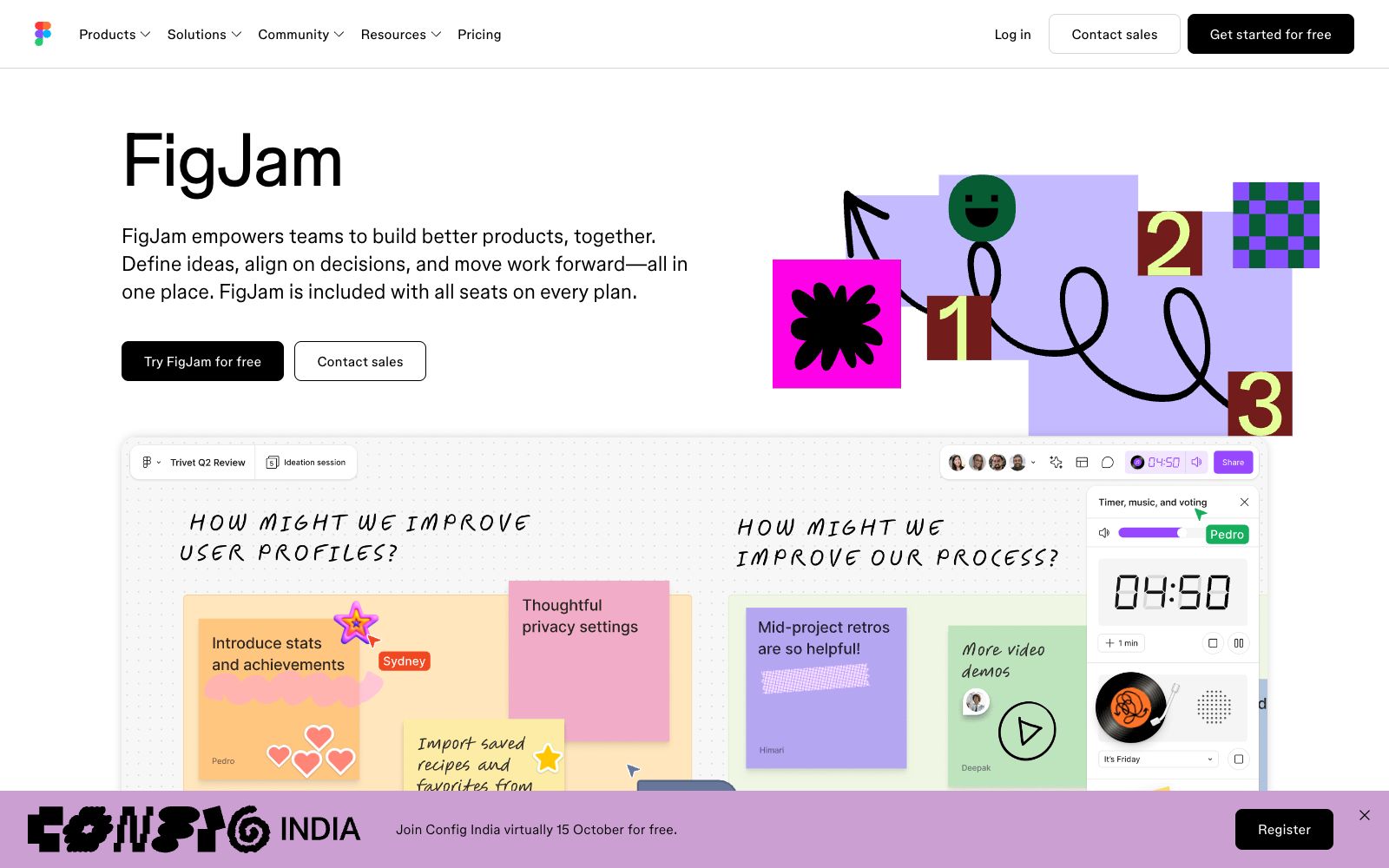

FigJam
An online collaborative whiteboard under Figma, officially positioned to let teams draw, brainstorm and organize ideas together, covering scenarios such as mind mapping, flow chart drawing, meetings and workshops, agile workflows and strategic planning.
Updated: 2026-10-26
What is FigJam?
FigJam is an online collaborative whiteboard under the Figma product line, described on the official website as "A visual collaborative whiteboard where teams can diagram, brainstorm, and organize ideas together." If you already use Figma for design, the advantage of FigJam is that within the same account and file system, there is no need to switch back and forth between sketching and refining designs.
Who is it for?
- Product managers who need to sort out requirements and conduct roadmap reviews and require teams to modify diagrams on the spot
- Designers conduct early structural exploration, brainstorming on the whiteboard before moving into design files
- Agile teams conduct iteration reviews, process sorting, and standup kanban boards
- For cross-departmental meetings, a collaborative interface that everyone can easily use is needed
- Teaching and research teams engaged in curriculum design who need a scenario where multiple people edit the same material simultaneously
Key features
6Real-time Collaborative Canvas
Multiple people can edit the same board simultaneously, and the official website states it is widely used by global teams.
Scenario-based usage
The official website directly lists categories such as brainstorming, diagramming, meetings and workshops, agile workflows, and strategic planning.
Start with Templates
Provides templates for project kickoffs and more, and the official website states that they allow you to quickly get a starting point and reduce the pressure of starting with a blank whiteboard.
Product Line Integration
It belongs to the same product matrix as Figma design files, Figma Slides, Figma Sites, etc., and assets can be referenced by each other.
Meeting Integration
Can be used as a collaborative whiteboard for online meetings, with screen sharing to facilitate discussions.
Permission Management
Set access scope by role and organization dimensions, and the official website lists corresponding solutions for enterprises, education, government, etc.
How to use FigJam
- 1The sketch conclusions on the whiteboard should be documented or assigned as tasks; otherwise, they are easily fresh during the meeting but forgotten afterward.
- 2According to the commercial terms on the official website, FigJam is included in the seats of each package, and the usage volume and AI points are still limited by the package you are in.
- 3When the team has a large number of members, plan the folder structure and permission settings in advance to avoid high organization costs later.
- 4During meetings, comply with team regulations regarding camera usage and recording; follow company rules when handling internal information.
- 5When the reference relationship between design drafts is complex, agree on naming and placement rules in advance to avoid being unable to find the source later.
- 6When reusing templates, pay attention to the copyright source; the authorization scope of public materials shall be subject to the instructions on the template page.
- 7The quotas for AI-related features are allocated based on the subscription plan, and the specific amounts are subject to the Pricing page on the official website.
Traffic & popularity
Data month Sep 2026
FigJam receives about 64.3M visits per month and ranks #247 worldwide.
Monthly visits
12 monthsTraffic sources
- Direct70.0%
- Search13.2%
- Referrals7.1%
- Social5.4%
- Mail2.5%
- Other1.9%
Top countries
- United States17.0%
- India11.2%
- Russia7.1%
- China3.9%
- Japan3.7%
Estimated from third-party traffic data.
Similar tools
 Mural AIMural AI is a visual collaboration whiteboard for teams, integrated with AI capabilities that help turn ideas into mind maps, categorize and group them, distill key points, and connect with Microsoft 365 Copilot, designed for brainstorming and strategic work.
 Miro AIMiro's new team AI platform, according to the official, allows the entire canvas to be used as a prompt, offering AI Playbooks for scenario-based workflows, Sidekicks assistants, process-level automation, and enterprise-grade governance capabilities.
 BA CopilotAn AI flowchart platform for consultants and process teams that can generate BPMN flowcharts from text, images or documents, supports whiteboard sketch conversion, automatic documentation and process consulting, and the official website homepage shows that commercial operations have been suspended.
 IdeamapA visual workspace for team brainstorming. After inputting a topic, AI generates and automatically clusters ideas. You can one-click expand them into a mind map, and support member collaboration, export and sharing.
 BoardmixA domestic online collaborative whiteboard that uses AI to generate mind maps, flowcharts, PPTs, text plans and images on an infinite canvas. After generation, you can continue manual editing and team collaboration. It also provides a template community and private deployment.
 ExcalidrawAn open-source online collaborative whiteboard tool, officially described as enabling easy drawing of hand-drawn style charts. It is suitable for creating diagrams, prototypes, and sketches, supports real-time multi-person collaboration, and provides a component package that can be embedded in your own applications.