


Endex
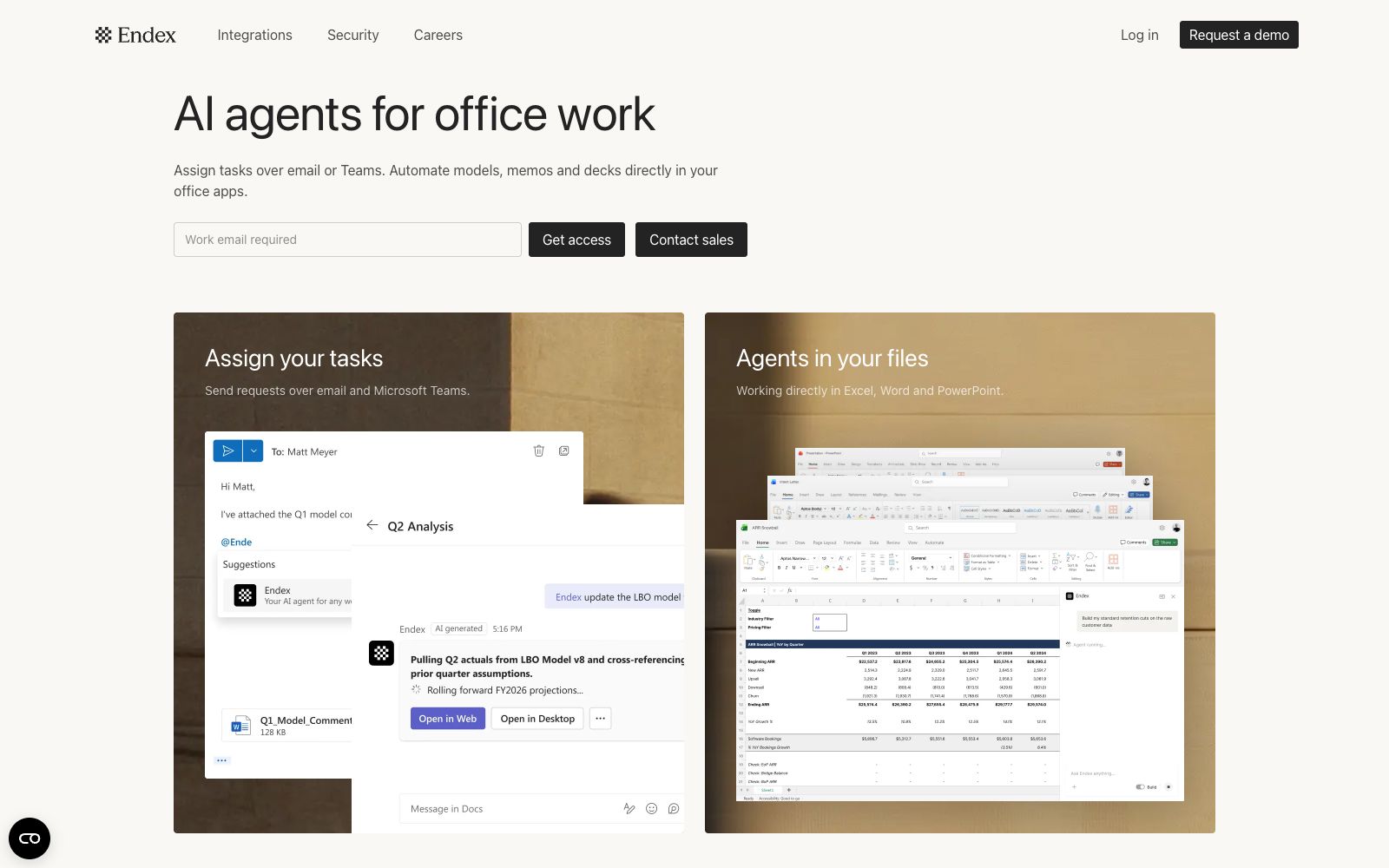
Endex AI is an Excel-native AI agent specifically built for the financial industry, deeply embedded in the Excel sidebar, enabling analysts to complete financial modeling, DCF valuation and data cleaning within familiar spreadsheets in just a few minutes.
Updated: 2026-10-26
What is Endex?
Endex AI is an Excel-native AI agent specifically built for the financial services industry. It has secured $14 million in Series A funding led by OpenAI's Startup Fund. By deeply integrating large language models into the Excel sidebar, it enables financial analysts to complete financial modeling, DCF valuation, three-statement integration, and data cleaning—tasks that previously took hours—in just minutes without leaving their familiar spreadsheet environment, truly turning AI into a permanent assistant for financial analysis.
Who is it for?
- Analysts in financial institutions such as investment banking, research, and private equity who need to perform financial modeling and valuation and want to delegate repetitive tasks to AI.
- Financial professionals who frequently handle structured tasks such as three-statement linking and DCF in Excel and want to improve efficiency.
- Teams that need to integrate AI into their existing Excel workflows and are reluctant to switch to a standalone analysis platform.
Key features
4Excel-Native Experience
Deeply integrated into Excel in the form of a sidebar, analysts do not need to switch tools or export data, and can directly call AI in the familiar spreadsheet interface, reducing learning and migration costs.
Financial Modeling and Valuation: Supports financial scenarios such as DCF valuation and three-statement integration (income statement, balance sheet, cash flow statement). It automatically builds model frameworks and fills in calculation logic, shortening the modeling cycle.
Data Cleaning and Organization: It deduplicates messy financial data, unifies formats and identifies anomalies, quickly tidying up raw data into an analyzable and standardized state, reducing manual preprocessing time.
Conversational Analysis
Describe your requirements in natural language, such as generating a sensitivity analysis or scenario calculation for a specific business. The AI provides the results and explanations directly in the spreadsheet, making review and reporting easier.
How to use Endex
- Hand over sensitivity analysis and scenario testing to AI to generate first drafts, then refine key variables with professional expertise to significantly speed up the process while ensuring quality.
- For complex models, first use AI to build the framework, then manually verify key assumptions and interrelationships to avoid logical deviations caused by direct application.
- Perform a cross-check on the generated results of the three-statement linkage to ensure consistent data standards, and then use them for external reporting or decision-making.
- Document your commonly used valuation templates and instructions for direct reuse later, which can continuously shorten the modeling time.
- If you manually build valuation models in Excel and adjust assumptions repeatedly every day, you can integrate Endex into the sidebar to let it first generate the initial framework and calculations, and then you conduct a professional review.
- The key is to clearly write down business assumptions in natural language.
- For example, build the three-statement integration and DCF valuation based on the following revenue growth rate.
- In this way, the structure given by AI will be closer to the real analysis process and easier to be reused within the team.
Traffic & popularity
Data month Sep 2026
Endex receives about 55.3K visits per month and ranks #474,246 worldwide.
Monthly visits
12 monthsTraffic sources
- Direct67.4%
- Search20.5%
- Referrals4.1%
- Display ads3.0%
- Mail2.7%
- Other2.2%
Top countries
- United States78.1%
- India16.7%
- Germany2.2%
- Mexico1.8%
- Turkey0.6%
Estimated from third-party traffic data.
Similar tools
 RowSpeakRowSpeak is an AI data analysis platform for sources such as Excel, CSV, and PDF. It can analyze tables, clean data, generate charts and interactive dashboards with natural language, and support converting images/PDFs to Excel.
 TwistlyCellsTwistlyCells is an AI add-in for Microsoft Excel that uses natural language to automatically complete spreadsheet tasks such as classification, filling, extraction, and conversion, helping users efficiently mine the value of data.
 AI Excel BotAI Excel Bot generates Excel and Google Sheets formulas in seconds with simple text commands, can explain complex formulas, create and explain VBA code, and provide extensions for direct use within spreadsheets.
 MitoMito is an AI-driven Python code generation and spreadsheet automation tool that offers an Excel-like interactive interface. Each edit is automatically converted to production-ready Python code, boosting efficiency for data teams.
 ParadigmParadigm AI is an AI spreadsheet platform incubated by YC. Autonomous task-executing Agents are deployed behind cells, enabling batch completion of data collection, cleaning, completion and scoring through natural language.
 ExcelMaster.aiExcelMaster.ai is a spreadsheet-oriented AI agent that can generate complex formulas using natural language, write and explain VBA macros, perform cell-level operations, and includes free tools such as built-in PDF/Word/Excel conversion functions.