


Doc2X
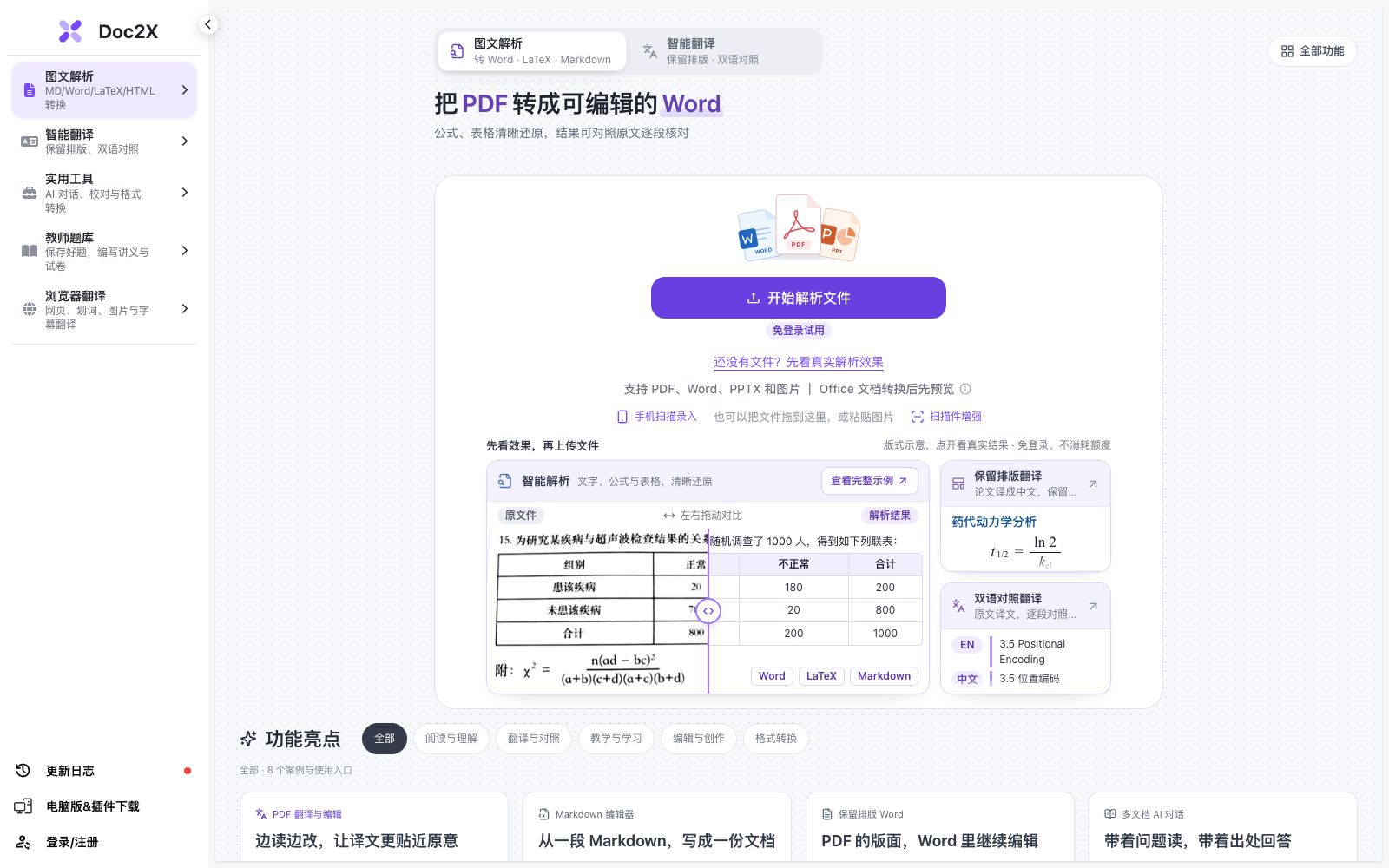
Online document workbench, providing PDF to Word/Markdown/LaTeX conversion, formula and table recognition, and document translation. The official claims that you can check first before editing and exporting.
Updated: 2026-10-26
What is Doc2X?
Doc2X is an online document workbench. According to its official website, it is used to parse PDFs and images, translate PDF or Word documents, and continue to edit and export after checking formulas and tables. It also provides capabilities such as multi-document AI conversations, proofreading and question bank organization, forming a line of "recognition - checking - recreation", which is suitable for users who need to process a large number of scanned and typeset documents.
Who is it for?
- Students and researchers who need to convert thesis and reference PDFs into editable Word or LaTeX files for easier revision and typesetting.
- Document processors who need bilingual comparative translation and want to retain the typesetting of documents; the translation will not damage the original layout, making cross-referential reading smoother.
- Teachers and educational administrators who organize exam papers and match questions with answers will find the exam paper organization feature very suitable, reducing the need for manual question entry.
- Office workers and archivists who want to make scanned documents clearer and remove watermarks, as scan enhancement improves readability and the quality of archived files.
- Researchers and engineers who need to batch-digitize formulas and tables into Excel or LaTeX.
Key features
6PDF to Word
Upload a PDF for analysis, then cross-check the text, formulas and tables against the original document before exporting it as a Word file. You can choose to "preserve the PDF layout" to restore the formatting as needed.
Image to Word
Upload clear JPG or PNG images, parse them, check the text, formulas and reading order, then export them. It is suitable for converting screenshots into documents.
PDF to Markdown and LaTeX
Export to Markdown and LaTeX respectively. The PDF of a thesis can be downloaded as a ZIP file for checking and compiling in editors such as Overleaf.
Formula and Table Recognition
Convert image formulas to LaTeX, recognize tables in PDFs or images and export them to Excel, with each table corresponding to a separate worksheet for easy reuse.
More Tools
Includes scan enhancement, handwritten text erasure, watermark removal, image upscaling, AI document proofreading, exam paper organization, and AI PPT generation, among other features.
Multi-document AI
Provides multi-document AI Q&A, proofreading and knowledge base, enabling direct dialogue and organization of materials within the workspace.
How to use Doc2X
- After conversion, be sure to check the superscripts and subscripts of formulas, the rows and columns of tables, and the units in table headers item by item.
- There are bound to be errors in AI recognition, so do not submit the draft directly.
- It is recommended to recompile the exported LaTeX of the paper in Overleaf to check if the TeX and image references are complete, so as to avoid missing images or packages.
- Functions such as watermark removal and handwritten text erasure may only be used on materials that you are authorized to process.
- Please respect copyright and compliance boundaries and do not use others' resources.
- Member benefits (such as the Mathpix recognition model) are subject to the display of the current account.
- functions and packages may be adjusted, please check before subscribing.
Traffic & popularity
Data month Sep 2026
Doc2X receives about 113.6K visits per month.
Monthly visits
12 monthsTraffic sources
- Direct78.2%
- Search10.4%
- Referrals8.3%
- Social2.5%
- AI assistants0.6%
Top countries
- China85.2%
- United States7.2%
- Hong Kong, China2.9%
- Singapore2.2%
- Taiwan, China1.3%
Estimated from third-party traffic data.
Similar tools
 MathpixMathpix is a document conversion platform for scientific research. Its official website states that it can convert PDFs and images into LaTeX, Word, Excel, and ChemDraw, covering formulas, handwritten content, and tables, and provides an OCR API.
 DoclingoDoclingo is a free AI document translation tool. It can translate PDFs, Word documents, PPTs and scanned copies online while preserving the layout. It supports over 100 languages and provides side-by-side bilingual comparison, and can be used without registration.
 Toolsmart AIAn online platform aggregating over 50 free AI and PDF tools, covering document, spreadsheet, presentation, PDF, image and video processing. It is integrated with the AI capabilities of WPS Office, and the official claims that some models are free and unlimited.
 UPDF AIUPDF AI is a PDF intelligent assistant built into the UPDF Reader. According to its official website, it enables conversing with PDFs, summarizing, translating, and converting them into mind maps. It also supports Q&A on images, in-depth research, and paper searches, and is available across multiple devices and supports multiple models.
 PDNob PDF EditorAll-in-one PDF editing software that allows text modification, annotation reading, OCR recognition, format conversion and page organization like Word. It also provides compression, encryption and signature functions, and has a built-in AI for summarization, Q&A and translation.
 DeepPDFOnline PDF research assistant that supports conversing with documents, bilingual parallel translation, long text summarization, interpretation of charts and formulas, as well as OCR and format conversion. The official states that the maximum file size for a single document is 200MB and translation covers more than 100 languages.