


O.Translator
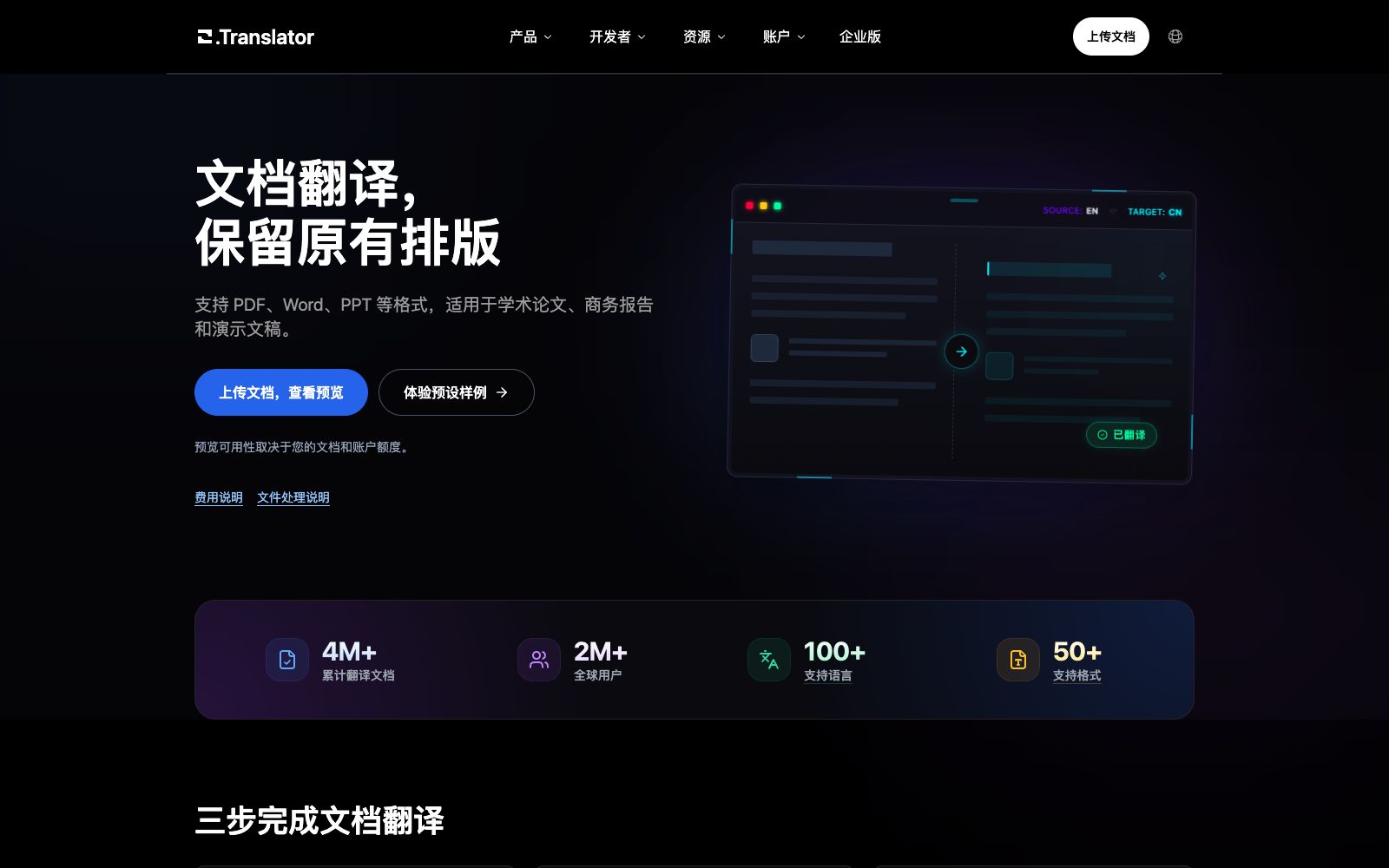
Online document translation service that preserves the original layout. Its official website states that it supports over 100 languages and more than 50 formats. It adopts a process of previewing partial translations and getting quotes first, then translating and downloading after confirmation, and also offers team plans and developer APIs.
Updated: 2026-10-26
What is O.Translator?
O.Translator is an online document translation service that preserves the original typesetting. Its official website supports more than 50 formats including Word, PPT, Excel, EPUB and over 100 languages. It adopts a three-step process: "upload documents, view previews and quotes, confirm translation and download". It first lets users see partial results and costs before deciding whether to translate the full text. The official website states that the translated versions can retain titles, tables and images, reducing post-translation typesetting efforts.
Who is it for?
- Researchers who need to translate scanned PDFs and complex tables.
- Enterprises that require business reports and tender documents in multiple languages.
- Enthusiasts and small studios engaged in comic localization.
- Users who want to preview the effect first before deciding whether to pay.
- Corporate marketing departments that need to localize presentation slides and training materials into multiple languages simultaneously.
Key features
8Preserve Layout
The official website states that it can retain titles, tables and images, and supports scanned PDFs and complex tables.
Three-step Process
Upload the document, view the preview and quote, confirm the translation and download.
Academic Paper Translation
The official website states that you can translate papers by pasting the arXiv link.
Terms and Rules
Text translation supports custom rules and glossaries, and the official website states that more contextually relevant results can be obtained.
Comics & Subtitles
The platform provides comic translation for CBZ and CBR formats, as well as audio and video subtitle translation.
Team Collaboration & API
The official website lists team plans, enterprise plans, and developer translation APIs.
40+ File Formats
The official website states that online document translation supports over 40 formats such as Word, PPT, Excel, and EPUB.
Audio and Video Subtitles
The official website states that it can transcribe and translate audio or video into subtitles.
How to use O.Translator
- 1First use the preview to check the effect on key pages (cover, charts, formulas), and pay for the full text only after confirmation.
- 2The official website states that billing is based on tokens, document analysis fees, and the selected mode; OCR and more advanced models will increase the cost, so please check the quotation page carefully.
- 3For scanned documents, be sure to confirm the accuracy of OCR recognition; incorrect recognition will lead to deviations in the entire translated text.
- 4Team-shared glossaries can significantly improve consistency during multi-person collaboration.
- 5The official website states that it has translated over 4 million documents in total and has more than 2 million users. These are official data, and the trial translation results shall prevail when making a selection.
- 6The official website states that the preview scope depends on the document and account quota; if previewing consumes quota, the task page will display the cost first.
- 7The official website provides a document processing policy statement; please check the retention period of the original text before uploading.
- 8Team and enterprise editions support sharing projects and glossaries; prioritize the team plan for multi-person collaboration.
Traffic & popularity
Data month Sep 2026
O.Translator receives about 494.9K visits per month and ranks #68,036 worldwide.
Monthly visits
12 monthsTraffic sources
- Search63.4%
- Direct25.4%
- Referrals4.2%
- Social2.6%
- AI assistants2.0%
- Other2.5%
Top countries
- United States9.1%
- Russia6.1%
- Vietnam5.0%
- Taiwan, China4.8%
- Brazil4.0%
Estimated from third-party traffic data.
Similar tools
 Belin DocAn AI document translation tool featuring free, unlimited usage and no login required. Its official website states that it is powered by top-tier format parsing algorithms and large models, supporting multiple formats such as PDF, EPUB, and DOCX while preserving the original layout, and allowing switching between multiple models.
 DoclingoDoclingo is a free AI document translation tool. It can translate PDFs, Word documents, PPTs and scanned copies online while preserving the layout. It supports over 100 languages and provides side-by-side bilingual comparison, and can be used without registration.
 TransmonkeyAn online AI translation platform covering documents, images, videos and texts. Its official website focuses on solving all translation needs in one place. Video translation supports subtitle translation and dubbing in more than 130 languages while retaining the original layout.
 Doc2LangAn AI document translation tool that focuses on preserving the original layout, supporting more than 20 formats including Word, PDF, PPT, Excel, EPUB and subtitles. The official says you can view the free preview before making a payment.
 Huì YìHuìyì is an AI-powered browser translation plugin that supports side-by-side webpage translation, word-by-word translation on selection, PDF and Word translation, webpage new word highlighting, and video subtitle translation, covering multiple languages.
 OpenLOpenL is an AI translation tool that supports text, image and document translation, covering more than 100 languages. It provides general, professional, legal, medical and other modes, and includes free quotas and subscription plans.