

ChatDOC
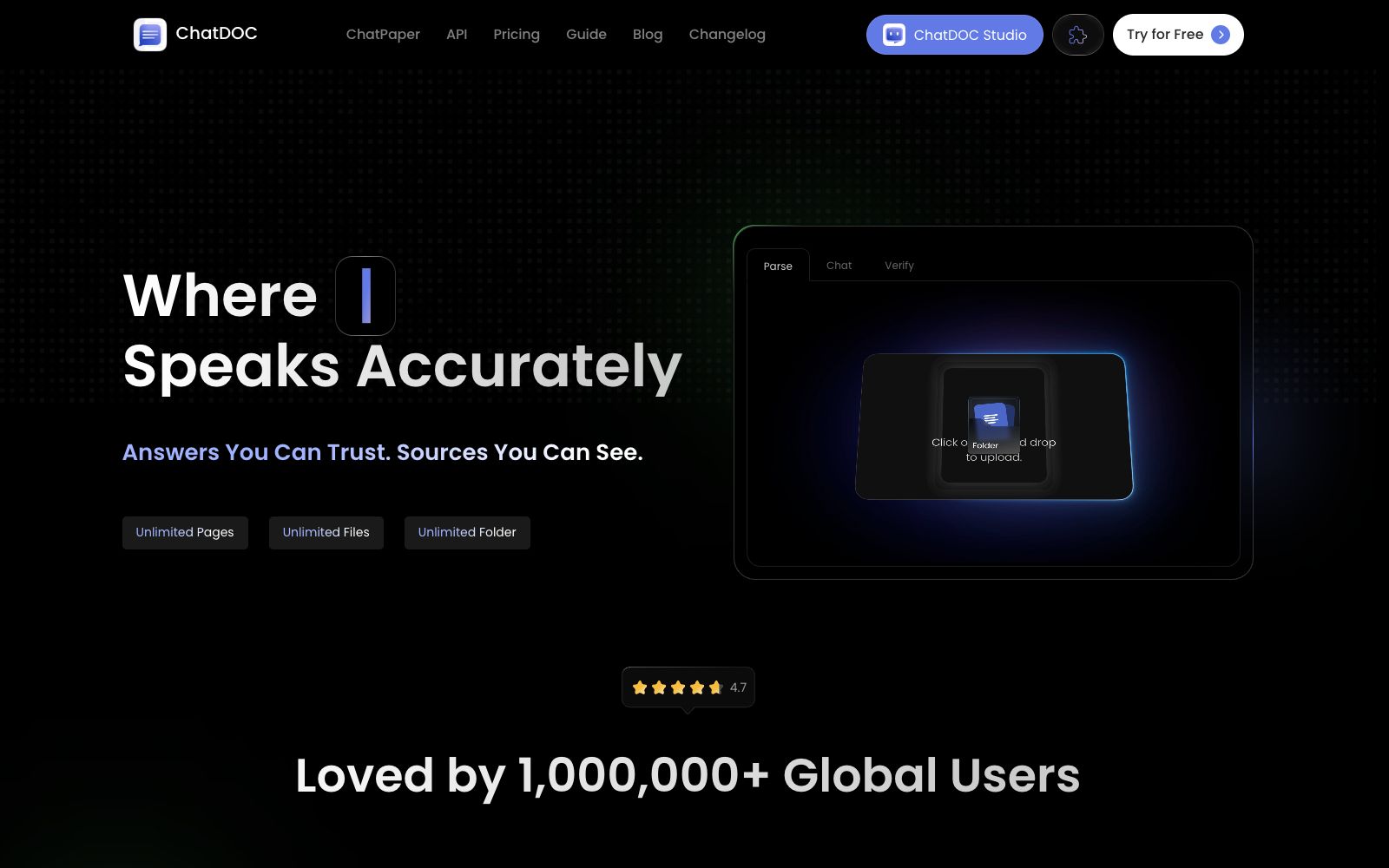
ChatDOC is an AI reading tool for conversing with PDF files. Officially, it can summarize long documents, explain concepts, quickly locate information, and its answers come with source citations. It supports formulas, cross-page tables and image recognition.
Updated: 2026-10-26
What is ChatDOC?
The slogan of ChatDOC's official website is "Reliable Answers, Visible Sources", focusing on the traceability of answers. Its difference from similar PDF Q&A tools lies in source anchoring: clicking on footnotes returns to the original text context, clicking on data shows the source, and selecting text displays the cited original text. The official website also offers other sub-products such as ChatPaper, PDF Parser, Parsing API and Studio, as well as a browser extension entry.
Who is it for?
- Researchers and students who need to read a large number of foreign language papers and want to quickly grasp the key points.
- Legal professionals who review contracts and judgments and need to locate conclusions in specific clauses.
- Analysts who work with financial reports and technical documents containing numerous tables and formulas.
- Readers who need to translate the content of PDF files into their native language while retaining the layout.
Key features
6Cross-file Q&A
The official description states that you can ask questions freely across all files, with no limit on the number of pages or files, and folder management is also supported.
Source Anchoring
Click footnotes to view context, click data to check the source, select text to see the cited original text, linking answers and evidence together.
Formulas, Images and Cross-page Tables
The official listing includes formula recognition, image analysis and cross-page table understanding, which are used to process technical and financial report documents.
Preserve Layout During Translation
The official states that the original layout is retained during translation, making it suitable for scenarios requiring side-by-side reading in both languages.
Format Retention & Prompt Library
The official website mentions format retention capabilities and a prompt library, making it easy to accumulate and reuse common query methods.
Multilingual & Infographic Generation
The official version states that it supports more than 25 languages and can convert text into infographics, making it convenient for reporting and sharing.
How to use ChatDOC
- 1The official website offers 100 free questions without the need to bind a bank card. First, test the extraction quality with real documents before making a decision.
- 2Tables and formulas are common difficulties in PDF parsing, so it is essential to verify key figures against the original text.
- 3Scanned documents rely on OCR; if the clarity is poor, replace with a clear scanned version before uploading to avoid incorrect characters affecting the conclusion.
- 4Confirm confidentiality requirements before uploading contracts and undisclosed papers, and pay attention to the platform's file retention policy.
- 5The free and paid versions have restrictions on the number of files, pages, OCR pages and file size, and the specific details shall be subject to the official website's price list.
- 6It is mentioned on the official website that image analysis and other features are paid add-ons. Please confirm whether you really need them before subscribing.
- 7For team collaboration or batch analysis, you can first check out Studio and the Parsing API on the official website to confirm if using the API is more suitable.
Traffic & popularity
Data month Sep 2026
ChatDOC receives about 9.4K visits per month and ranks #3,234,050 worldwide.
Monthly visits
12 monthsTraffic sources
- Direct40.8%
- Search34.8%
- Referrals10.2%
- Social5.9%
- Display ads2.6%
- Other5.6%
Top countries
- Japan17.6%
- United States16.1%
- Indonesia9.1%
- India6.5%
- Russia5.7%
Estimated from third-party traffic data.
Similar tools
 PDF.aiA platform that supports PDF dialogue and provides PDF APIs, which can answer questions, generate summaries and find answers. It can also parse documents, extract data and split files in its own workflow. The official website provides online tools and interface documents.
 OtioOtio is a research workbench for large volumes of materials. Officially, it allows you to collect PDFs, videos and web pages into a unified database, conduct cross-model conversations and provide page-level citations, and supports long-term projects and note-taking.
 RabbitholeAn AI Q&A tool with curiosity as the entry point, the official said it can conduct multi-threaded conversations on any question and retain history. The free version offers three searches per day, and answers come with source citations for verification.
 Doc2XOnline document workbench, providing PDF to Word/Markdown/LaTeX conversion, formula and table recognition, and document translation. The official claims that you can check first before editing and exporting.
 AskYourPDFAn AI tool platform for PDFs and websites that supports conversational Q&A for any PDF, embeds AI customer service on web pages, and automatically fills out forms using AI. The official claims there are over 5 million users worldwide.
 MapifyMapify is an AI mind mapping tool launched by the Xmind team. It supports importing text, PDF, videos, web pages, audio and video, and can generate mind maps in seconds. The official website states that it supports more than 30 languages.