


Descript
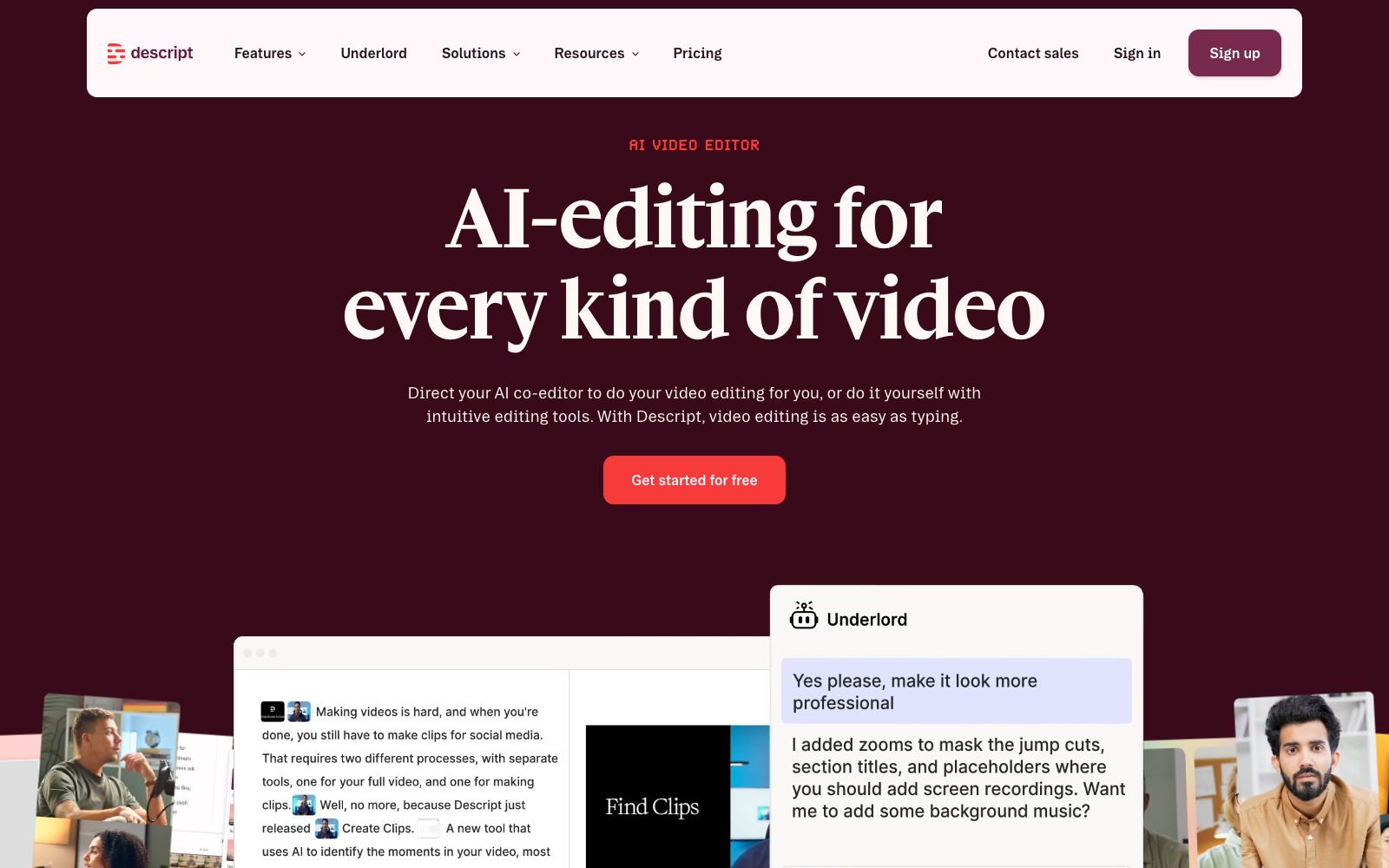
Text-driven AI video and audio editor: Convert video into transcripts, edit by deleting sentences just like modifying a document. Combined with the AI collaborative editor Underlord, it greatly improves the editing efficiency of podcasts and oral broadcast videos.
Updated: 2026-10-26
What is Descript?
Descript is a so-called text-driven AI video and audio editor. Its official website directly lists its selling points in the title: making video editing as simple as editing text, and recording, transcribing, clipping, and publishing can all be done in a single tool. Its entire workflow is divided into five steps: recording, editing, refinement, sharing, and viral promotion. The biggest difference from other clip editors that organize ideas by timeline lies in the second step-after you drag a piece of material in, you first get an instant transcript. Deleting a sentence is equivalent to deleting that segment of video, and modifying the text is equivalent to editing the video. The official website also provides the AI collaboration editor Underlord, which you can assign as a co-editor or take over the operation yourself.
Who is it for?
- Creators of interview, voice-over and explainer videos with lengthyassets who need to edit based on transcripts
- Podcasters and dubbing professionals, who need audio processing such as voice enhancement in addition to noise reduction
- Remote teams that need to turn screen recordings and Zoom meetings into external content
- Content operation teams that want to split a single master video into multilingual and multi-platform versions
- Beginners who are used to document editing but unfamiliar with timeline-based editing can find dedicated answers in the official FAQ about whether the tool is suitable for them
- Enterprise teams with security and brand control requirements; the official website features a dedicated section covering enterprise security, brand management, and collaboration.
Key features
6Text-based Editing
Whether it's an interview, script, or Zoom meeting recording captured internally or dragged in from outside, the official says it can generate a transcript in just a few seconds. You can then complete the editing by copying, pasting, and dragging the text; one-click processing is available for deleting filler words and redundant segments.
Remove filler words & Remove retakes
The official website lists removing filler words and removing retakes as two separate buttons. It can batch eliminate common oral expressions in the oral narration and repeatedly recorded paragraphs, while the timeline is still retained, allowing for fine-tuning later if needed.
Underlord AI editor
The official positions it as an AI co-editor. You can give it instructions to help you edit, or use the regular editing tools in the platform to do it yourself.
Refine One-Click Refinement
The official website states that removing background noise, correcting eye contact, adjusting lighting, and smoothing jump cuts all only require one click; additionally, Regenerate audio & video and Add scenes & layouts are used to reconstruct materials and layouts.
Share sharing and comments
Share comments and reviews directly on the video by sending a link; you can also add subtitles in real time, generate thumbnails, and create YouTube descriptions.
Multiply Multi-platform Reuse
One master version can be translated into dozens of languages and repurposed for platforms such as YouTube, TikTok, and LinkedIn. Additionally, Create video clips and Highlights are available for segmenting, and the platform also indicates the provision of API MCP.
How to use Descript
- When you start, first upload all the materials in one go, wait for the script to be generated, and then revise it paragraph by paragraph.
- This is the main path provided by the official website.
- The whole process follows the order of Record, Edit, Refine, Share, and Multiply.
- Don’t jump to the back only to find that the recording quality hasn’t been processed-fixing background noise, eye contact issues, and jump cuts earlier is much easier.
- If you need to distribute across multiple platforms, use Multiply at the end: finalize the master first, then perform translation and revision.
- Otherwise, you’ll have to redo the entire process for every change.
- In the sharing phase, use link reviews so that comments can be pinned to specific timestamps, which is clearer than communicating via screenshots.
- The official website offers a free starter plan.
- quotas and features are subject to the pricing page.
- Always obtain authorization when using interviewees’ portraits and recordings.
- when using AI-reconstructed audio or video as real human voices or images, pay attention to labeling and compliance.
Traffic & popularity
Data month Sep 2026
Descript receives about 5.2M visits per month and ranks #8,572 worldwide.
Monthly visits
12 monthsTraffic sources
- Direct51.9%
- Search32.1%
- Referrals4.4%
- AI assistants4.3%
- Social4.2%
- Other3.1%
Top countries
- United States38.7%
- India8.1%
- United Kingdom6.4%
- Philippines4.4%
- Australia2.8%
Estimated from third-party traffic data.
In these collections
Similar tools
 CleanvoiceAn AI audio editing tool for podcasts, which automatically removes background noise, verbal tics, lisping and silent segments. It supports multi-track synchronized editing and timeline export, and its official website states that it complies with GDPR.
 WisecutWisecut is an AI editing tool for podcasts, YouTube and webinars. It automatically slices videos, adds subtitles, reframes content and adds background music. The official statement says that more than 1 million creators have used it.
 KuaijianjiA domestic cloud-based video editing SaaS that offers online watermark removal, screen recording, video-text conversion and intelligent subtitles, built-in AI tools such as text-to-video editing, intelligent matting and video original sound translation, equipped with a massive amount of copyrighted template materials, and supports web, mobile and desktop platforms.
 AutoPodAutoPod is an automatic editing plugin suite for Adobe Premiere Pro that can automatically handle multi-camera video podcasts, batch generate vertical short videos for social media, and perform automatic jump cuts based on silence.
 captionrichAn AI dubbing video editing tool based on text editing, the official website states that editing can be completed by modifying the transcription script. It automatically removes filler words and awkward pauses, supports B-roll insertion, motion graphics subtitles, and translation into more than 50 languages, and is targeted at the short video and podcast editing scenarios.
 KapwingA modern video editor in the browser that offers capabilities such as generating complete video projects from prompts, automatic subtitling, audio editing, text-to-speech, and Repurpose Studio clipping. According to its official website, more than 30 million creators worldwide use it.