


QwenPaw
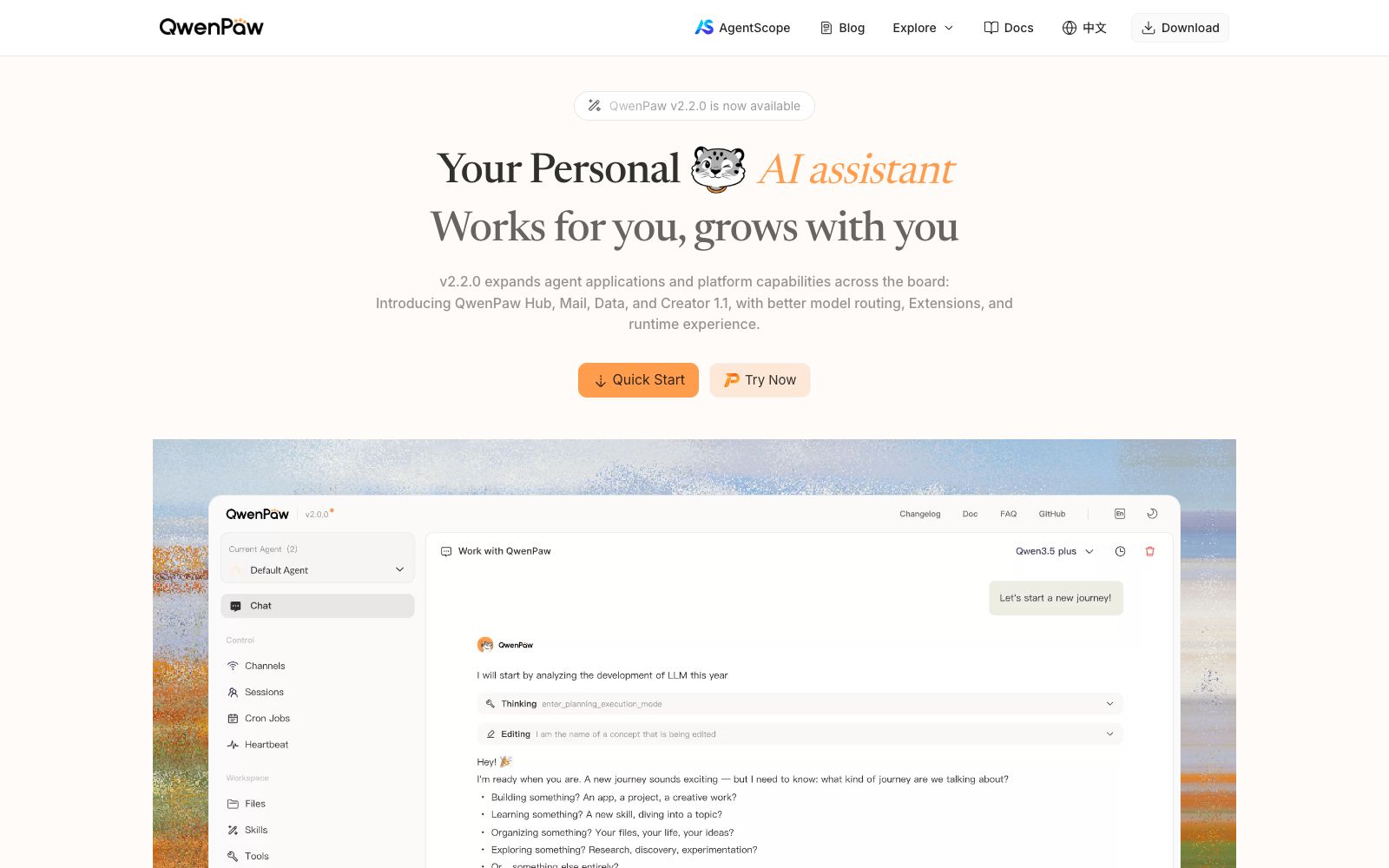
An open-source personal intelligent agent workbench developed by Tongyi, which can be deployed locally or on the cloud, accessed via channels such as DingTalk, Feishu, QQ, and Discord, and extended with Skills and MCP capabilities.
Updated: 2026-10-26
What is QwenPaw?
The official title of QwenPaw is "Works for you, grows with you.", which is officially explained as Qwen Personal Agent Workstation, embodying the meaning "The wisdom of Qwen, the warmth of Paw". Open-sourced by the Tongyi Lab and hosted on the AgentScope platform, its official FAQ clearly states that existing CoPaw users can continue to use their previous configurations, memories and skills by downloading the latest version.
Who is it for?
- Developers who want to run a productive personal assistant on their own machines and are unwilling to use a fully managed service.
- Team leaders who want their assistants to stay on DingTalk or Feishu for team-wide use.
- University and enterprise researchers who study agent frameworks and require readable and modifiable source code.
- Operations personnel who use scheduled tasks for inspections, reminders, and information summarization.
- Long-time users migrating from CoPaw who wish a smooth transition of their configurations and memories.
Key features
6Multi-channel Access
The official website states that it has multiple built-in channels and supports DingTalk, Feishu, QQ, Discord, iMessage, etc.
Local or Cloud Deployment
It can run on the local machine or be deployed on a server for team use, with members having isolated workspaces and credentials.
Skills & Extension Marketplace
The official version states that you can search for and manage applications, plugins, and Skills through a single entry, and supports batch start/stop operations.
Scheduled Tasks
Built-in Cron tasks are available, and reminders can also be created directly in the channel using natural language.
Unified Model Routing
Provides capability-aware routing, fallback strategies, and usage insights.
Email and Data Capabilities
The official version description mentions the addition of Hub, Mail, Data, and Creator modules.
How to use QwenPaw
- If you're not familiar with the command line, you can directly download the desktop application.
- those familiar with Python can use pip, and if environment isolation is needed, the official Docker image can be used.
- For convenience, you can choose one-click cloud deployment, but for private data, local or self-hosted deployment is recommended as the first choice.
- You can configure cloud providers or local models in the console, and set the default model first before starting to use it.
- For upgrades, follow the same method you used for installation.
- for the Windows desktop version, you currently need to uninstall and reinstall it.
- Before letting the agent perform file and command operations, confirm the sandbox and permission settings.
- the official feature list is updated frequently, so please refer to the documentation for the latest information.
Traffic & popularity
Data month Sep 2026
QwenPaw receives about 19.7K visits per month.
Monthly visits
9 monthsTraffic sources
- Direct65.4%
- Search26.3%
- Referrals7.5%
- Social0.6%
- Display ads0.3%
Top countries
- China84.2%
- United States4.2%
- Hong Kong, China3.5%
- Taiwan, China2.4%
- Singapore1.5%
Estimated from third-party traffic data.
Similar tools
 MonolithosMonolithos is the personal agent operating system as referred to on the official website: built on your Markdown and YAML memories, it connects knowledge, writing, tasks, and multi-device work, with key actions awaiting authorization.
 Hermes AgentNous Research's open-source and self-hostable AI agent, officially available for free under the MIT license, supports persistent memory, automatic skill generation, multi-platform access, and isolated sandboxes. It can be downloaded for desktop or terminal installation.
 MausBotMausBot is an open-source desktop AI agent app that gives each agent its own dedicated computer. It supports models including Claude, Codex, Grok, and Kimi, and connects to the apps you use every day through Composio.
 MuseMeta has launched a personal AI agent that can proactively advance tasks in life and work scenarios, supports conversations on mobile phones, Mac and WhatsApp, has a built-in secure credential vault and approval for key operations, and has released a small business version.
 PandaWikiPandaWiki is a knowledge base construction system launched by Changting Baizhiyun. With the help of large models, it provides AI creation, AI question answering and AI search. It can quickly build product documents, FAQs and blogs, and supports open source and multi-model access.OpenWorkerOpenWorker is an open-source AI agent that runs on your own computer. According to its official website, you just need to state the desired outcome, and it will complete tasks in daily tools such as files, code repositories, Slack, and calendars, delivering code reviews, cloud configuration checks, documentation, and session responses. It covers research and development, security, and daily office scenarios.