

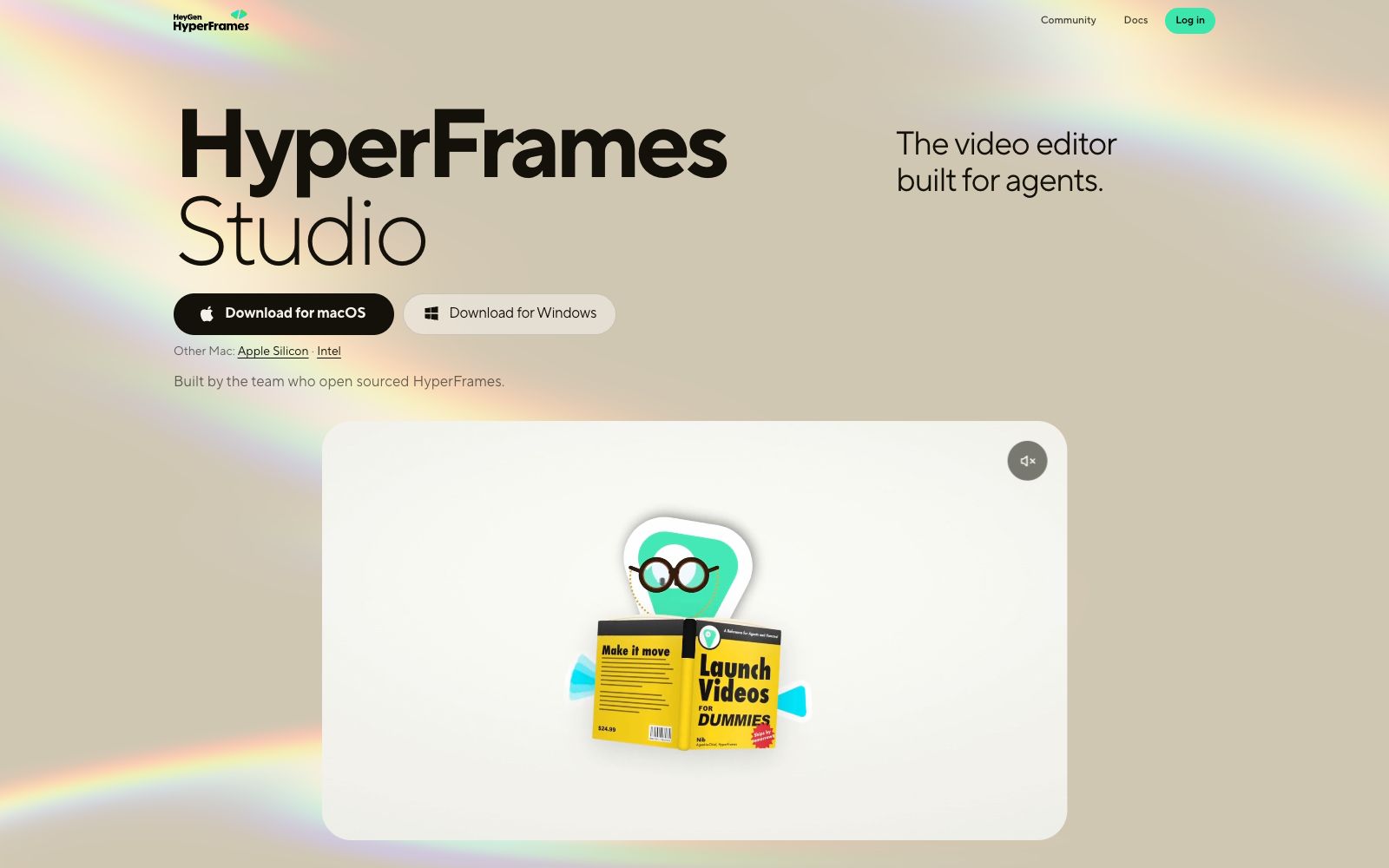

HyperFrames Studio
HyperFrames Studio is a desktop video editor for AI agents. According to its official website, it renders HTML, CSS and addressable animations into MP4. It supports macOS, Windows and Linux, and is developed by the team behind the open-source project HyperFrames.
Updated: 2026-10-26
What is HyperFrames Studio?
HyperFrames Studio's official self-description is "The video editor built for agents", and it is developed by the team behind the open-source project HyperFrames. Its approach does not involve dragging on a timeline; instead, it defines videos as HTML: writing HTML, CSS, and addressable animations, then rendering them into videos. The repository description states "turning HTML, CSS, media, and seekable animations into deterministic MP4 videos", and the desktop version supports macOS, Windows, and Linux.
Who is it for?
- Engineers who develop with agents like Claude Code, Codex, and Cursor and want to integrate video into the same workflow.
- Data content teams that need to turn chart races and map animations into reproducible videos.
- Technical teams that conduct product launches and PR reviews and require version control.
Key features
5Render HTML to MP4
Official examples use data attributes to mark timelines and tracks, and support addressable animations created with GSAP, CSS, Lottie, Three.js, Anime.js, or WAAPI.
Agent Skills
The official website states that a total of 7 skills have been released. The core set includes /hyperframes, /hyperframes-cli, /hyperframes-registry and /media-use, covering the cycle of writing HTML, connecting animations, adding media, previewing and rendering.
Component Library
The registry offers approximately 450 blocks and components that can be installed as source code, including transitions, overlays, titles, kinetic typography, subtitles, charts, maps, and camera movements.
CLI Workflow
The official website provides three steps: npx hyperframes init, preview, and render. Preview comes with hot reloading, and render outputs MP4 files. Node.js 22+ and FFmpeg are required.
frame.md Design System
The official website states that it converts web-oriented design.md into shot-oriented design specifications, eliminating the need for agents to guess the screen dimensions.
How to use HyperFrames Studio
- First install the skills according to the official website method (npx skills add heygen-com/hyperframes or npx hyperframes skills update), then let the agent generate videos.
- The official website notes that skills add may be several hours behind the main branch due to the skills.sh registry.
- To get the latest copy, use skills update.
- The official website recommends a project-level installation in the project directory.
- for source code checkouts, use `npx hyperframes skills update` for a global installation, otherwise uncommitted changes in the `skills/` directory may be overwritten.
- Run preview to check frame by frame before rendering: Animations are driven by data attributes, and incorrect parameters are not easily detectable until rendering is complete.
- Local rendering requires Node.js 22+ and FFmpeg.
- Confirm the environment first before starting batch tasks.
- the official website also provides a cloud rendering option.
Traffic & popularity
Data month Sep 2026
HyperFrames Studio receives about 274.1K visits per month and ranks #143,536 worldwide.
Monthly visits
9 monthsTraffic sources
- Direct59.2%
- Referrals25.6%
- Search7.0%
- Social5.4%
- AI assistants1.7%
- Other1.2%
Top countries
- United States24.9%
- India14.7%
- France5.3%
- Germany4.7%
- Italy4.5%
Estimated from third-party traffic data.
In these collections
Similar tools
 The Prompt IndexIt packs 24 AI tools and a prompt database into one workspace. The official website states it includes over 780 carefully selected prompts and more than 2,600 agent skills, covering writing, research, decision-making, image generation and other fields.
 Coze StudioCoze Studio's open-source entry, where the official team releases a development platform, a compass for operation and maintenance optimization, and a Go-based open-source agent framework. It is suitable for technical teams that want to build their own agent platforms or perform secondary development.
 OpenClawOpen-source AI assistant, which according to its official website runs on your own machine, can be invoked on channels such as WhatsApp, Telegram, Slack, and iMessage. It helps you organize your inbox, send emails, and manage your schedule, and is licensed under MIT.