


Cleanvoice
An AI audio editing tool for podcasts, which automatically removes background noise, verbal tics, lisping and silent segments. It supports multi-track synchronized editing and timeline export, and its official website states that it complies with GDPR.
Updated: 2026-10-26
What is Cleanvoice?
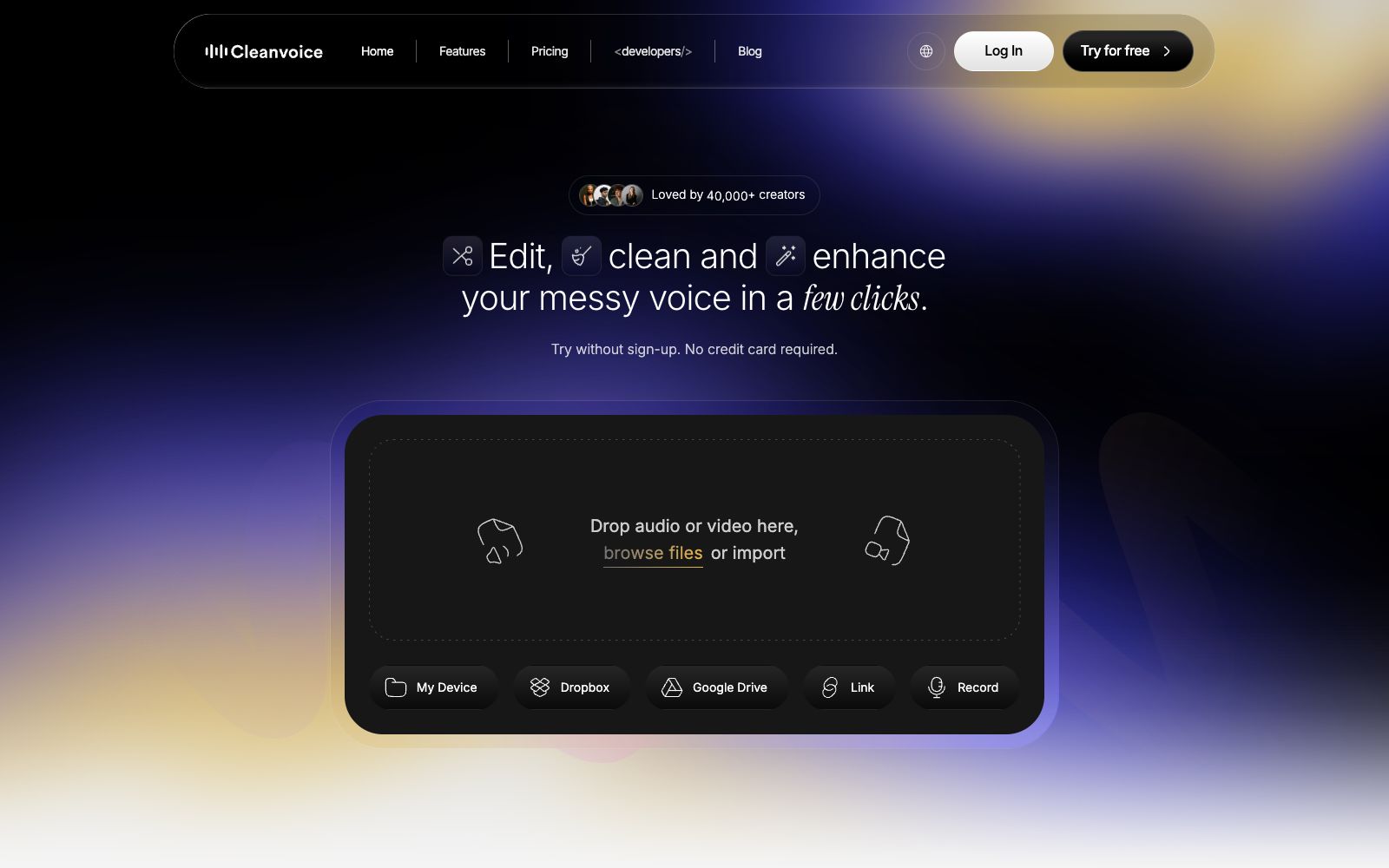
Cleanvoice is an AI audio editing tool for podcasts. Its official website self-describes as "Edit Audio & Video Podcast in 10 Mins, in Clicks", focusing on cleaning up rough recordings with just a few clicks. The typical issues it handles are specific: background noise, hum and echo, filler words, lisping, breathing sounds, stuttering, and long silences. The official website states that users can try it without registration and without a credit card, and it is marked as GDPR-compliant. The website also claims that more than 40,000 creators use it.
Who is it for?
- Independent podcasters who update weekly and want to save hours of manual editing.
- Media and self-media teams that record remote interviews and struggle to control ambient noise.
- Voice actors who create audiobooks and dubbing and need to batch remove mouth sounds.
- Developers who want to integrate editing capabilities into their own systems.
Key features
7Background Noise
Automatically removes background noise, mouth clicks and breathing sounds, which is listed as a core cleaning item on the official website.
Filler Words
Identify and cut out every instance of filler words and long pauses.
Enhance
Elevate the original recording to a studio-grade listening experience.
Multitrack Editing
Multitrack editing. The official website states that it can remove filler words and gaps from each speaker's audio track at once while maintaining synchronization.
Timeline Export
Export the edited results as an editable timeline for fine-tuning in other software.
Breath Remover / Stutter Remover / Deadair Remover
Sub-item processing options listed on the official website such as breath removal, stutter removal and dead air removal.
Transcription / Summary
The official website also offers transcription, podcast summaries, show notes, as well as Python, JavaScript, and REST APIs for developers.
How to use Cleanvoice
- First, upload a short clip of the most typical problematic audio to test the effect, confirm the cleaning intensity, and then process the entire episode.
- Don't cut all filler words and pauses in a one-size-fits-all manner.
- removing them entirely will make the conversation sound rushed, so keeping a little is more natural.
- In multi-track scenarios, be sure to confirm that speaker separation is correct first.
- cutting the wrong track is more troublesome than not cutting at all.
- Export the timeline to your own host software for final mixing, which is more controllable than finalizing directly in the web version.
- When recording guest interviews, inform them in advance that noise reduction and editing will be performed.
- the official website states compliance with GDPR, but the specific data processing terms shall be subject to the official website's instructions.
Traffic & popularity
Data month Sep 2026
Cleanvoice receives about 1.8M visits per month and ranks #20,498 worldwide.
Monthly visits
12 monthsTraffic sources
- Search64.4%
- Direct28.1%
- Referrals3.6%
- Social2.9%
- Mail1.1%
Top countries
- India19.3%
- United States10.3%
- Russia5.8%
- Indonesia5.0%
- Philippines3.4%
Estimated from third-party traffic data.
Similar tools
 DescriptText-driven AI video and audio editor: Convert video into transcripts, edit by deleting sentences just like modifying a document. Combined with the AI collaborative editor Underlord, it greatly improves the editing efficiency of podcasts and oral broadcast videos.
 WisecutWisecut is an AI editing tool for podcasts, YouTube and webinars. It automatically slices videos, adds subtitles, reframes content and adds background music. The official statement says that more than 1 million creators have used it.
 Audio EnhancerOnline AI audio repair tool that removes background noise, echo and hum with one click and unifies loudness. Suitable for podcasters, voice-over videos and audio recordings to perform noise reduction before release.
 AutoPodAutoPod is an automatic editing plugin suite for Adobe Premiere Pro that can automatically handle multi-camera video podcasts, batch generate vertical short videos for social media, and perform automatic jump cuts based on silence.
 DeVoiceDeVoice is a free AI transcription and audio enhancement service. It supports timestamped transcription for over 100 languages, can export subtitles and generate intelligent summaries, and is designed for podcasts and meetings.
 BigJPGA tool for lossless image enlargement using deep convolutional neural networks (CNNs). The official claims it can enlarge images up to 16 times with intelligent noise reduction. It is optimized for illustrations and photos separately, reconstructing lines and details instead of stretching pixels. It also provides clients, APIs, and old photo restoration services.