


AudioMuse
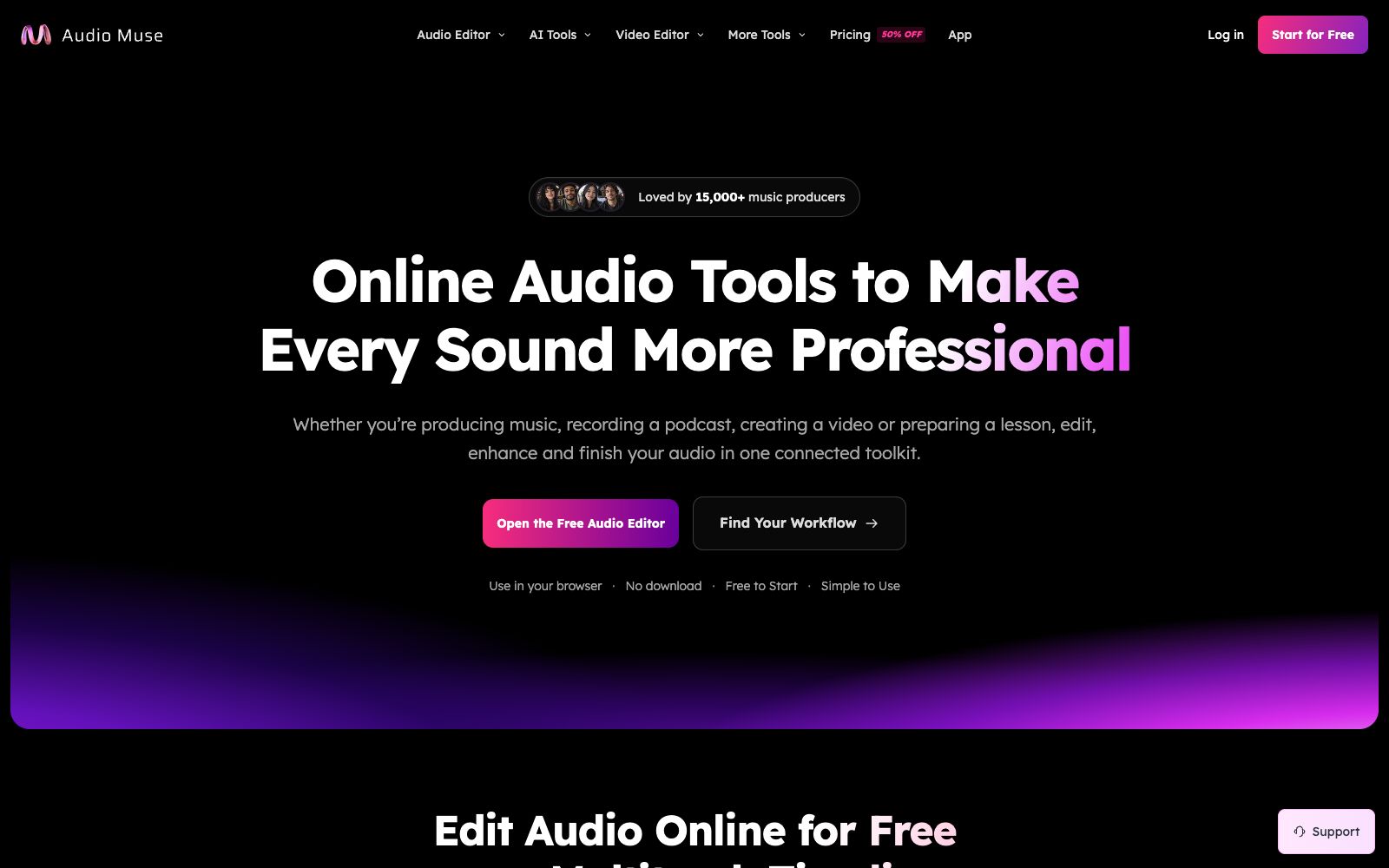
AudioMuse is an online audio toolbox in the browser. Its official website states that you can start editing it directly without downloading or registration. It provides a timeline with up to six tracks, supporting cutting and splicing, pitch and speed adjustment, volume control and fade in/out effects. It also uses AI for mastering, noise reduction and enhancement, as well as vocal and accompaniment separation, covering scenarios such as music production, podcasts and video dubbing.
Updated: 2026-10-26
What is AudioMuse?
The official website of AudioMuse positions itself as "Make Every Sound More Professional" — it integrates audio editing, mastering, enhancement and vocal separation into a single browser toolkit. According to the website, it has been used by more than 15,000 music producers. The difference between it and a single online editor lies in the seamless workflow of "editing — enhancing — separating": after finishing the editing, you can proceed to mastering or track splitting without switching to another site.
Who is it for?
- People who make music production and need to analyze the key and BPM of a piece before practicing or transposing it
- Creators who record podcasts and voiceovers who need to first reduce noise and then cut out misspoken words and repeated sentences
- Editors who add voiceovers and background music to videos and need to balance vocals with background scores
- Music lovers who want to create karaoke accompaniments, practice by splitting tracks, or do remixes
- Short video creators who need to extract the audio tracks from MP4 files for separate processing or format conversion
Key features
6Multi-track Editing
The official website states that you can start editing immediately after opening a file without downloading or registering an account; you can trim individual recordings, arrange up to six tracks, make fine adjustments to each track, preview the complete mix, and then export the final product.
Cut and Merge
Trim both ends with waveform precision, split at the playhead or delete an unwanted section in the middle and automatically close the gap; undo and redo functions let you experiment without losing previous work.
Pitch and Speed
You can raise or lower the pitch without changing the duration, and independently adjust the speed from 0.25× to 4× to slow down difficult sections, transpose the key, or find a suitable rhythm.
AI Mastering
Transforms your finished mix into a clearer, louder, and more balanced master. The official website states that you can choose a style and a loudness target, preview first, and then export.
AI Audio Enhancement
Reduces background noise, echoes, and hum while preserving speech clarity, refining hard-to-record audio to be closer to studio quality.
Vocal Separation
The official website states that Stem Splitter can be used as a vocal remover to extract vocals or create instrumental versions, which is useful for karaoke, part-by-part practice, remixing, or exporting individual tracks for further editing.
Things to know
Usage Tips
- The workflow provided on the official website is as follows: first import the track to analyze the key and BPM, then use Stem Splitter to split the tracks, slow down the difficult sections for practice, return to the timeline to arrange the mix, and finally adjust the frequency with an equalizer, wrap up with AI mastering, and export as MP3 or WAV.
- Free Start: The official website states that you can get started without installing any software or paying in advance. Before exporting, confirm the formats and durations covered by the free quota.
- It supports MP3, WAV, M4A, FLAC, OGG, AAC formats and audio tracks from MP4, and allows mixing different source formats within the same project.
- Privacy: The official website states that the audio editor processes files locally on your device, with optional projects remaining in the browser, and tools requiring cloud-based AI processing are clearly distinguished — think carefully before uploading unreleased tracks or recordings containing others' voices.
- When dealing with copyright-protected songs, separation and remix may be subject to license restrictions; confirm authorization before commercial use or public distribution.
Traffic & popularity
Data month Sep 2026
AudioMuse receives about 5.1K visits per month and ranks #5,635,254 worldwide.
Monthly visits
12 monthsTraffic sources
- Search49.9%
- Direct29.7%
- Referrals9.8%
- Social3.7%
- AI assistants2.1%
- Other4.9%
Top countries
- United States46.7%
- Indonesia8.9%
- Brazil7.1%
- India6.5%
- France6.3%
Estimated from third-party traffic data.
In these collections
Similar tools
 Brev AIOnline AI music generation tool that can generate royalty-free music with commercial authorization by simply describing it in text, and provides functions such as vocal separation, lyrics generation, sound effects and MP4 lyrics videos.
 FreeTTSA free audio toolset in the browser, which provides speech-to-text, voice separation, voice enhancement and online audio editing in addition to text-to-speech, suitable for users who don't want to install software and only process audio occasionally.
 eMasteredeMastered is an online mastering tool created by Grammy-winning engineers. Upload your audio tracks to automatically apply EQ, compression, and loudness processing, get the final product in seconds, and it also supports reference mastering matching.
 SeplyAn AI speaker diarization tool that splits podcasts, interviews, or meeting recordings into separate, time-aligned WAV tracks for each speaker. It officially supports more than 30 languages plus audio and video input, uses credit-based pricing, and offers 20 free credits.
 LALAL.AIProfessional AI tool for vocal and instrument separation: upload audio or video to extract high-quality vocal, accompaniment and various instrument tracks in seconds, suitable for cover songs, remixes and material reuse.
 VoiceDubAn AI cover studio in the browser that can replace vocals with tens of thousands of community voices to create covers. It also provides tools such as voice cloning, duets, vocal separation, and text-to-speech, and supports exporting WAV files and multi-tracks.