


captionrich
An AI dubbing video editing tool based on text editing, the official website states that editing can be completed by modifying the transcription script. It automatically removes filler words and awkward pauses, supports B-roll insertion, motion graphics subtitles, and translation into more than 50 languages, and is targeted at the short video and podcast editing scenarios.
Updated: 2026-10-27
What is captionrich?
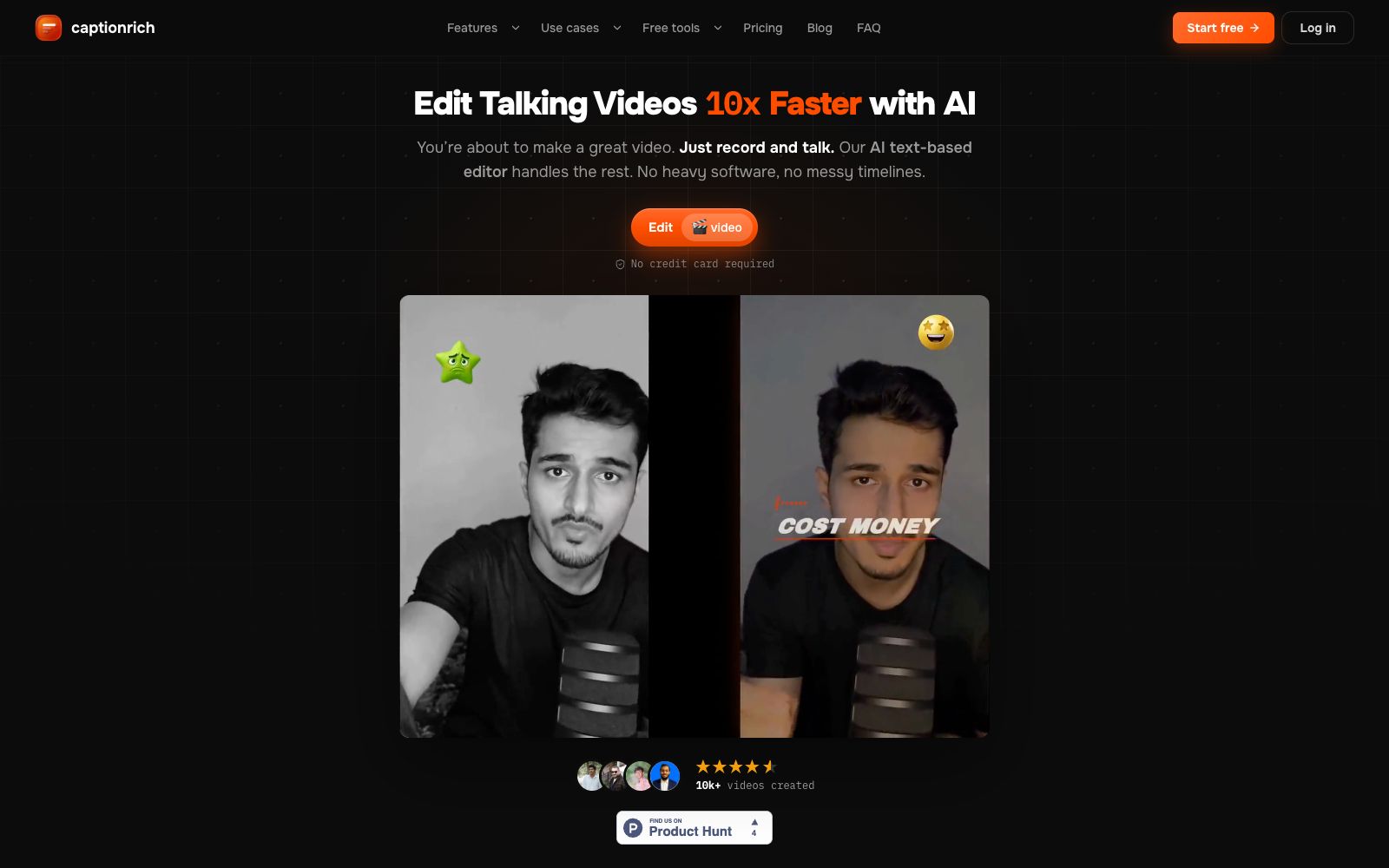
The official website positioning of CaptionRich is "Edit Videos 10x faster with AI video editor". It simplifies the editing process of oral broadcast videos into editing a document: delete a word, and the corresponding clip in the video is cut out; select a few words, you can add B-roll, adjust the rhythm or modify the subtitle style. The website emphasizes that there is no need for timeline operations, and all changes can be undone. It is targeted at short video creators and podcasters on TikTok, Reels, Shorts and other platforms.
Who is it for?
- Content creators who edit daily talk-short videos and want to reduce timeline operations
- Streamers or media teams who cut long podcasts into multiple short clips for distribution
- Creators going global who need multilingual subtitles to reach overseas audiences
- Teaching teams that want to add synchronized subtitles to course or explanatory videos to improve accessibility
Key features
6Text-driven editing
The official website states that deleting words or sentences in the transcription will cut the corresponding video clips simultaneously, and clicking a word will jump to the corresponding moment.
One-click Cleanup
The official website states that it can automatically remove filler words, false starts, and awkward pauses, as well as tighten jump cuts between sentences, with each feature individually toggleable.
B-roll and Media Assets
The official website states that you can insert matching Pexels footage, GIFs, or your own media assets at any word, and supports exporting selected clips individually.
Dynamic Subtitles
The official website states that it offers over 40 word-by-word subtitle styles for short videos. These styles can be saved as brand templates, eliminating the need to reconfigure them for repeated use.
Auto Motion Graphics
The official website states that it generates dynamic elements such as title cards, data cards, and prompt words according to the scene, and provides transitions like fade out, flash white, and slide.
Multilingual Translation
The official website states that it can translate subtitles into more than 50 languages, translating based on context rather than word-for-word literal translation, while keeping the timeline aligned.
Things to know
Usage Tips
- The official website states that you can get started without a credit card. It is recommended to first upload 3-5 minutes of real footage and try the default combination of "Remove Filler Words + Eliminate Awkward Pauses".
- For text-based editing, first delete entire sections of irrelevant content, then fine-tune the start and end by clicking on words, which is much faster than dragging the timeline frame by frame.
- Before releasing in multiple languages, check if the tone of the AI translation matches your brand. If necessary, manually modify a few key words and then let the timeline align automatically.
- For B-roll insertion, prioritize words that show emotional shifts; don’t add B-roll to every sentence, or the rhythm will become scattered.
- The official website states that over 40 subtitle styles can be saved as templates. For team collaboration, define one or two brand styles first to avoid reselecting styles for each video. Before exporting, preview the final video on a mobile phone to ensure the subtitles are not obscured by the platform's UI in vertical screen mode.
Traffic & popularity
Data month Sep 2026
captionrich receives about 37 visits per month.
Monthly visits
7 monthsTraffic sources
- Direct36.2%
- Search33.5%
- Referrals12.6%
- Social6.5%
- Display ads4.3%
- Other6.9%
Top countries
- Spain50.3%
- Belgium49.7%
Estimated from third-party traffic data.
Similar tools
 ActionAn AI oral broadcast video creation tool under Meitu, the official claims it offers features such as intelligent teleprompter, internet-savvy subtitles, intelligent montage, hit copycat, image quality restoration and AI removal, allowing users to complete internet-savvy oral broadcast videos on their mobile phones.
 CaptionBoltCaptionBolt is an AI subtitle and pre-publishing tool for social videos. According to its official website, it can transcribe speech, synchronize subtitles and apply 338 styles. Meanwhile, it supports adjusting aspect ratio, clipping, adding B-Roll, brand elements, covers and publishing copy, making it suitable for creators and small teams.
 CaptionsAn AI clipping and generation app for short videos, officially claimed to complete clipping in one go like a professional editor, offering subtitles, translated subtitles, digital humans and conversational editors.
 PandaStudioPandaStudio is a desktop AI video editor. According to its official website, it supports screen recording and camera shooting, clips videos based on transcripts, generates subtitle graphics, creates AI titles and covers, and can be published to YouTube; its built-in intelligent agent can edit according to text instructions, and Claude Code and Codex can also drive it.
 KuaijianjiA domestic cloud-based video editing SaaS that offers online watermark removal, screen recording, video-text conversion and intelligent subtitles, built-in AI tools such as text-to-video editing, intelligent matting and video original sound translation, equipped with a massive amount of copyrighted template materials, and supports web, mobile and desktop platforms.
 CinLinkCinLink is a natural language-driven AI media workspace that brings together speech, visuals, subtitles, and timecodes into a single searchable project. Officially, it enables transcription, subtitle translation, dubbing, clip merging/splitting, and quality enhancement on the local desktop, with you verifying each step before export.