


CinLink
CinLink is a natural language-driven AI media workspace that brings together speech, visuals, subtitles, and timecodes into a single searchable project. Officially, it enables transcription, subtitle translation, dubbing, clip merging/splitting, and quality enhancement on the local desktop, with you verifying each step before export.
Updated: 2026-10-27
What is CinLink?
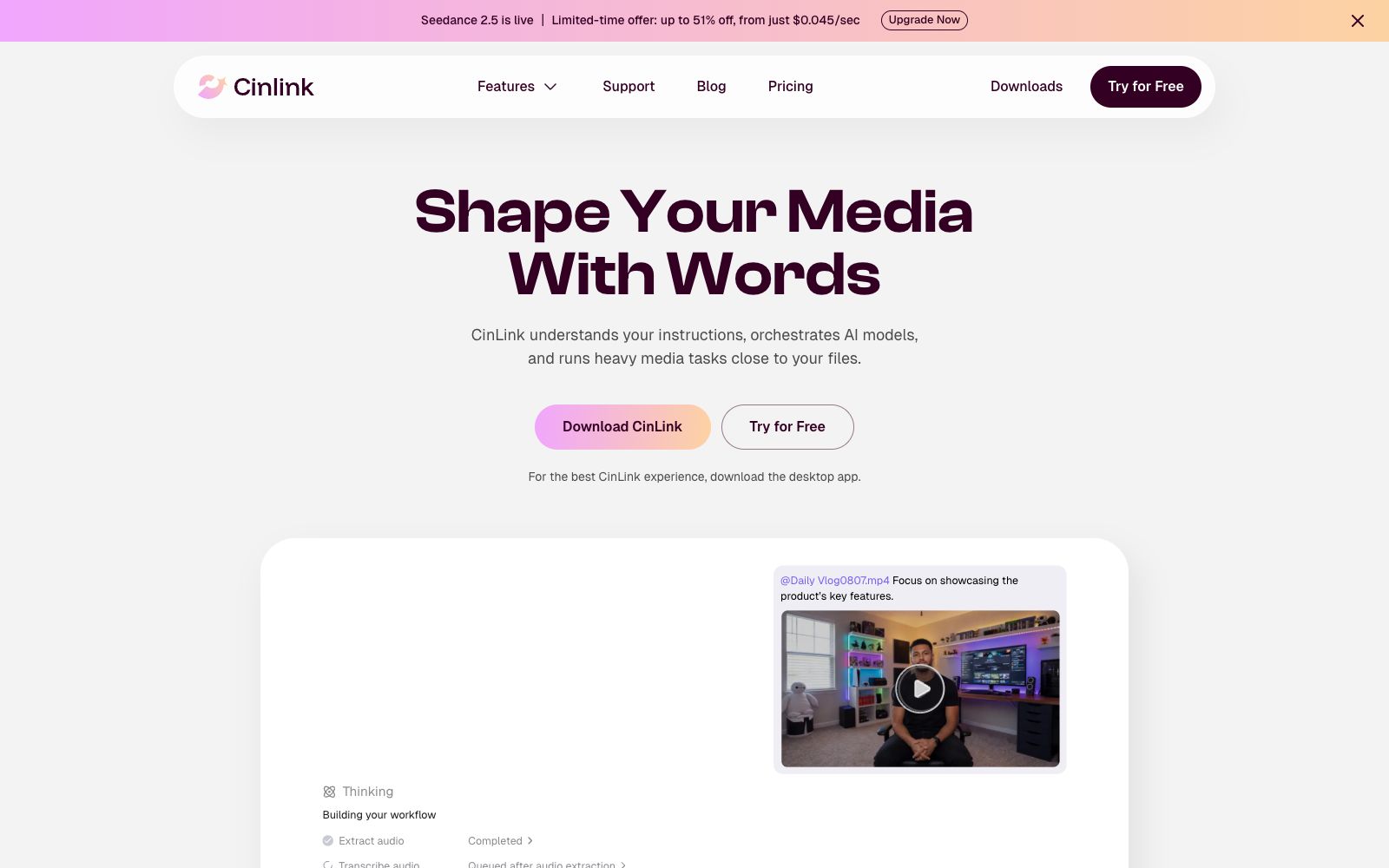
CinLink is an AI media studio powered by dialogue-driven creation and editing, with its official slogan being "Shape Your Media with Words". It integrates voice, visuals, on-screen text, scripts and timecodes into a single searchable project, understanding the entire project rather than just individual files. The product is mainly a desktop application, with mobile and CLI versions in the works, and supports integrating media capabilities into your own AI Agent.
Who is it for?
- Podcast hosts and creators who need to split a single program into subtitles, summaries and multiple short videos.
- Small and medium-sized production teams and agencies that need to organize client materials, speed up rough cuts, and deliver projects.
- Educational and research content teams that handle long lectures and technical terminology and require Chinese-English bilingual subtitles.
- Professional editors who delegate repetitive tasks like searching, transcription and subtitling to AI while retaining control over the final editing.
Key features
6Project-level understanding
The official version states that for long videos, it can generate outlines, summaries and key points with timestamps, enabling quick location of key segments in interviews, podcasts or courses.
Subtitle and Transcription
Converts speech into time-stamped subtitles, allowing adjustment of wording and style, and supports exporting SRT files or videos with monolingual or bilingual subtitles.
Translation and Dubbing
The official version states that it can translate subtitles and dialogue, generate new audio tracks, and allow you to review the tone and rhythm before exporting; one case is translating a video into Spanish and adding bilingual subtitles.
Long-form Video Highlight Extraction
Extract highlight clips from interviews, podcasts or online courses, generate vertical short videos suitable for social media, and export multiple versions.
Generation & Reshooting
Supports text-to-image, text-to-video, and reference image generation, and can supplement B-roll for stories with missing shots.
Quality Enhancement & Delivery
The official claims it can enhance video quality, perform 2x upscaling, adjust aspect ratios, add watermarks, and export in formats compliant with platform requirements; a draft is provided at each step, which can be modified before final confirmation and export.
How to use CinLink
- Prioritize downloading the desktop client for use.
- decide whether to export only after processing local materials, and always keep the original素材 in your possession.
- Be specific about the file and your requirements when making requests, for example, "Trim this 30-second vertical clip of the interview segment about pricing and add subtitles to it."
- Use the pre-generation draft reviews and version comparisons to adjust.
- If unsatisfied, continue refining with natural language, and render only after confirmation.
- For multilingual releases, first verify the accuracy of bilingual subtitles before deciding whether to generate dubbing audio tracks.
- Check the duration, aspect ratio and watermark settings before exporting to avoid double-compressed quality on publishing platforms.
- The product centers on a conversational workspace: when you mention a file and state a goal, it will automatically plan a multi-step workflow, such as extracting audio first, then transcribing, then generating subtitles, and then execute step by step and allow you to make modifications midway.
- The official said that a draft will be provided at each step, and you can ask for another version or continue adjusting.
- only after confirmation will it render and export, and unsatisfactory results will not enter the final cut.
- In addition to the desktop version, the official said that the mobile version will support viewing, searching and translating media on the go, CLI can run batch tasks and scripted workflows, and Agent Skills connects these media capabilities to its own system.
- Therefore, its positioning is not a single-feature tool, but a content workbench that strings "understanding, editing, translation and reuse" into a production line.
Traffic & popularity
Data month Sep 2026
CinLink receives about 4.5K visits per month and ranks #2,838,235 worldwide.
Monthly visits
8 monthsTraffic sources
- Direct33.2%
- Search29.3%
- Referrals14.6%
- Social6.9%
- Mail5.6%
- Other10.4%
Top countries
- United States92.8%
- India7.2%
Estimated from third-party traffic data.
Similar tools
 Huiying SubtitlesHuaying Subtitle is an online subtitle tool under Beijing Blue Pulse. It provides video speech recognition and subtitle addition, subtitle timeline matching, translation and AI dubbing. It can be edited and exported on the web version, and also offers real-time subtitles and an open API.
 CAMB.AIA localization platform for content and sports events that offers AI dubbing, real-time live dubbing, subtitle and image translation. According to its official website, it covers more than 150 languages and serves many large institutions.
 TrintAn AI transcription production platform for media and content teams, covering real-time transcription verification, archive transcription, rough cutting, subtitling and translation. It is officially claimed to support more than 50 languages and serves newsrooms, sports media and podcast teams.
 captionrichAn AI dubbing video editing tool based on text editing, the official website states that editing can be completed by modifying the transcription script. It automatically removes filler words and awkward pauses, supports B-roll insertion, motion graphics subtitles, and translation into more than 50 languages, and is targeted at the short video and podcast editing scenarios.
 NetEase JianwaiNetEase Jianwai is an intelligent transcription and translation platform operated by NetEase itself. It provides capabilities such as intelligent video subtitles, audio transcription and translation, conference simultaneous interpretation and document translation. It covers scenarios such as film and television variety shows, lectures and courses, exhibitions and conferences. The official stated that the cumulative translation volume has exceeded 100 million characters.
 CapCutCapCut, the international version of Jianying, is a video editing platform covering mobile, desktop and web versions. It provides AI subtitles, text-to-video generation, intelligent templates and special effects tools, comes with a huge collection of creative templates, and is a leading short video editing tool worldwide.