


CANVID
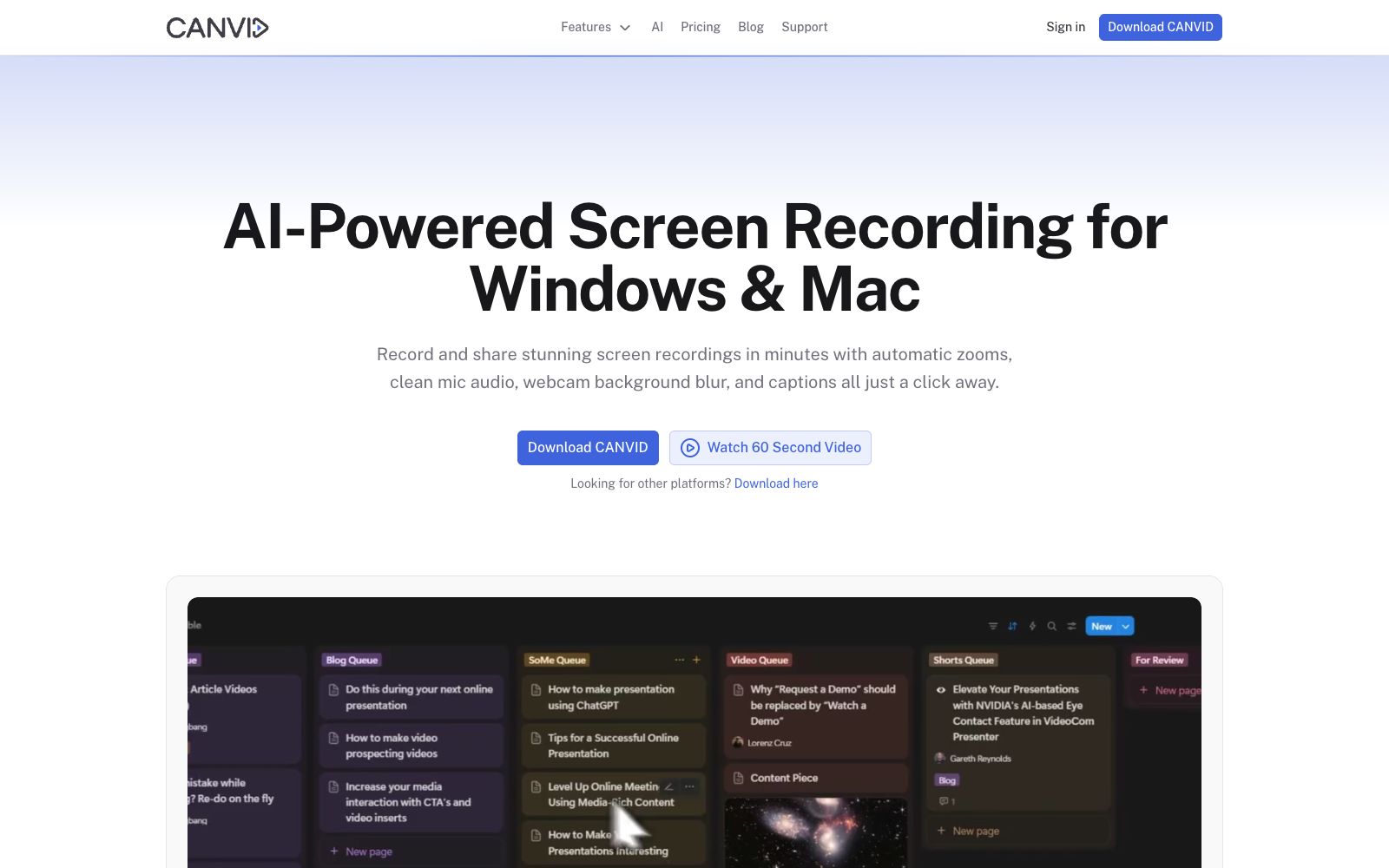
CANVID is an AI screen recording tool for Windows and Mac. During recording, it automatically adds zoom to clicks, features voice noise reduction, camera background blurring, and real-time subtitles. After recording, you can directly generate a sharing link, and it also offers a one-time purchase license.
Updated: 2026-10-26
What is CANVID?
CANVID official website positions itself as "AI-Powered Screen Recording for Windows & Mac", targeting screen recording scenarios such as product demonstrations, tutorials, customer support responses, and internal handovers. Its core idea is to complete most of the post-production while recording: every click you make is automatically converted into a keyframe, and with automatic zoom, voice denoising, camera background processing, and real-time subtitles, the recording is basically ready to be sent without having to enter a professional editing timeline. The official states that more than 5,000 creators are already using it.
Who is it for?
- Product and Growth Teams: Replace long blocks of text with a polished screen recording to explain new features.
- Tutorial and course creators: Auto-zooming plus captions let you focus on your explanations instead of post-production.
- Customer support and service teams: Turn responses into videos and close orders with a single link.
- R&D and Testing: Record the process of reproducing a bug to reduce cross-timezone meetings.
Key features
6Automatic zooms on every click
Automatically and smoothly zooms in on your clicks, so your audience never misses the operation location.
AI voice clarity
One-click removal of background noise and echoes, which the official describes as achieving studio-grade sound.
Webcam background magic
Blur, replace or remove the webcam background without a green screen.
Instant captions
Automatically generate subtitles, and the official says you can edit them sentence by sentence just like editing plain text.
Edit-while-you-record
Your clicks become keyframes directly, and most of the editing work is completed during the recording process.
Quick Share
Automatically generates a read-only link and copies it to the clipboard right after recording, which can be directly sent to Slack, X, LinkedIn, or via email.
How to use CANVID
- The official price is a one-time purchase of $75 (including lifetime updates and 1GB of cloud storage), or $84 per year (unlimited storage with access to cloud-based AI features), and team purchases can contact for volume discounts.
- You can independently turn the microphone and system sound on or off either before or during recording, and you can also perform separate noise reduction on the human voice after recording.
- The official FAQ clearly states that an internet connection is currently required for login.
- offline mode is still in testing and not yet released, so plan ahead for business trips or intranet environments.
- After recording, you can trim clips and fine-tune automatic zooms and captions in the built-in timeline without installing any other software.
- Share links via Quick Share.
- Be sure to confirm the visibility scope of the links.
- do not send internal system demonstrations to external parties casually.
- 4K recording is supported on both Windows and Apple Silicon Macs, but the performance of hardware encoders varies.
- Test the frame rate with short clips first.
Traffic & popularity
Data month Sep 2026
CANVID receives about 88.9K visits per month and ranks #340,909 worldwide.
Monthly visits
12 monthsTraffic sources
- Search45.4%
- Direct43.3%
- Referrals3.6%
- Social3.5%
- AI assistants2.1%
- Other2.1%
Top countries
- United States26.3%
- Germany22.2%
- United Kingdom9.4%
- India6.1%
- Canada4.8%
Estimated from third-party traffic data.
Similar tools
 Vmaker AIA self-service video creation and editing platform that covers screen recording, converting long videos to short videos, multilingual subtitles, AI dubbing, translation and other capabilities. The official claims that the number of global users has exceeded 2 million.
 SupercutA screen recording and sharing tool built for teams, officially supporting native recording at up to 4K on macOS and Windows. Share via links, apply custom branding, and let AI generate chapters and summaries while automatically removing filler words and silence. Compliant with SOC2, ISO27001, and GDPR.
 ScrawlScrawl is a screen recording tool for Mac and Windows. It records operations and voice via shortcut keys, generates frame sequences with transcribed text, and can be directly pasted to AI agents to ask questions.
 GlimeoA tool that generates explanatory videos and interactive product demonstrations from a single screen recording. The official states that it supports AI narration, zoom highlighting, multi-language versions and interface change detection, and interactive tours are provided for free along with the videos.
 PandaStudioPandaStudio is a desktop AI video editor. According to its official website, it supports screen recording and camera shooting, clips videos based on transcripts, generates subtitle graphics, creates AI titles and covers, and can be published to YouTube; its built-in intelligent agent can edit according to text instructions, and Claude Code and Codex can also drive it.