


Glimeo
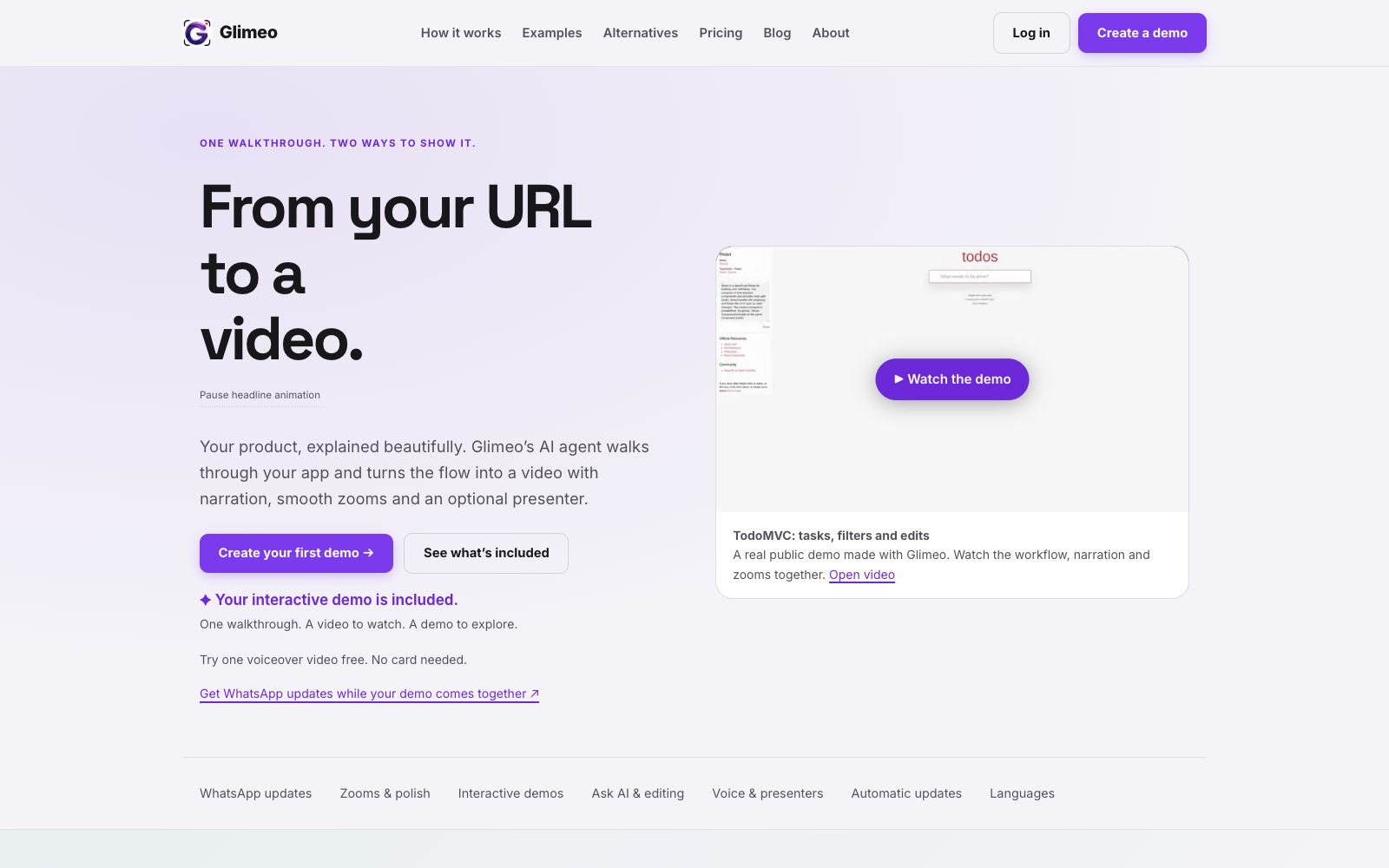
A tool that generates explanatory videos and interactive product demonstrations from a single screen recording. The official states that it supports AI narration, zoom highlighting, multi-language versions and interface change detection, and interactive tours are provided for free along with the videos.
Updated: 2026-10-27
What is Glimeo?
The core output of Glimeo is called glim: a single product process recording that simultaneously yields a video with voiceover, zoom and subtitles, and an interactive demo that can be clicked. Users can provide a URL for the agent to walk through the product automatically, or demonstrate it themselves or upload existing screen recordings, then adjust the rhythm, dubbing, branding and layout in natural language in the Studio.
Who is it for?
- Product teams that need to create explainer videos for new features or product launches.
- SaaS companies that want to embed interactive guides on their official websites to reduce customer learning costs.
- Customer success teams that use demo videos to support sales follow-ups and customer training.
- Agencies that deliver videos and interactive demos to clients.
- Independent developers who want to get both video and interactive teaching formats from a single screen recording.
Key features
6AI Automated Walkthrough
Share a URL and explain the content to be displayed. The official version states that it will first provide a storyboard plan, and only after confirmation will the agent record the process.
Explainer Videos
Automatically generate product videos with voiceovers, zoom effects, click highlights, and subtitles, supporting silent viewing and exportable as MP4 for publishing and sales.
Interactive Demo
Generates clickable navigation based on the same recording, including hotspots, step-by-step explanations, a table of contents, and a final CTA. Supports link sharing or web embedding, and visitors do not need to log in to the product.
AI Instructor & Voiceover
The free version includes voiceover narration, while the paid version lets you add lip-synced AI presenters or use your own image and voice.
Multilingual & Updates
Supports adding multilingual versions such as Spanish, Arabic, and Korean to the finished videos, and automatically updates the visuals for supported interface changes while keeping the original voiceover.
Branding & Sharing
You can add logos, color schemes, opening and closing credits, and background music, and choose export aspect ratios such as landscape, portrait, or square.
Things to know
Usage Tips
- After enabling the WhatsApp update, you will receive reminders during the storyboard, voiceover and final cut stages, which is suitable for users who need to handle other tasks in parallel.
- First, use the free quota to create a voiceover video, confirm that the automatic scaling and explanation quality meet expectations, and then consider the paid presenter.
- Try to limit the URL tasks for the agent to a single process, check the storyboard plan before recording to avoid lengthy clips.
- Interactive demonstrations should be generated based on the final version of the video, review the hotspots and step descriptions one by one, and check the privacy settings.
- After the interface update, enable the change check first, confirm that the update will not change the story structure, and then decide whether to apply it automatically.
Traffic & popularity
Data month Sep 2026
Glimeo receives about 300 visits per month.
Monthly visits
6 monthsTraffic sources
- Direct38.2%
- Search32.2%
- Referrals12.1%
- Social7.4%
- Display ads3.5%
- Other6.5%
Top countries
- Mexico77.0%
- Indonesia23.0%
Estimated from third-party traffic data.
Similar tools
 KlevoA demo video assistant for Claude, ChatGPT, and Cursor that, according to the official description, uses MCP to let AI walk through your web app step by step and record it as an MP4 with cursor, zoom, captions, and device frames. Free for 3 videos per month; Pro is $19 per month.
 LevelUp DemoA product demo operations platform for SaaS teams, officially claimed to cover demo request capture, lead scoring, scheduling, pre-meeting briefings, follow-ups and team reports, using AI to reduce sales gaps before and after demos.
 NarakeetAn online dubbing and voiceover video creation tool, the official website claims to offer 100 languages and 900 voices, supporting text-to-speech, subtitle-to-audio, and slide-to-video conversion, as well as API calls.
 CluesoClueso is an AI video creation platform for enterprise teams, used for making product demos, training and internal communication videos. Officially, it claims to go from idea to finished video and automatically keep content updated.
 CANVIDCANVID is an AI screen recording tool for Windows and Mac. During recording, it automatically adds zoom to clicks, features voice noise reduction, camera background blurring, and real-time subtitles. After recording, you can directly generate a sharing link, and it also offers a one-time purchase license.
 TapVidTapVid is a motion graphics narration video engine that turns approved scripts, screenshots, links and brand assets into shot-by-shot editable product videos that strictly retain the original copy and visuals.