


Anima
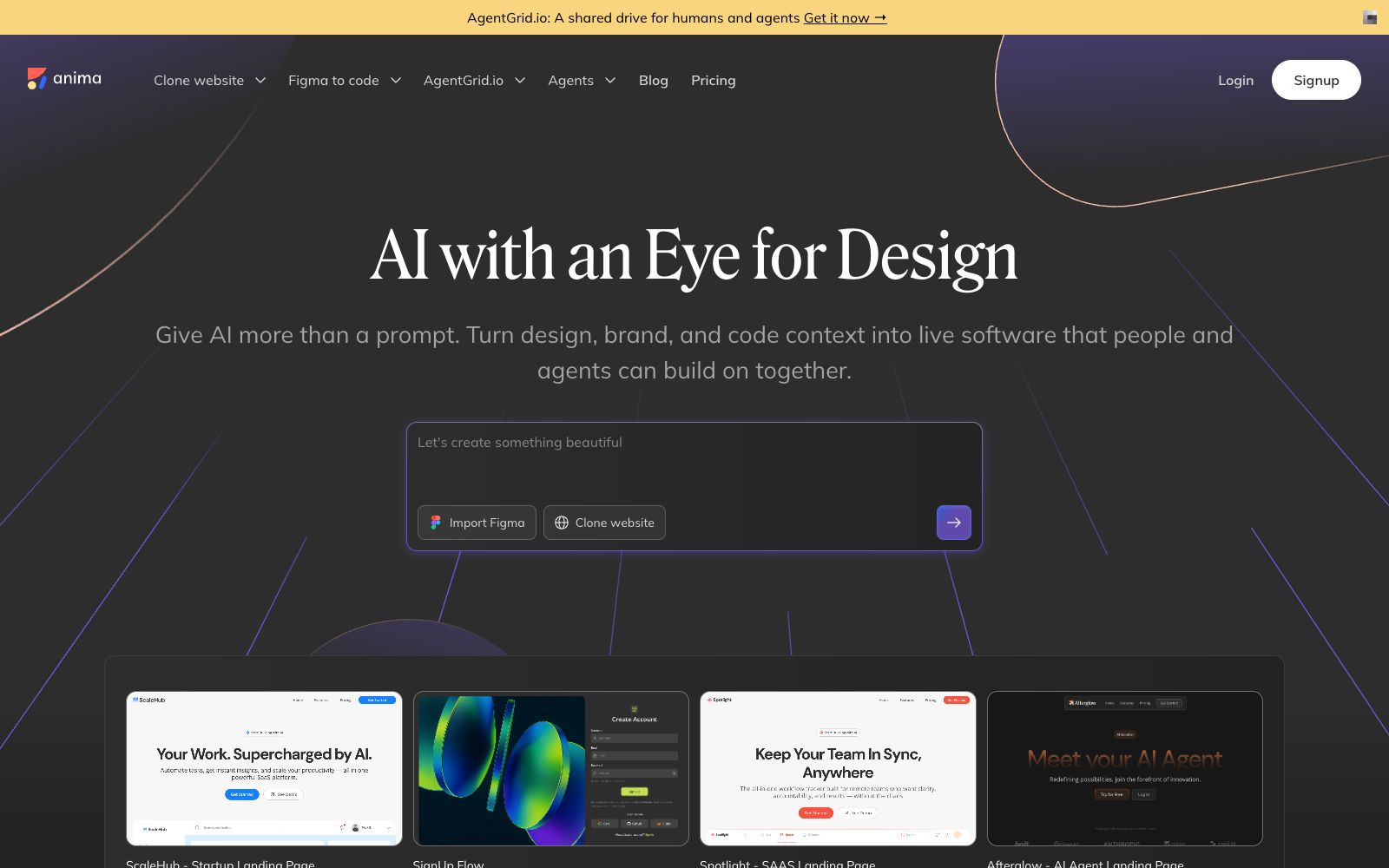
An AI development platform for design-to-code, its official website states that it can deliverable applications from design files, URLs or prompts, emphasizes retaining design context and supporting the export of real code, and also provides an interface for platform integration.
Updated: 2026-10-30
What is Anima?
Anima is an AI platform that converts designs into runnable code, and its official website describes it as an AI agent that understands designs. It does not start with blank prompts; instead, it can take design files, existing URLs, or a set of requirement descriptions as its starting point. The official claims that the generated products can serve as an intermediate layer for human-AI agent collaboration, and it provides APIs externally. The official website states that a large number of users and mainstream AI agents are already using it, and it has also separately launched a workspace for human-AI agent collaboration.
Who is it for?
- Product and design teams who need to quickly turn design drafts into front-end pages
- Startup teams that need to refer to the structure of existing websites and clone them first before making modifications
- Low-code and programming tool vendors that integrate code generation capabilities into their own platforms
- Design leaders who want the generated results to align with brand specifications rather than generic templates
- Teams with frequent rework between design and front-end development who want to reduce communication costs
Key features
7Figma to code
The core capability of the official website, which converts design drafts into HTML or React code, and also supports Adobe XD.
Clone website
The official version states that it can import multiple pages of any online website, and also supports importing private sites.
Image to HTML
The ability to generate page code from images, as listed on the official website.
AI Website Builder
The official website building entry, which generates runnable applications from prompts and allows for visual adjustment of design, functions, and workflows.
Build with the stack that fits your workflow
The official website states that it can generate code according to your tech stack.
On-brand by design and Build with design context
The official emphasizes that the generated results retain brand and design context.
Anima MCP and Anima API
The MCP services and APIs listed on the official website, for integration with other platforms and agents.
How to use Anima
- 1When starting with design files, organize layer names and components first, and the output quality will improve significantly
- 2Cloning others' websites is only suitable for learning and prototyping purposes, and you must confirm the authorization before launching it directly.
- 3What is generated is a starting point, not the final result, and interactive logic and state management still need to be reviewed by front-end developers.
- 4When integrating via the API, first get a single page working in a small scope, then expand to the entire website
- 5Framework versions and export formats will be updated; for important projects, fix the tech stack first before batch generation.
Traffic & popularity
Data month Sep 2026
Anima receives about 88.6K visits per month and ranks #533,767 worldwide.
Monthly visits
12 monthsTraffic sources
- Search49.9%
- Direct33.8%
- Referrals6.6%
- Display ads3.4%
- AI assistants3.2%
- Other3.1%
Top countries
- United States11.0%
- China7.9%
- India7.9%
- South Korea5.5%
- Brazil5.0%
Estimated from third-party traffic data.
Similar tools
 Screenshot to CodeAn online tool that converts screenshots, design drafts or screen recording videos into clean code, supporting multiple tech stacks such as HTML, React, Vue, etc. The official states that each generation or modification consumes one credit.
 MiaoduoAn AI-driven user interface design tool that supports importing typical interfaces for AI to learn design styles, generating interfaces and components based on text or images, and providing MCP to enable coding tools to understand design drafts and generate front-end code, targeting the collaboration scenario of product, design and research teams.
 PaperA modern design tool focusing on "design, share, deliver", the canvas is built on web standards and connected with code in two-way communication. It can integrate external agents to directly read the canvas content, and has two entry points: desktop and web version.
 ReaddyAI website building platform. The official website states that you can directly edit and generate functional websites with databases through conversation or clicking. It has built-in templates, domain names, hosting and search optimization tools, and supports exporting site code for self-management.
 PixsoA domestic AI collaborative design tool that integrates whiteboarding, prototyping, UI design and delivery in one. Its official website states that it supports AI one-click generation of UI design drafts and React/Vue code, connects the entire design-to-development pipeline, and can import Figma files.
 LocofyConvert Figma and Penpot design files into developer-friendly front-end code. The official claims that it supports multiple frameworks such as React, Flutter, and Vue, and has SOC2 and ISO certifications.