


Morph Studio
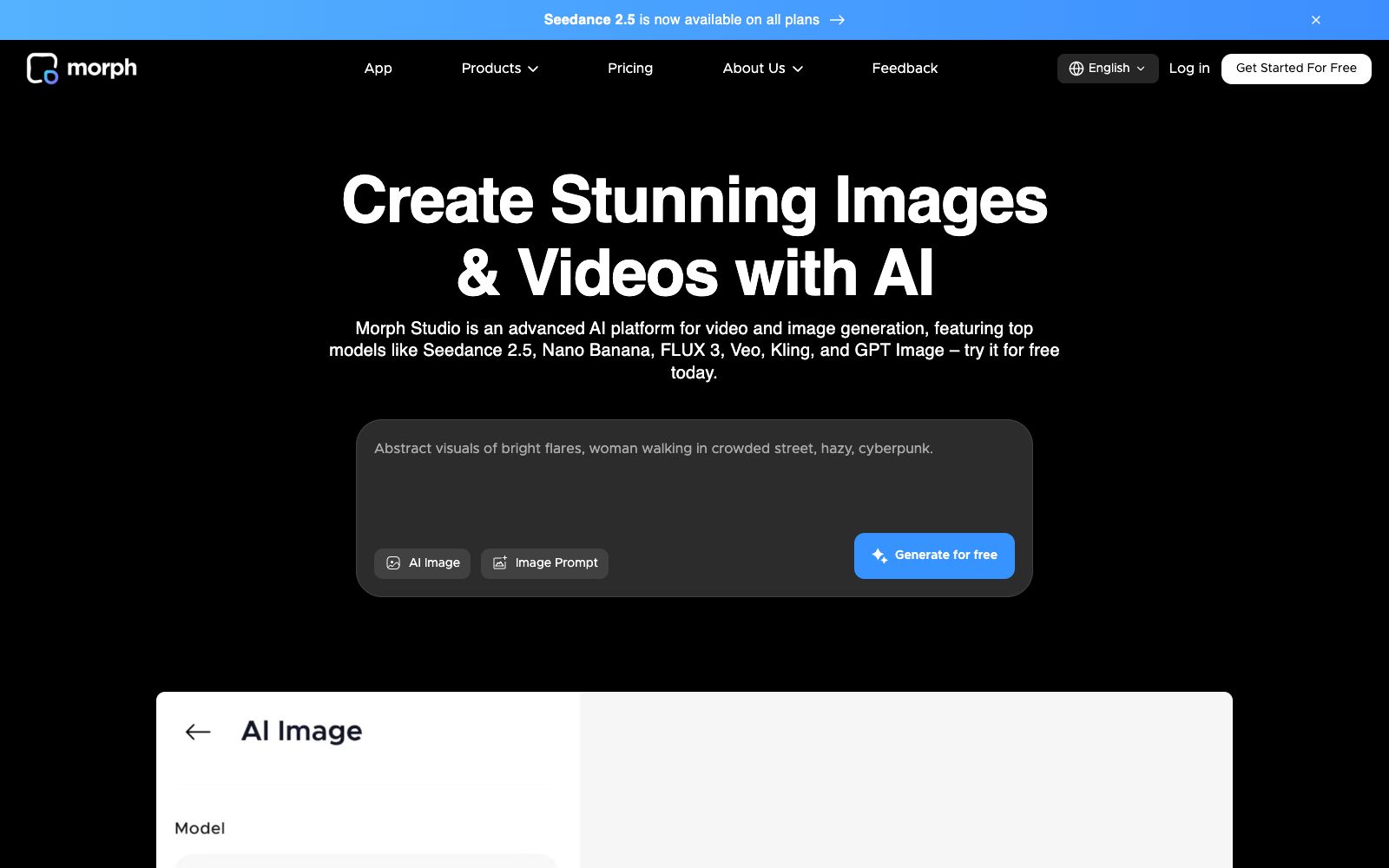
An AI image and video generation platform that integrates multiple mainstream models into a single interface. It supports text-to-image, text-to-video, and style transfer, and also features a borderless canvas for freely arranging and connecting works.
Updated: 2026-10-26
What is Morph Studio?
The update speed of image and video models in the past two years has been so fast that no one can keep up - it's a common situation for many people that they haven't settled on a single model after trying three different ones for the same requirement. Morph Studio chooses to act as the aggregator: it brings multiple models into a single interface, making model selection as easy as changing filters. The workspace is also divided into two modes: one is a prompt space for quick output, and the other is a freely arrangeable canvas.
Who is it for?
- Creators who need to switch between different models for comparison and don't want to repeatedly register and recharge on multiple platforms.
- Content operations who need to do quick small tasks like style transfer and photo animation.
- Independent creators who rely on concept clips and social media materials to maintain updates, with the free tier prominently placed at the top of the official website.
Key features
6Multi-model Side-by-Side
The video models listed on the official website include Wan 3.0, Kling 3.0, Seedance 2.5, FLUX 3, Veo 3.1, and MiniMax H3, while the image side features Nano Banana, GPT Image, and others.
AI Image Generation
Supports two methods: prompt generation and image-to-image, with the ability to perform transformations during generation.
AI Video Generation
Text-to-video and image-to-video, turning text or image prompts into cinematic clips.
Video Style Transfer
Convert existing videos into up to 8 artistic styles while preserving the content and changing the appearance.
Immersive Space and Borderless Canvas
The former is a prompt space for quick results, while the latter is an interactive canvas where you can freely arrange, edit and link your creations.
One-click mini tools
The official website lists standalone features such as changing hairstyles, replacing backgrounds, and converting photos into dynamic videos.
How to use Morph Studio
- 1Run two or three models side by side with the same prompt before finalizing the design. This is the most valuable feature of the aggregation platform-don't lock yourself into a single model right away.
- 2First, use the free tier to get your workflow up and running. Confirm that you need long-term output before choosing a package, and the official website offers four tiers: Free, Basic, Pro, and Premier.
- 3New models are launched frequently. The official website has announced that Seedance 2.5 is available on all plans. Check back for updates when the list of available models changes.
- 4Style transfer and background replacement are sensitive to the quality of the original footage; if the source material is too blurry or too dark, the results will not be satisfactory.
- 5The official website provides an entry for app downloads and feedback; you might as well raise any experience issues before deciding on a model for long-term use.
Traffic & popularity
Data month Sep 2026
Morph Studio receives about 82.4K visits per month and ranks #490,756 worldwide.
Monthly visits
12 monthsTraffic sources
- Search61.0%
- Direct28.7%
- Referrals5.7%
- AI assistants2.5%
- Social1.4%
- Other0.7%
Top countries
- United States9.7%
- Mexico6.5%
- India4.8%
- Brazil4.6%
- China4.2%
Estimated from third-party traffic data.
Similar tools
 Vadoo AIVadoo AI is a creation platform that aggregates multiple video and image generation models in one workspace. It supports text-to-video, image-to-video and stylization conversion, and can also cut long videos into short ones, making it suitable for batch production of social media content.
 AnimaAn AI development platform for design-to-code, its official website states that it can deliverable applications from design files, URLs or prompts, emphasizes retaining design context and supporting the export of real code, and also provides an interface for platform integration.
 Bolt.newBolt.new is an AI building tool for generating applications and websites through conversation. It automatically selects models and provides real-time previews. With built-in databases, authentication, hosting, and SEO features, it claims to handle large-scale projects while automatically testing and fixing errors. It is suitable for the rapid launch of products, startups, and marketing campaigns.CChroma StudioChroma Studio is an AI creation platform that integrates image and video generation, editing, and stylization into a single browser. It comes with over 500 built-in special effects and aggregates multiple mainstream image and video models, all completed within the browser.
 DezgoDezgo is a multi-model aggregated image and video generation platform. With one interface, you can call models such as Flux, Qwen Image, and Nano Banana. It also provides free tools such as background removal, image upscaling, and redrawing, making it suitable for horizontally comparing image generation effects.
 Sea Imagine AISea Imagine AI is an all-in-one creation platform integrating text-to-video, image-to-video and image generation. It allows switching multiple mainstream models in the same interface and connecting the generation process with an infinite canvas, making it suitable for creating social short videos within 15 seconds.