

Notion AI
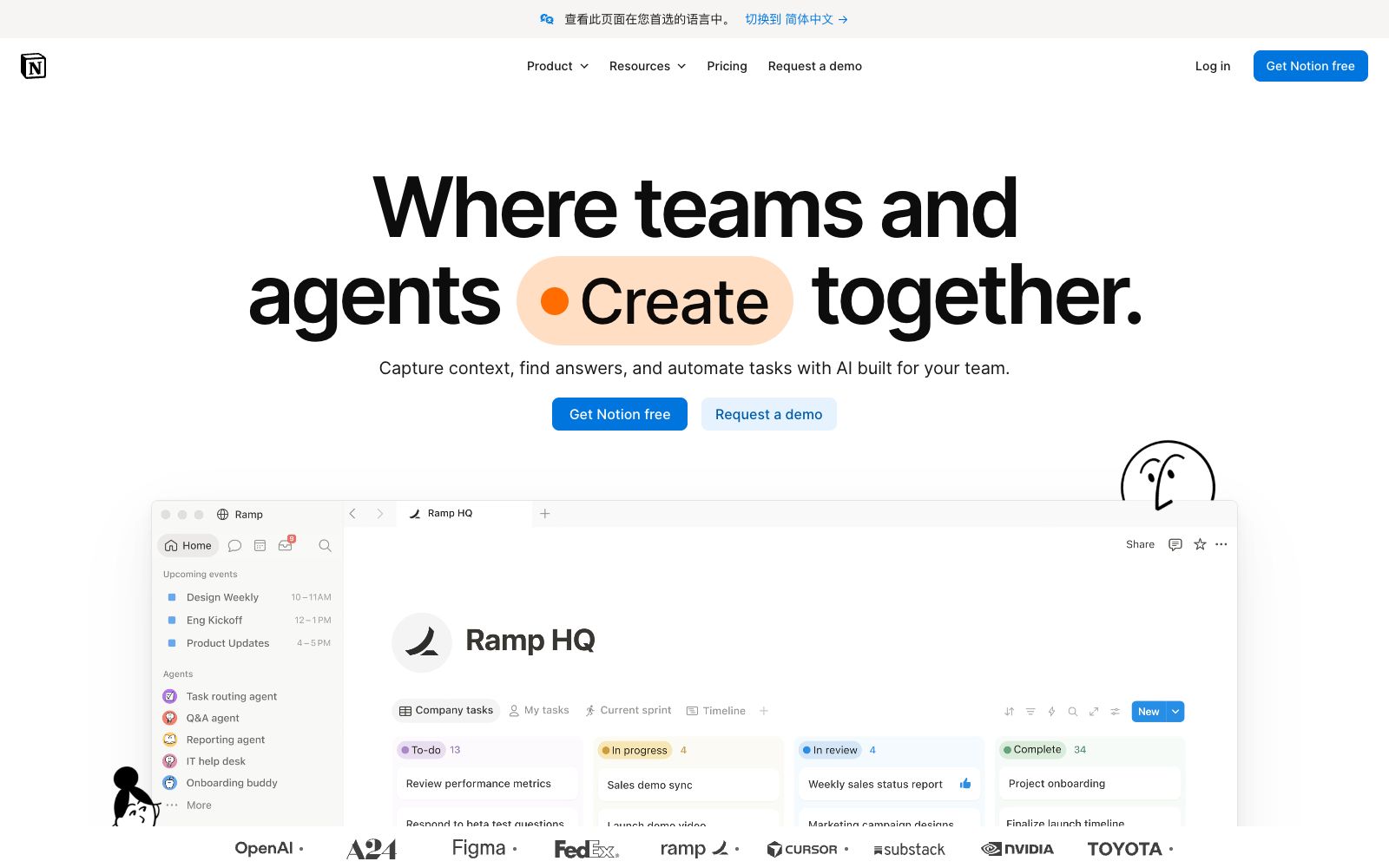
The built-in AI workspace capabilities of Notion can capture knowledge, retrieve information across applications and generate cited answers, and also support the use of custom Agents to automatically handle repetitive tasks.
Updated: 2026-10-26
What is Notion AI?
Notion AI is the built-in AI capability within the Notion workspace. The official positions it as an "AI workspace that works for you" and states that "the most ambitious companies run on Notion". Its approach differs from that of single-point AI tools: the team integrates knowledge, documents, and collaboration into a single recording system. AI is responsible for retrieving answers from it and using Agents to automate repetitive work, keeping work running continuously. For many teams, knowledge is scattered across documents, meetings, and chats, and Notion aims to consolidate these into assets that can be used by AI—this is the key difference between it and one-time Q&A tools. The main workflow outlined on the official website consists of three steps: Capture, Find, and Automate, corresponding to knowledge accumulation, citation-based Q&A, and Agent automation respectively.
Who is it for?
- Organizations that use Notion as their team knowledge base and collaboration hub, especially those that want AI to answer questions based on internal materials and automatically handle repetitive tasks. For teams that already use Notion in depth, the marginal cost of AI capabilities is the lowest—there is no need to migrate data, and it can be directly added to the existing workflow; for teams where knowledge management has not yet taken shape, it is more effective to first improve content specifications than to rush to deploy AI.
Key features
5Knowledge Capture (Capture)
Unify scattered documents, meeting minutes and materials into Notion to form a single recording system, making the team's content traceable and providing a corpus basis for subsequent retrieval.
Citation-Aware Retrieval (Find)
Directly provides answers based on the team's own content, along with citation sources, making it easy to trace the origin of information and quickly judge the credibility of the answers.
Agent Automation
Use AI Agents to keep work running 24/7. Official examples include automatically triaging product feedback, handling support tickets in Slack, speeding up security alert responses, and automatically generating weekly reports.
Custom Agents and Tools
It enables teams to build their own Agents and internal developer tools, integrating AI into exclusive workflows without being limited to officially preset scenarios.
Cross-application Search
The official states that it can search multiple applications you have connected, include materials outside Notion in the Q&A scope, and reduce frequent switching.
How to use Notion AI
- It is recommended to first organize the core knowledge base and unify document specifications before enabling Agent automation to avoid delegating authority to high-frequency and high-impact processes from the very beginning.
- Small teams can first try basic Q&A and decide whether to scale up usage after evaluating retrieval accuracy.
- large teams should prioritize planning the knowledge base structure and permission system.
- After launch, regularly check the Agent's execution logs to observe which tasks are completed well and which need adjustments, so that the division of labor between AI and humans becomes gradually clear.
Things to know
Traffic & popularity
Data month Sep 2026
Notion AI receives about 211.9M visits per month and ranks #122 worldwide.
Monthly visits
12 monthsTraffic sources
- Direct77.9%
- Search9.9%
- Social5.5%
- Referrals2.6%
- Mail2.2%
- Other1.9%
Top countries
- United States18.4%
- South Korea11.5%
- Japan9.6%
- France4.2%
- India4.0%
Estimated from third-party traffic data.
In these collections
Similar tools
 HyperWriteAI writing assistant that provides hundreds of writing and research tools such as predictive auto-completion, online search and citation, and AutoWrite generation, enabling a one-stop full process from drafting to polishing within the AI document editor.
 MemAn AI Agent-centric note-taking workspace allows you to effortlessly take notes, record meetings, jot down ideas and conduct research, while automatically organizing them into lasting memories. The AI Agent understands task objectives and takes timely initiative to advance progress, making it ideal for those juggling multiple projects simultaneously.SuperSuper turns Notion pages into customized websites. Just paste the link to generate and automatically sync edits. The official says it has been used by more than 100,000 creators, and new capabilities such as MCP, membership and multilingual have been added.
 EasyClawA zero-configuration desktop AI agent based on OpenClaw, supporting Mac and Windows, integrating mainstream large models, capable of driving local file and browser operations in WeChat and Feishu.
 WPS AIKingsoft Office's AI assistant, with WPS Lingxi as the unified entry, completes document writing and revision, PPT outline generation, table formulas, full-text summary and document Q&A within WPS. The web version has limited functions, and the complete experience requires downloading the client.
 CraftA cross-device note-taking and document productivity app that integrates documents, tasks, calendars, and whiteboards. The official version states that the basic version is available for free and supports MCP and API connections, making it suitable for individuals and teams to record ideas.