


Lex
A modern writing tool with built-in AI, offering AI feedback, version comparison, comments, real-time collaboration, and publishing. According to the official site, it is used by more than 300,000 authors and pairs a focused interface with an AI editor.
Updated: 2026-10-26
What is Lex?
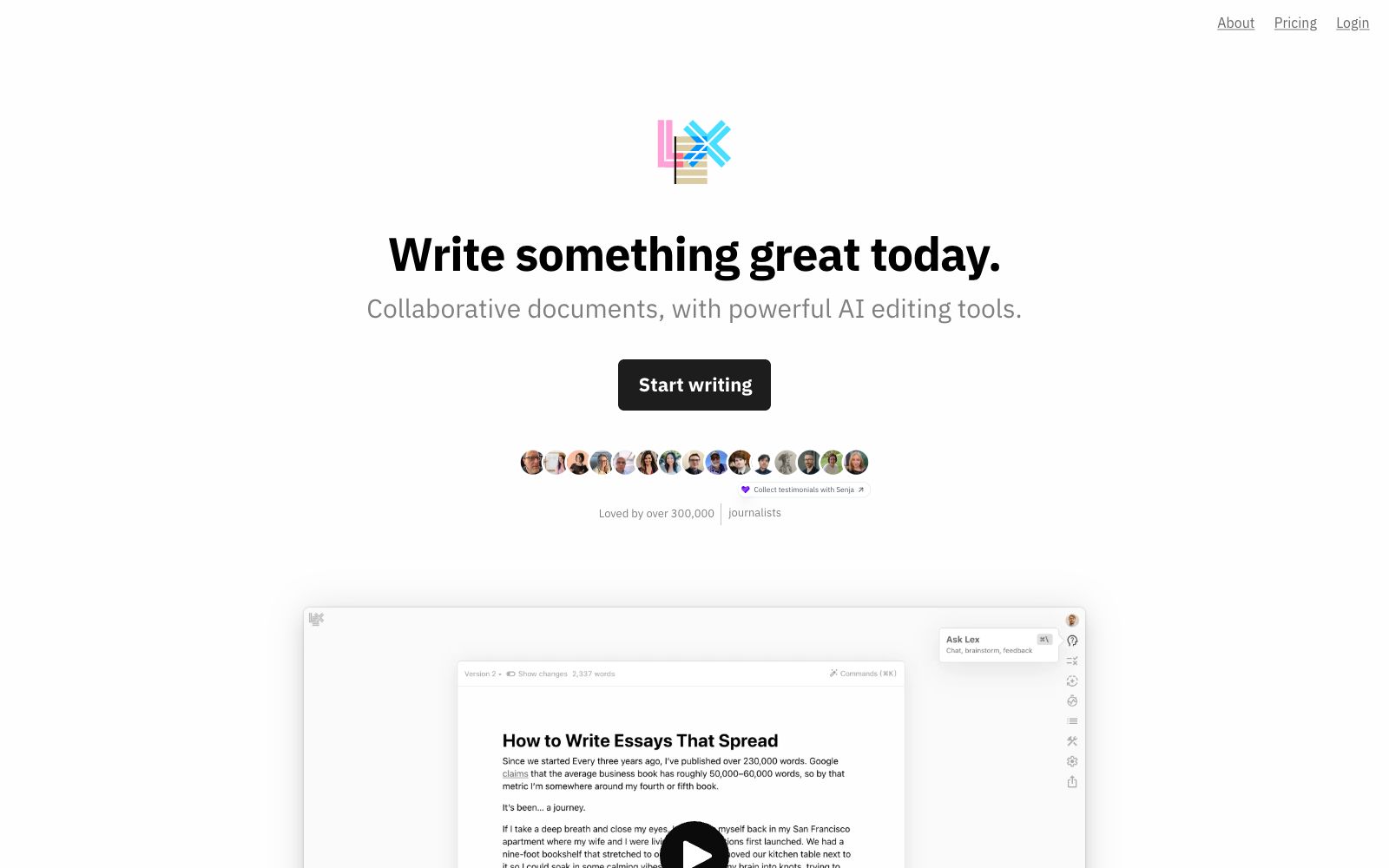
Lex is a modern writing tool with built-in AI. Officially positioned as a "collaborative document + powerful AI editing tool," it is regarded by many users as an alternative to Google Docs. Its core lies in a restrained writing experience: AI feedback, comments, versions, mobile web access and real-time collaboration, combined with detailed features such as slash commands and title suggestions. The official states that it is used by more than 300,000 authors, a large number of whom are academic writers. The official claims that its minimalist interface allows authors to focus, and its AI capabilities act as real-time editing, helping users write faster, clearer and more intelligently. Unlike tools that emphasize templates and automation, it values the focus of the writing process more, and its functional design is centered around "minimal interruption." The official says it can handle the details well, from quick notes to complex documents.
Who is it for?
- Authors who write long articles, reports, theses and Newsletters, especially those who want AI to act as a "real-time editor" rather than a "ghostwriter"; it is also suitable for users who value a simple interface and want to switch from heavy document tools, as well as those who are used to keyboard operations and pursue writing without interruption.
Key features
7AI Feedback
Let AI give comments on drafts, brainstorm ideas or rewrite them directly, acting as an on-call real-time editor to help you iterate quickly in your writing flow instead of finishing the whole piece and then going back to revise. You can ask questions separately for selected paragraphs or the entire manuscript, flexibly controlling the scope of AI's involvement; version comparison is suitable for scenarios where you repeatedly polish titles and introductions.
Versions
Try different writing approaches without losing existing content, making it easy to iterate and compare across multiple versions. You can rewrite boldly and revert at any time.
Comments and Real-time Collaboration
Supports comments, collaboration, and navigation via keyboard shortcuts. You can collaborate on editing by sharing a link, making it ideal for multiple people to refine a document together.
Mobile Web
No need to download an app; you can write and edit directly in a browser and continue on another device, lowering the barrier to entry.
Publishing
Publish the document as a shareable page for external distribution. Once written, it can be directly turned into a link, simplifying the path from writing to sharing.
Commands and Title Suggestions
Use slash commands to invoke AI and formatting operations, and automatically generate title options to reduce interruptions from formatting operations and keep keyboard-focused users in their workflow.
Track Changes
Marked as "Coming soon" by the official team, this feature is set to launch soon, and a more complete review and revision process is expected to be available afterward.
How to use Lex
- Its value lies in "not interrupting the writing flow" - AI is an assistant rather than the main character, making it ideal for scenarios where you already have ideas and need to polish your expression.
- You can first use AI feedback to generate directions for improvement, then use version features to save different versions for comparison and selection.
- For collaboration requiring strict formatting (such as company templates or complex tables), professional document tools remain more reliable.
- before collaborating with external collaborators across platforms, confirm format compatibility.
- It is recommended to treat AI feedback as a second pair of eyes rather than the sole criterion.
- for long or important manuscripts, regularly export backups for greater security.
Things to know
Traffic & popularity
Data month Sep 2026
Lex receives about 19.6K visits per month and ranks #1,736,143 worldwide.
Monthly visits
12 monthsTraffic sources
- Direct50.2%
- Search35.0%
- Referrals7.0%
- Social6.8%
- AI assistants1.0%
Top countries
- United States43.1%
- Italy6.2%
- France5.1%
- India5.1%
- Vietnam4.5%
Estimated from third-party traffic data.
Similar tools
 HyperWriteAI writing assistant that provides hundreds of writing and research tools such as predictive auto-completion, online search and citation, and AutoWrite generation, enabling a one-stop full process from drafting to polishing within the AI document editor.
 RytrA cost-effective AI writing assistant, it offers 40+ content scenario templates, auto-completion and plagiarism detection, supports My Voice personalized tone. The official claims that over 8 million users have saved a total of 25 million hours, and it is available for free.
 MoonbeamLong-form writing AI assistant that provides long-content templates for blogs, technical guides, lesson plans, newsletters, etc. You can start drafting with just one sentence prompt. The official slogan is "No more starting from a blank page", and it is designed for English writing scenarios.
 XiezuocatAn English and Chinese AI writing assistance platform produced by Metasoft, featuring "Speak and Write" voice-to-draft technology, integrating intelligent error correction, rewriting and polishing, automatic continuation, and intelligent image matching. It supports drafting from empty text or uploading Word documents to continue writing.
 wordtuneEnglish Writing Polishing Assistant: provides context-aware rewriting suggestions tailored to your personal style, allows one-click switching between formal and casual tones, supports spelling and grammar proofreading as well as continuation, and is free to use with no credit card required.
 JetwriterA browser-based AI writing assistant that can rewrite, correct, translate, summarize, and explain selected text on any website. It integrates deeply with Gmail and is powered by models including GPT-5.1, Claude, and Gemini.