


Xmind
Xmind is a mind mapping and AI brainstorming tool that supports Web, desktop and mobile platforms. It offers various structures such as AI generation, Gantt charts and matrices, and holds ISO 27001 and SOC 2 security certifications.
Updated: 2026-10-26
What is Xmind?
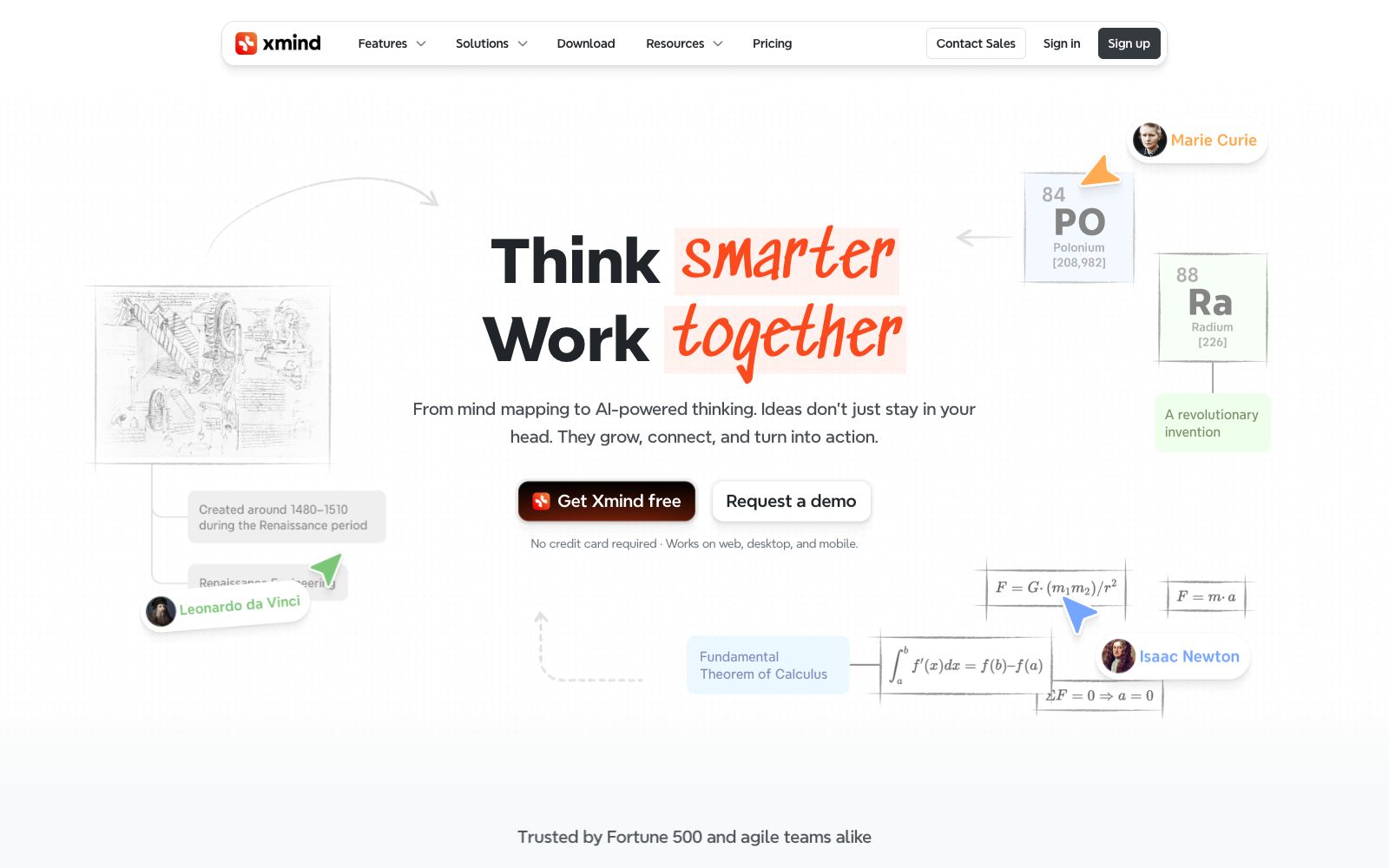
Xmind is a mind mapping and brainstorming tool, officially positioned as "Think smarter, Work together", integrating the experience from mind mapping to AI-driven thinking into a single product. It covers Web, desktop and mobile platforms, and its official website states that it has over 100 million users and is adopted by Fortune 500 companies and agile teams. Unlike traditional software that only creates mind maps, Xmind emphasizes "Tools that think with you": it not only offers one-click AI generation and intelligent editing, but also features diverse structures such as timelines, matrices, and Zones, and also incorporates project management (including enhanced Gantt charts) and real-time collaboration. In terms of data security, its official website lists ISO/IEC 27001 and SOC 2 Type II certifications, and emphasizes local file storage and privacy first.
Who is it for?
- Students and lifelong learners who need to take reading notes, study notes and organize knowledge
- Individuals and teams who do project planning and want to break down tasks and visualize progress
- Product, operation and creative professionals who conduct brainstorming and solution conception
- Distributed teams that need cross-device synchronization and real-time collaborative drawing with their teams
- Users who value data security and prefer local file storage over full cloud uploads
Key features
6AI-Powered Generation
From one-click generation to intelligent editing, the official states that AI runs through every step of map creation, helping to quickly turn ideas into structured content.
Diverse Structures
In addition to mind maps, it supports structures such as timelines, matrices, and Zones to organize information according to thinking patterns.
Project Management and Gantt Chart
You can use AI to break down work, plan based on actual working days, and export or print the enhanced Gantt chart.
Real-time Collaboration
Supports real-time team collaboration, team spaces, and synchronization across multiple devices.
ZEN and Multi-Mode
It offers various modes such as free brainstorming, pitching, and ZEN (focus mode) to adapt to different scenarios.
Security & Local Storage
Certified with ISO/IEC 27001 and SOC 2 Type II, files are stored locally by default, and statistics can be disabled for privacy protection.
How to use Xmind
- For beginners, it is recommended to start with a specific topic (such as weekly planning or project breakdown).
- First, use AI to generate a first draft with one click, and then manually adjust the branch structure, which allows you to get into the flow faster than starting from a blank canvas.
- When working on a project, use the Gantt chart view to map tasks to the timeline, match the schedule with real working days, and export it to the team for a more intuitive presentation.
- In collaborative scenarios, enable team spaces and real-time synchronization to allow multiple people to contribute to a single diagram and avoid scattered versions.
- Since files are stored locally by default, remember to use cloud space instead of just local files when sharing or performing multi-person editing.
- The product's AI capabilities, structure types and pricing will be continuously updated, and the latest official website instructions shall prevail before commercial use or corporate procurement.
Traffic & popularity
Data month Sep 2026
Xmind receives about 554.2K visits per month.
Monthly visits
12 monthsTraffic sources
- Direct56.0%
- Search32.0%
- Social4.0%
- Referrals3.4%
- AI assistants3.0%
- Other1.6%
Top countries
- United States17.9%
- Vietnam11.5%
- Taiwan, China9.1%
- Russia6.1%
- Brazil5.2%
Estimated from third-party traffic data.
In these collections
Similar tools
 TreeMindTreeMind is a domestic AI mind mapping tool. It supports generating editable mind maps from a single sentence, image or document, provides more than 30 structures and over 200 themes, and supports multi-device synchronization and multi-person collaboration.
 Mural AIMural AI is a visual collaboration whiteboard for teams, integrated with AI capabilities that help turn ideas into mind maps, categorize and group them, distill key points, and connect with Microsoft 365 Copilot, designed for brainstorming and strategic work.
 ProcessOnAn online drawing tool and knowledge sharing community that supports AI one-click generation of mind maps and flowcharts, can draw various diagrams such as Gantt charts, ER diagrams, UML, and network topology diagrams, and also supports real-time multi-person collaboration and template cloning.
 FunBlocksAn AI tool matrix for mind mapping, documentation, presentations and writing, with AIFlow as the core workbench, combines thinking models for structured reasoning. The official website states that the free quota is ten AI accesses per day.
 XiaohuazhuoA lightweight online real-time collaborative whiteboard that supports infinite canvases, multi-page canvases, file collaboration, audio and video calls, with built-in AI for generating mind maps and images, and can be used in conjunction with meeting tools.
 IdeamapA visual workspace for team brainstorming. After inputting a topic, AI generates and automatically clusters ideas. You can one-click expand them into a mind map, and support member collaboration, export and sharing.