


WisFile
An AI file renaming and organizing tool that runs completely locally. It automatically renames files by extracting titles, authors, and years from their content, and sorts them into folders by theme. The official states that it is free and does not upload any data.
Updated: 2026-10-26
What is WisFile?
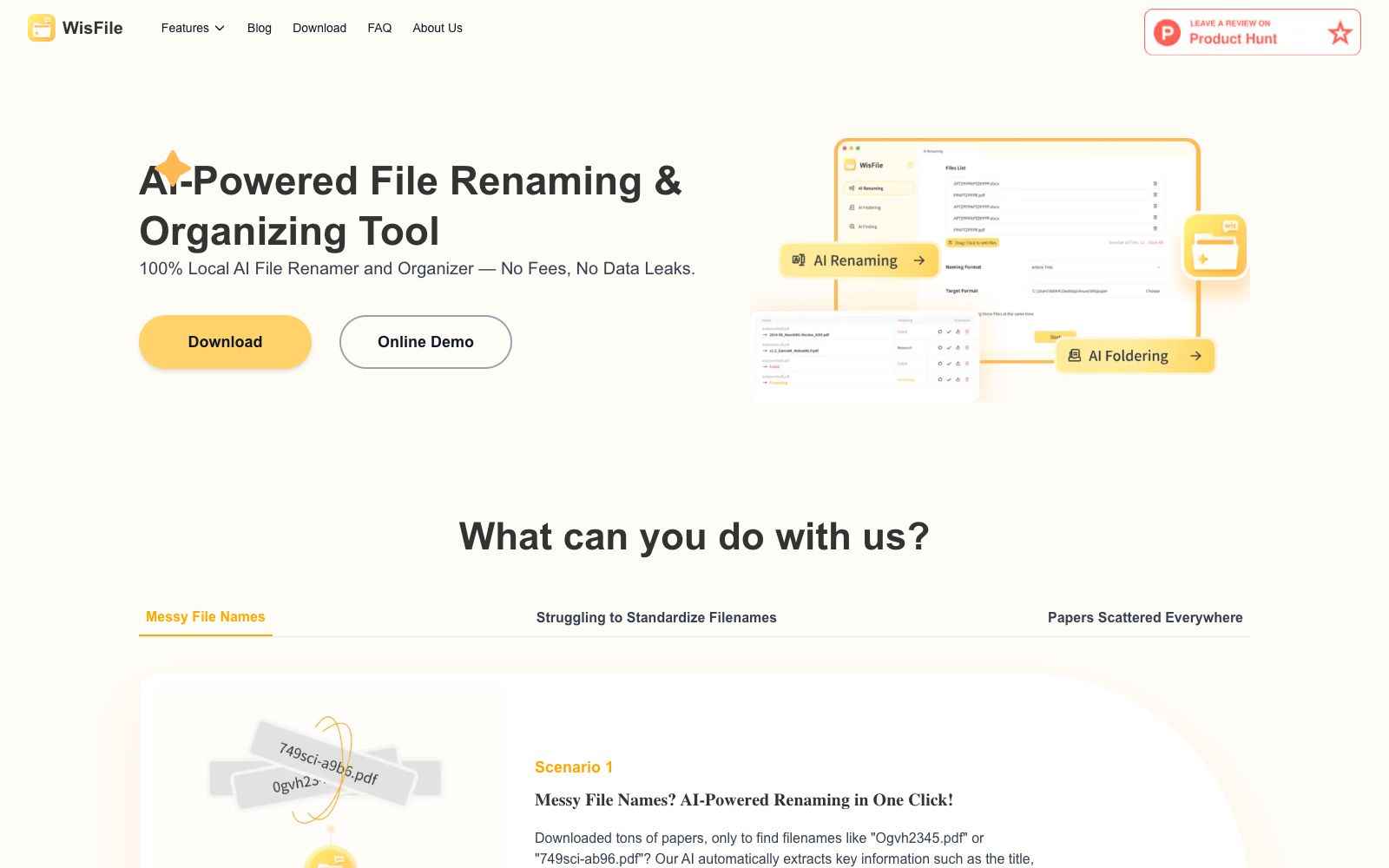
The official website of WisFile features "100% Local AI File Renamer and Organizer". File renaming and organization are all done locally without the need for uploading or payment. It addresses very specific pain points: downloaded literature is named like "Ogvh2345.pdf", or the naming styles of the same batch of materials are diverse. Unlike cloud drives or file managers, it reads file content instead of filenames. The official website's FAQ clearly states "Our product is totally free" and provides an online demo entry.
Who is it for?
- University researchers and students who have to process hundreds of academic papers every semester and cannot tell what they are just by looking at the file names.
- Project-based roles such as engineering and legal affairs that organize materials by "Project-Date-Document Type".
- Teachers who collect a large amount of teaching materials and wish to categorize them by "dynasty-topic".
- Freelance designers and photography practitioners who pile materials by project and client and have long been disorganized download folders.
Key features
6AI Renaming
Automatically extract key information such as titles, authors, and publication years from files, rename them in one click based on content, and eliminate the need to guess from filenames.
Custom naming templates
Supports custom naming templates. The official example is Author-Year-Title. It enables batch unification of naming styles for convenient citation, management and archiving.
AI Foldering
Automatically identifies subject directions, fields or journal names for batch classification, groups similar files into unified folders, and the official website combines this with renaming into a one-step process.
Metadata Remover
A metadata cleaning feature listed separately in the official website's navigation, which can be used to process files before they are released or sent out externally.
Local Operation
The official website emphasizes that all operations are completed locally with no cloud involvement and no data leakage.
Online Demo
The official website provides an online demo entry on the homepage, allowing you to preview the effect without installing the client.
How to use WisFile
- 1First, run a few samples through the online demo on the official website to confirm that the renaming rules match your citation habits before performing batch execution.
- 2Always back up or make a copy of your files before performing batch operations, as renaming and moving are overwriting actions.
- 3It is recommended to fix a set of naming templates from the very beginning, as changing templates midway will disrupt the sorting of historical files again.
- 4The official statement states that it is completely free and runs locally. For confidential documents, it is still recommended to test them in a small directory first to confirm that there is no data exfiltration.
- 5Metadata removal is suitable for use before external release; after cleaning, shooting information and author information will be lost together, so remember to keep the original files.
- 6The official website's FAQ only states that it provides two types of functions: renaming and automatic archiving. For more detailed quotas and restrictions, please refer to the official website's features page.
Traffic & popularity
Data month Sep 2026
WisFile receives about 1.3K visits per month and ranks #14,525,638 worldwide.
Monthly visits
12 monthsTraffic sources
- Direct39.6%
- Search33.9%
- Referrals10.2%
- Social6.3%
- Mail3.1%
- Other6.8%
Top countries
- United States41.1%
- Malaysia37.7%
- India21.1%
Estimated from third-party traffic data.
Similar tools
 SparkleSparkle is an AI cleaning and file organizing tool for macOS. According to the official description, it can clean up junk and duplicate files, generate folders according to your working style and perform regular maintenance, and the deleted content is first moved to the Trash.
 Albus AIAlbus AI is a cloud workspace that turns files into knowledge bases. Officially, it can automatically categorize PDFs, audios, images and webpages, perform semantic retrieval, provide citations with page numbers and chapters, and support multi-device access.VisionRenamerVisionRenamer uses AI to identify what’s in each image and batch-generate descriptive filenames. It supports folder uploads, image-by-image review, and ZIP and CSV export, making it ideal for quickly organizing product photos and large asset libraries.
 DuMateThe AI assistant launched by Baidu Intelligent Cloud has the slogan "Get real work done with your AI sidekick". It can perform complex tasks across applications and files. The official categorizes its scenarios into three types: organizing folders into knowledge bases, automatically analyzing and visualizing data, and automating repetitive workflows. It also supports local operation.
 WorkAnyA locally running desktop AI Agent, according to its official website, can organize files, generate websites, documents, spreadsheets and presentations with natural language. It supports real-time preview, sandbox execution and MCP expansion.
 XianyiXianyi AI Background Remover is a free offline desktop AI background removal tool. It runs locally based on the RMBG-1.4 model, supports batch background removal, multiple import methods, automatic cropping, copying and secondary editing, and can be used without logging in or connecting to the internet.