


Vizard
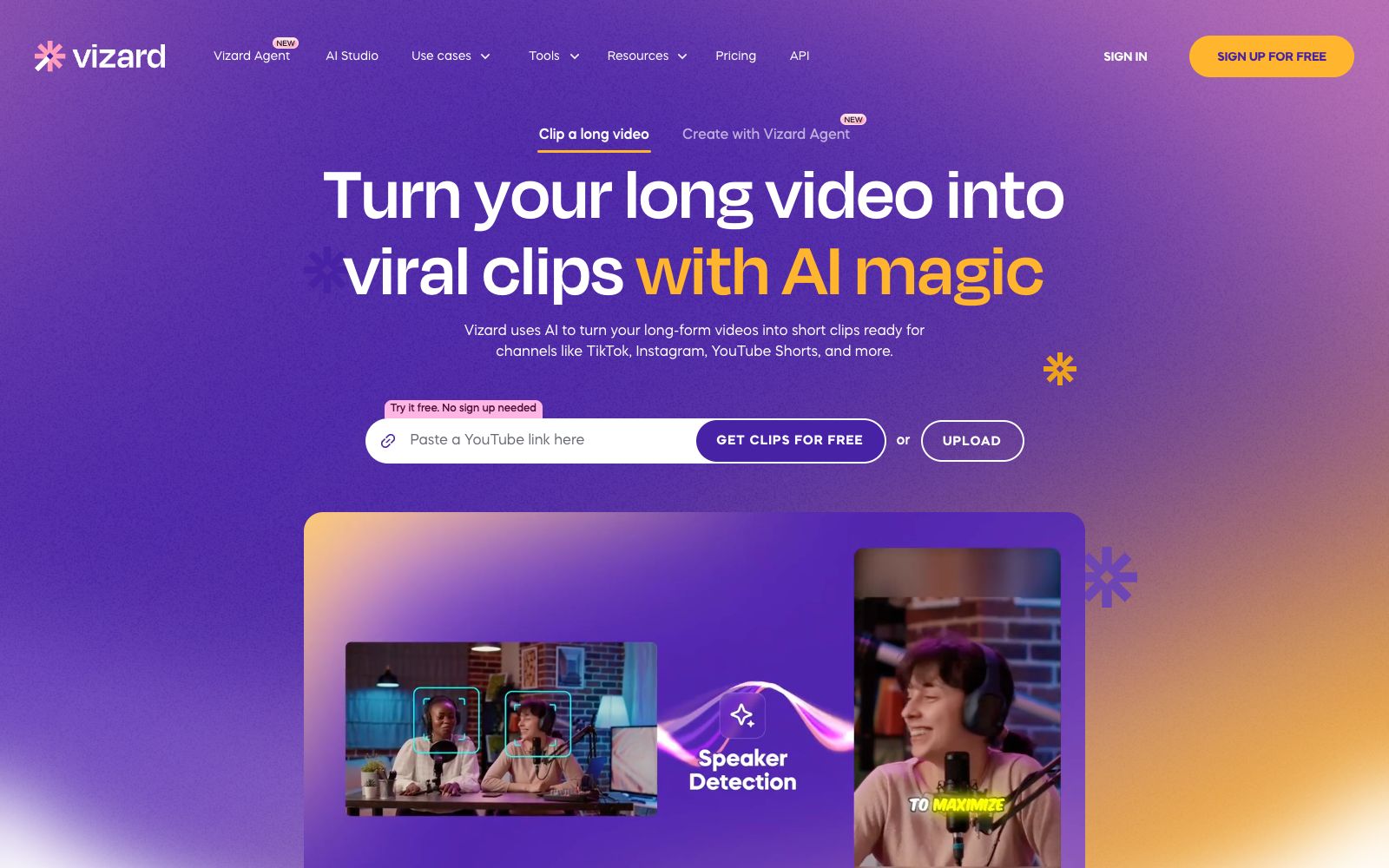
Vizard is an AI long video slicing tool that can automatically cut long content such as podcasts, interviews and courses into more than 30 vertical screen short videos suitable for TikTok, Reels and Shorts with one click.
Updated: 2026-10-26
What is Vizard?
Vizard is a short-video production tool with "AI slicing" as its core. Its official website states that it is already used by more than 10 million creators and enterprises. It solves the most time-consuming part of content reuse: for a one-hour podcast or interview, manually extracting golden sentences, cropping them into vertical screens and adding subtitles usually takes several hours. However, after uploading, Vizard first uses AI for transcription, then automatically identifies highlight clips, generating more than 30 short videos adapted for TikTok, Instagram Reels and YouTube Shorts at one time. It has a built-in team collaboration space, enabling brands and agencies to review and release videos in one workflow. It is not positioned as a general-purpose editor, but rather a production line for "mass-producing short content for social media platforms".
Who is it for?
- Content teams that create podcasts, interviews, courses, and live streams.
- Creators and streamers who want to repurpose long videos into short videos.
- Marketing and operations teams that need to batch-produce social media short videos.
- Agents and freelancers who provide short video operation services on behalf of others and aim to improve efficiency.
- Brands with a large volume of content but insufficient editing manpower.
Key features
6One-click AI Slicing
Upload long videos and automatically convert them into more than 30 vertical short videos with subtitles.
Smart Transcription & Subtitling
Automatically generate time-stamped subtitles in multiple languages, reducing manual timing work.
Highlight Recognition
The AI selects clips most likely to drive engagement and virality, rather than cropping them uniformly.
Social Media Adaptation
Outputs sizes and aspect ratios optimized for various platforms, ready to post directly to TikTok, Reels, and Shorts.
Team Collaboration
Provides a workspace where team members can divide the work of reviewing clips, editing, and publishing.
Multi-role Templates
Provide slicing schemes for different scenarios for creators, coaches, marketers and agents.
How to use Vizard
- 1First, optimize the audio quality of the long video to ensure more accurate transcription and clipping results.
- 2It is still recommended to manually select the highlight clips after slicing, as the AI may not understand your brand's tone and positioning.
- 3Tweak the first few seconds of each short video to fit the platform; the first 3 seconds determine the completion rate.
- 4Keep the subtitle style consistent to create a visual memory point for the account.
- 5Compliance Note: The release of short videos must comply with the specifications of each platform. For commercial and team packages, please refer to the official website.
Things to know
Traffic & popularity
Data month Sep 2026
Vizard receives about 521.0K visits per month.
Monthly visits
12 monthsTraffic sources
- Search45.0%
- Direct37.5%
- Social9.1%
- Referrals3.1%
- AI assistants2.9%
- Other2.4%
Top countries
- India13.2%
- United States12.2%
- Vietnam5.8%
- Brazil4.9%
- Philippines3.3%
Estimated from third-party traffic data.
Similar tools
 KlapAI short video clipping tool, the official said that by pasting a link or uploading a long video, it can automatically select highlight clips and reconstruct them into vertical screen short videos, automatically add subtitles and track composition, and can be scheduled and released to TikTok and YouTube.
 ChoppityChoppity is an AI video editor that automatically cuts podcasts and long videos into more than 30 short videos with subtitles and automatic framing, and supports one-click publishing to various social media platforms.
 OpusClipOpusClip is a popular AI tool for clipping long videos. It automatically converts a single long video into multiple viral short videos with subtitles and intelligent composition, making them easy to distribute directly on social media.
 CrePalAll-in-one AI video creation intelligent agent. The AI director automatically selects suitable combinations of image and video models to generate videos based on creative needs. It supports real-time preview, voice editing, and high-definition export with subtitles, dubbing and background music.
 CastmagicCastmagic is an AI audio content platform that converts podcasts and recordings into hundreds of reusable content assets such as transcripts, summaries, social media posts, blogs and short videos in one go.
 SsembleAn AI tool that cuts long videos into viral short videos. Paste a YouTube link or upload a file, and it automatically picks out highlight clips, adds subtitles, and tracks faces with the rule of thirds composition, then schedules and publishes them across multiple platforms.