


Upscayl
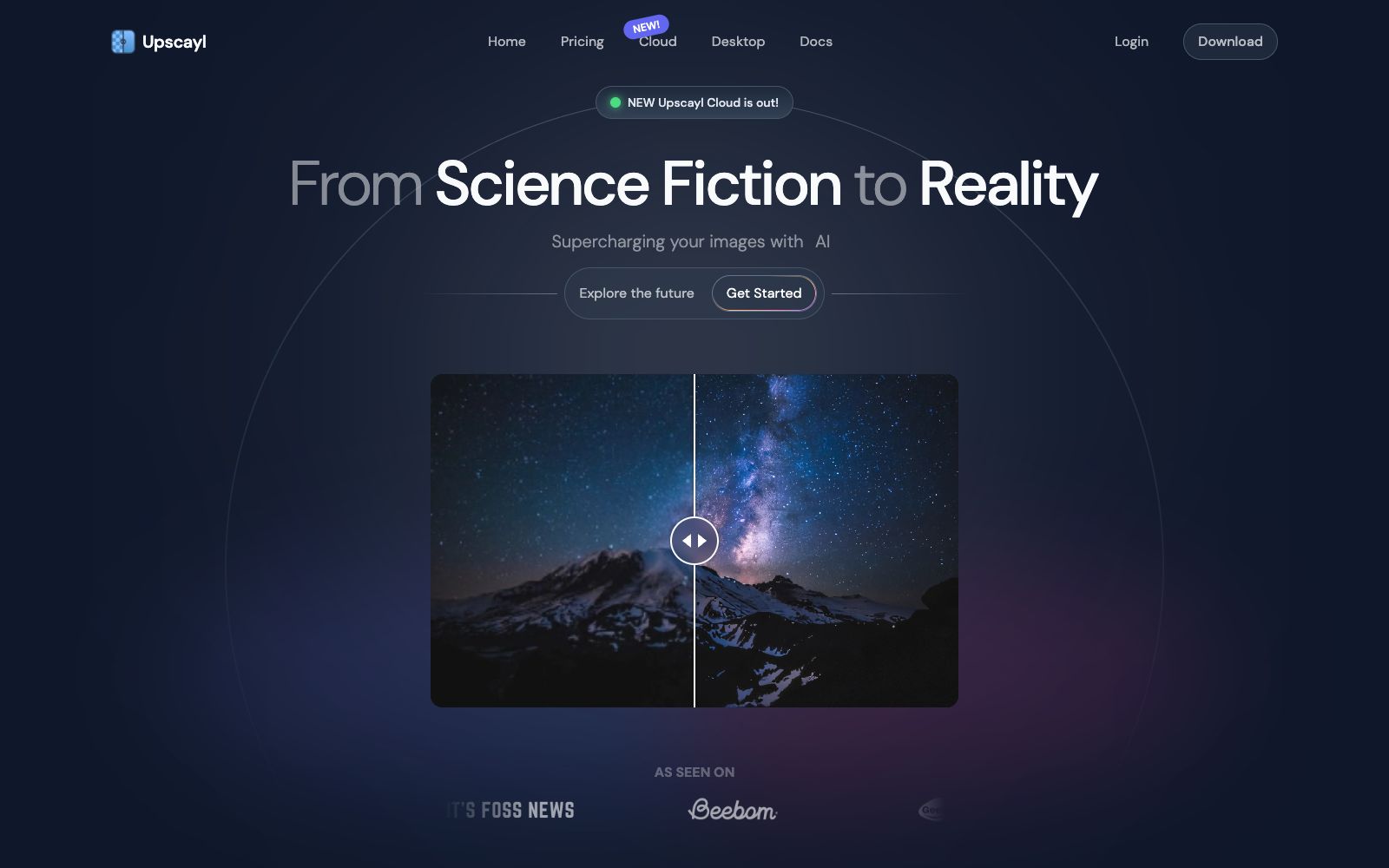
A cross-platform open-source AI image upscaling tool. The desktop version is free, using multiple upscaling models to enhance resolution while preserving color details; the cloud version offers up to 16x upscaling, face enhancement and batch processing.
Updated: 2026-10-26
What is Upscayl?
Blurry screenshots, low-resolution old photos, insufficient size of printed manuscripts — the solution to such problems shouldn’t be to buy more expensive software. Upscayl is a free and open-source AI image upscaling tool. Its desktop version covers Linux, macOS and Windows, and its official website describes it as being so easy to use that there’s no need to learn it. Its approach is very simple: hand blurry images to the model for upscaling while trying to avoid losing colors and details.
Who is it for?
- Ordinary users who have a lot of blurry images to restore, as well as people who organize old photos.
- People who do design, printing or secondary material processing and need output that meets printing requirements.
- Developers who want a tool that runs locally and keeps the original images from being shared externally.
- People who have a lot of photos and want to process a whole batch at once instead of clicking one by one.
Key features
7AI Upscaling
Enhances image resolution using AI, with a free and open-source desktop version.
Multiple Models Available
The official website emphasizes that there are different upscaling models for different types of images, and you can choose according to the material, instead of using one model for all scenarios.
Upscayl Cloud
The cloud version is officially claimed to support up to 16x magnification, multi-model processing, and its speed is said to be 10 times faster than before.
Color Accuracy
The official website emphasizes the retention of colors and details, which caters to the output requirements for printing.
Batch Processing & Face Enhancement
The cloud version supports processing a batch of images at once, including face enhancement, detail restoration, and intelligent editing.
Cloud AI Image Generation
The official website also lists generating images from descriptions as one of the cloud capabilities, offering a variety of artistic styles.
Multi-device Compatibility
Works on desktops, mobile devices, and tablets, as listed under the "General Compatibility" section on the official website.
How to use Upscayl
- Prefer the desktop version: It's free and open-source, no need to upload the original image, and you can rest assured with sensitive materials.
- The magnification ratio isn't always better the higher it is.
- First test the same image at 2x and 4x magnification, then decide whether to go for 8x or higher.
- The batch processing and face enhancement features in the cloud version are upgrade functions.
- use the free credits to verify the effects first before deciding whether to pay for them.
- Different models produce outputs with distinct styles, so it’s worth running the same image through each one to pick the best result.
- as stated on the official website, you should choose a model based on the type of material.
- Face enhancement has high requirements for input clarity.
- for original images that are so blurry that facial features cannot be distinguished, the effect often falls short of expectations.
- Magnification cannot restore lost details out of thin air.
- the super-resolution results must be compared with the original image before being used for commercial purposes.
- The official website has links to both Cloud and the desktop version.
- first confirm whether you want local processing or cloud-based capabilities.
Traffic & popularity
Data month Sep 2026
Upscayl receives about 2.8M visits per month and ranks #18,364 worldwide.
Monthly visits
12 monthsTraffic sources
- Search64.7%
- Direct19.6%
- Referrals7.8%
- AI assistants5.1%
- Social2.8%
Top countries
- United States11.0%
- India7.4%
- Germany4.8%
- Brazil4.4%
- China3.5%
Estimated from third-party traffic data.
Similar tools
 IMGUpscalerImgUpscaler is an online image quality enhancement tool. Its official website states that it can boost the image resolution to 16K, repair pixelation and blurry details, supports single and batch processing, and can be used without registration.
 Deep-Image.aiDeep-Image.ai is an AI image enhancement platform focused on e-commerce and printing. Its official website states that it supports generative super-resolution, a maximum 4x magnification, batch processing of up to 50 images at a time, and provides API integration with Zapier.
 Nightmare AIOnline AI image upscaling and enhancement tool, which has two types of models for photos and anime respectively. According to the official website, it can upscale images by 2x and 4x and output them to 2K and 4K resolutions. It supports JPG, PNG and WebP formats.
 AVCLabsAVCLabs provides AI video and image quality enhancement tools, including video upscaling, face blurring, object removal, watermark removal, old photo colorization and AI image generation. It supports desktop and online use and provides MCP API.
 Upscale.mediaOnline AI image upscaling and enhancement tool. Officially, it can upscale images by 2x or 4x without losing texture details. New users get the first 3 points upon registration. It also offers features like sharpening, deblurring, dehazing, face restoration, old photo colorization, batch conversion, and API access.
 AiartyA local desktop image processing software for photography, e-commerce and design scenarios, focusing on image quality enhancement, video quality improvement and precise matting. The official claims that processing can be done on the local machine, and it supports ultra-high resolution enlargement.