


Trupeer AI
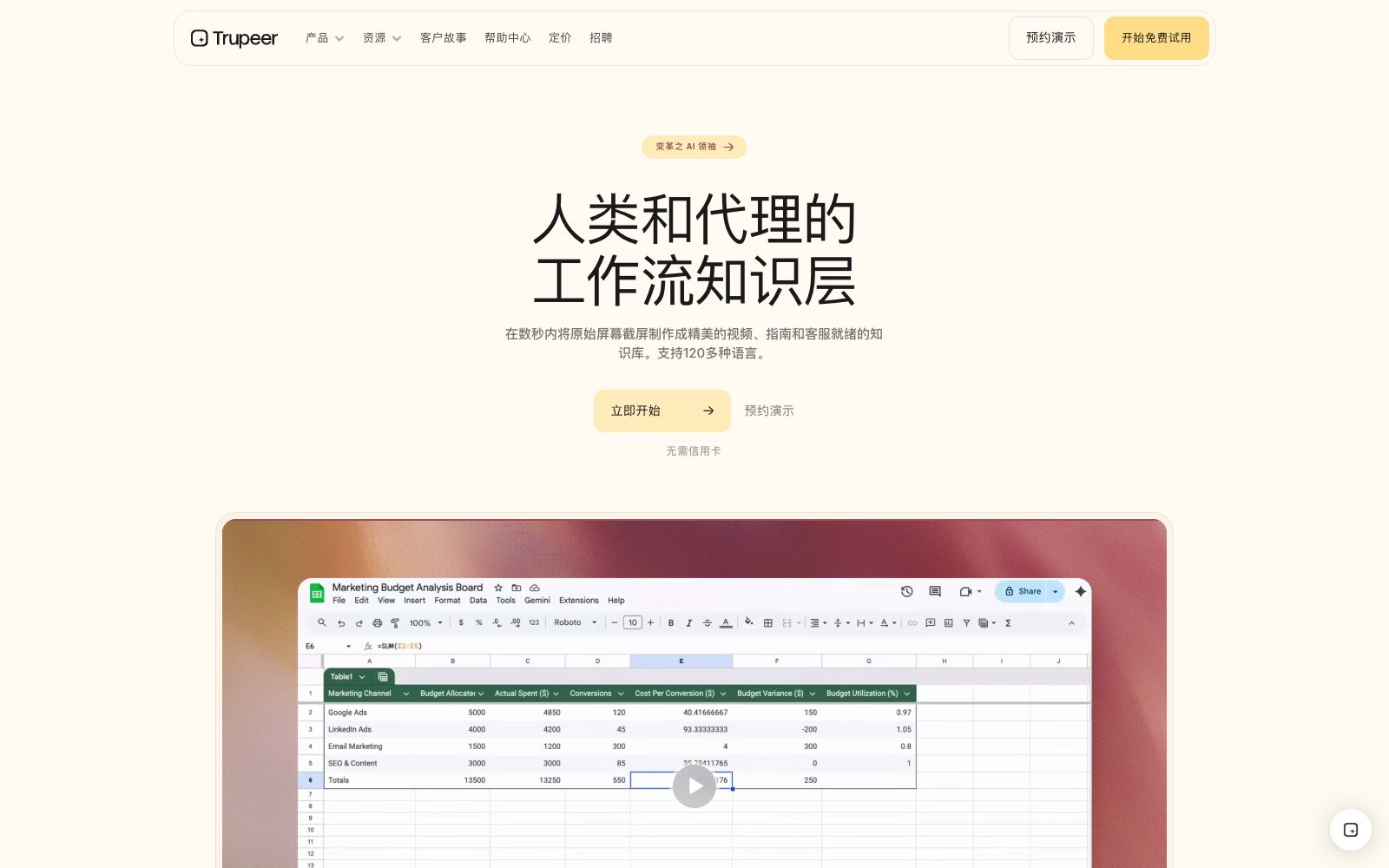
A screen recording content platform for enterprises. With one screen recording, AI can generate product demonstration videos, step-by-step operation guides and knowledge documents. The official claims to support output in more than 120 languages and emphasizes enterprise-level capabilities.
Updated: 2026-10-26
What is Trupeer AI?
Trupeer is a screen recording-to-content platform provided by trupeer.ai, which is described on its official website as "The workflow knowledge layer for humans and agents". The core idea is straightforward: you only need to record your screen once, and the AI takes care of the rest—editing, dubbing, step-by-step breakdown, and multilingual versions. The output includes both videos and guides readable by humans, as well as structured knowledge that can be queried by intelligent agents.
Who is it for?
- SaaS product teams that need to continuously produce product demos and new feature introductions.
- Customer success teams that maintain help centers, onboarding guides, and customer training documentation.
- Operations and human resources teams that want to codify internal operational workflows into queryable knowledge.
- Companies that need a single piece of demo content to be available in multiple language versions to cover overseas markets.
Key features
7Video
The official claims that it can generate studio-quality product demo videos from any screen recording, and the original screen recording and the final video can be viewed side by side on the page.
Guide
Breaks down screen recordings into step-by-step operation documents, suitable for creating help center content.
Translation
The official states that it can automatically generate versions of videos and documents in over 120 languages, eliminating the cost of re-recording.
One-click conversion from raw capture to finished product
The official website repeatedly emphasizes "One screen recording. Multiple outputs.", meaning one recording can be repurposed for multiple outputs.
Knowledge layer for agents
The official positioning of the output is content that "agents can query", which not only serves human readers.
Enterprise ready from Day 1
The official states that the platform was built to enterprise-grade requirements from the very beginning, providing video stack capabilities to global companies.
All-in-one for translation, scripting and video editing
The official website describes the product as simultaneously serving as a video editor, translation tool and scriptwriting assistant.
How to use Trupeer AI
- 1Write the step-by-step script and turn off irrelevant notification pop-ups before recording, as the AI can only work based on what you capture on screen.
- 2Use clean test data for the demo environment to avoid capturing real customer information or internal accounts in the screen recording.
- 3After generating the step-by-step guide, check each operation step one by one, especially the descriptions involving irreversible actions such as deletion and payment.
- 4Prioritize the languages of major markets for multilingual versions, and manually unify the vocabulary for product terms in machine translation.
- 5The commercial license scope of the music, fonts and materials used in the video shall be subject to the official instructions.
- 6Confirm the data storage location and access control before enterprise procurement, as the official rules may be adjusted with version updates.
Traffic & popularity
Data month Sep 2026
Trupeer AI receives about 1.1M visits per month and ranks #43,439 worldwide.
Monthly visits
12 monthsTraffic sources
- Search71.9%
- Direct19.1%
- Social3.8%
- Referrals2.8%
- Mail1.3%
- Other1.2%
Top countries
- Mexico15.1%
- India11.3%
- United States9.1%
- Italy7.4%
- Spain6.5%
Estimated from third-party traffic data.
Similar tools
 Vmaker AIA self-service video creation and editing platform that covers screen recording, converting long videos to short videos, multilingual subtitles, AI dubbing, translation and other capabilities. The official claims that the number of global users has exceeded 2 million.
 GuidejarGuidejar automatically turns a single recorded workflow into step-by-step guides and interactive demos. It supports translation into more than 30 languages, branching paths, and MCP integration, with pricing starting at $19 per seat per month.
 CluesoClueso is an AI video creation platform for enterprise teams, used for making product demos, training and internal communication videos. Officially, it claims to go from idea to finished video and automatically keep content updated.
 KlevoA demo video assistant for Claude, ChatGPT, and Cursor that, according to the official description, uses MCP to let AI walk through your web app step by step and record it as an MP4 with cursor, zoom, captions, and device frames. Free for 3 videos per month; Pro is $19 per month.
 GitBookA team-oriented knowledge document platform that connects documents, products and users. It is officially claimed to proactively detect expired content, answer user questions with AI, identify knowledge gaps, and balance retrieval for humans and Agents.
 GlimeoA tool that generates explanatory videos and interactive product demonstrations from a single screen recording. The official states that it supports AI narration, zoom highlighting, multi-language versions and interface change detection, and interactive tours are provided for free along with the videos.