


SuperWhisper
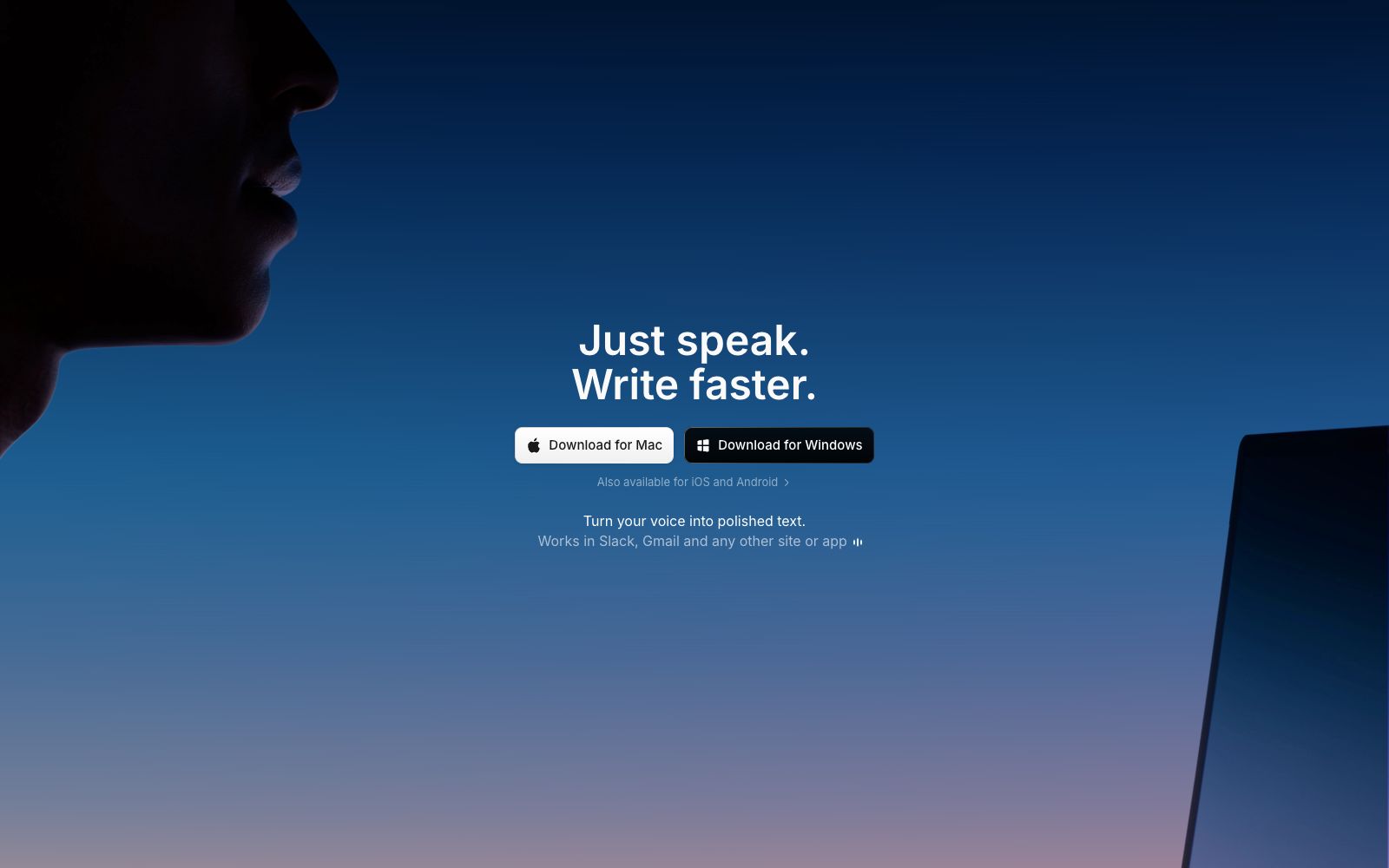
SuperWhisper is a cross-platform speech dictation tool. You can speak in any application to get polished text. It supports over 100 languages, offline transcription and automatic meeting recording, and is suitable for writing, programming and daily office input.
Updated: 2026-10-27
What is SuperWhisper?
SuperWhisper is an input tool that converts speech into text, covering macOS, Windows, iOS and Android. It is not positioned as a voice-to-text recorder; instead, it delivers ready-to-send text the moment you finish speaking: you hold down the speak button in Slack, Gmail, Cursor or any input box, and upon releasing it, polished text automatically appears at the cursor position. Compared with tools that only perform transcription, it offers tone and format switching for different scenarios, as well as customizable writing models.
Who is it for?
- Writers and journalists: Dictate a first draft orally and then revise the text, which is faster than starting with a blank page.
- Developers: Dictate requirements to smart agents like Cursor, Claude Code, and Codex, eliminating the need for extensive typing.
- Salespeople, consultants, and project managers: They attend more than one meeting a day and need automatic meeting minutes and to-do lists.
- Multilingual professionals: Unify records into English after cross-lingual communication.
- People who get tired from typing for long periods: Use speech instead of typing.
Key features
8Global Dictation
Speak in any input field such as Slack, Gmail, Notion, Cursor, etc., and the transcription result will be pasted automatically without copy-pasting.
Offline Transcription
The official version supports transcription without an internet connection, making it ideal for use on airplanes, at client sites, or in privacy-sensitive environments.
Predefined Modes
Built-in tones such as formal, casual, legal, and chat, as well as scenarios like voice notes, messages, and emails, automatically adjust structure, wording, and formatting.
Custom Vocabulary
Names, abbreviations, and industry terms take effect long-term after being recorded once, and the official states that they will always be remembered.
Meeting & File Transcription
The meeting assistant automatically records and organizes key points, and you can also upload audio and video files to obtain reliable transcription drafts.
Multilingual Support
Supports over 100 languages and dialects, and can unify translations into English.
Model Optional
The language model can be switched among GPT-5, Claude, Llama, Grok, and Gemini; the voice model can be Whisper Large; additionally, Super Mode will combine screen content to provide results.
Talk-to-Type & Shortcuts
Hold to speak, and text appears as soon as you release. You can also customize shortcuts to start and control the feature.
How to use SuperWhisper
- 1Start with just two or three modes: one for casual messages, one for formal emails, and one for code or terminology-heavy contexts. Too many modes will make it hard to remember which one to switch to.
- 2Spend ten minutes maintaining your glossary. Input product names, colleague names, and abbreviations, and the improvement in recognition accuracy will be remarkable.
- 3Switch to offline mode for privacy-sensitive content and avoid uploading meeting recordings to the cloud.
- 4The official claims that it has passed SOC 2 Type II certification and complies with HIPAA, and regulated industries such as healthcare and law can conduct compliance assessments based on this.
- 5Download it to try it out; the specific free trial quota and subscription prices are subject to the Pricing page on the official website.
Traffic & popularity
Data month Sep 2026
SuperWhisper receives about 679.5K visits per month and ranks #73,280 worldwide.
Monthly visits
12 monthsTraffic sources
- Search57.2%
- Direct24.3%
- Social9.3%
- Referrals6.2%
- AI assistants1.9%
- Other1.1%
Top countries
- United States30.9%
- United Kingdom7.6%
- France5.1%
- Canada4.4%
- Germany4.0%
Estimated from third-party traffic data.
Similar tools
 Willow VoiceWillow is a cross-application AI voice dictation tool. Press the shortcut key and speak, and the formatted text will directly fall into the cursor position. It supports more than 100 languages and offline use. It is suitable for people who write emails, reply to messages and write prompts for AI.
 OpenLessOpen-source cross-platform voice input tool that supports macOS, Windows and Linux. Press the hotkey and speak to transcribe locally and polish into clean text or structured prompts. Released under MIT License, with data local-first.
 SayItOpen-source voice input tool for Windows: Press the shortcut key and speak, then the AI removes filler words and organizes the content according to custom prompt words, directly inputting it into Claude Code, Codex, Kiro, or any inputable area.
 VoiceboxAn open-source local voice studio that clones timbre from a few recordings, generates speech across multiple TTS engines, and enables global dictation in any application. The official description states that it is a free local alternative to ElevenLabs and WisprFlow.
 UnmuteThe voice interaction project Unmute launched by Kyutai is officially described as "enabling large language models to listen and speak", with the goal of endowing LLMs with real-time auditory and speech capabilities; its official website is a dynamically loaded page with limited publicly visible details.
 Audo StudioOnline audio cleaning tool with one-click noise reduction, echo cancellation, and voice enhancement. It also supports transcription, audio recording, and screen recording, and can export WAV and MP3 files. The official claims that the first minute is free and there are three times per day.