


JoyCast
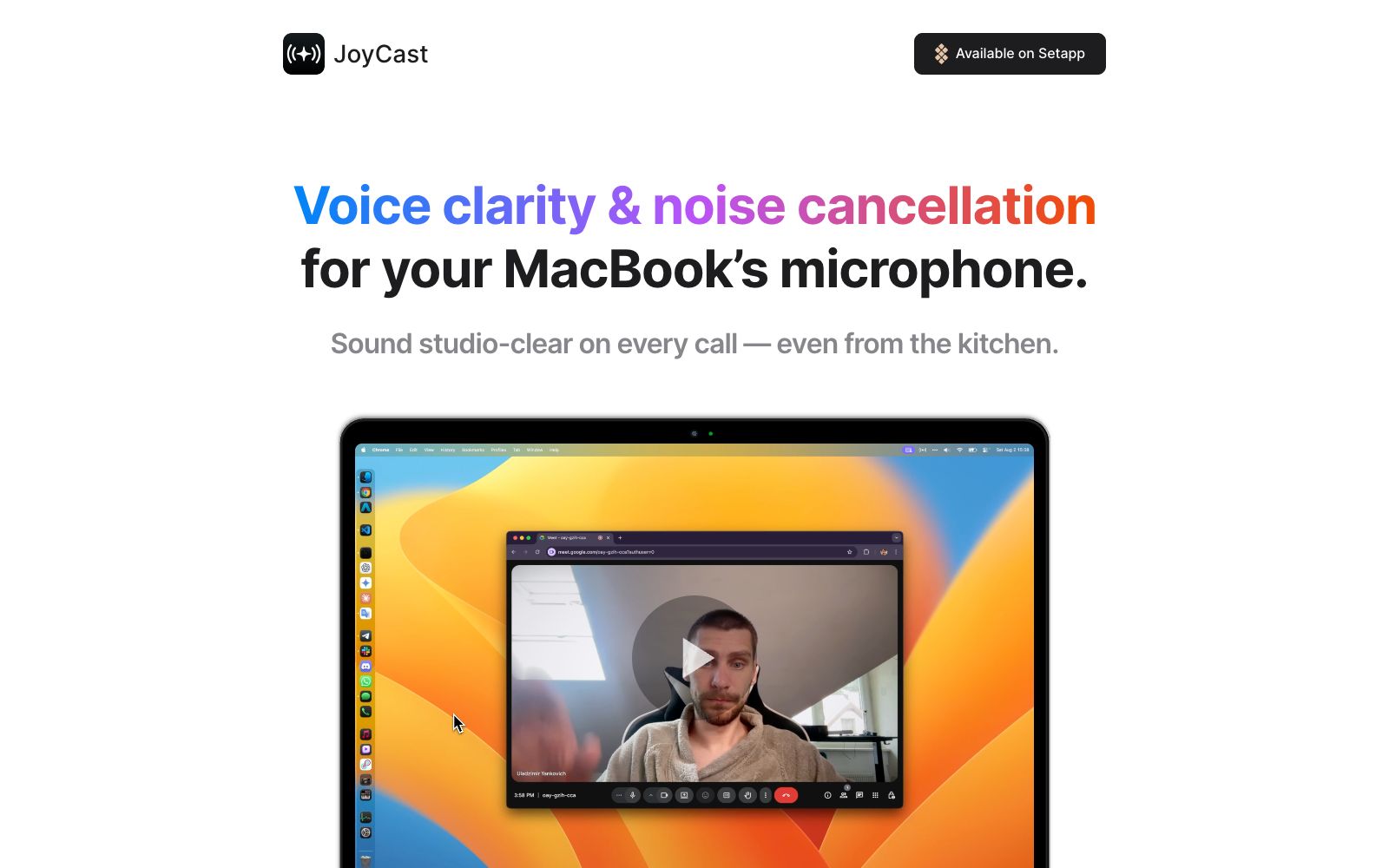
A tool for real-time noise reduction and voice enhancement of MacBook microphones. The official claims it can remove up to 97% of background noise with a delay of about 20ms. It runs entirely locally without uploading to the cloud, and it takes effect as soon as you switch the input to JoyCast Mic.
Updated: 2026-10-26
What is JoyCast?
JoyCast is a desktop tool specifically designed to improve the sound quality of MacBook microphones. Its official website slogan is "Even have a meeting in the kitchen and get a studio-level clear voice." It is not an independent recording software but takes over the system's microphone input: after installation, select JoyCast Mic as the input device, and it will take effect immediately in Zoom, Google Meet, Microsoft Teams, and anywhere a microphone is used. The official website repeatedly emphasizes that it does not require users to understand parameters: you don't need to know terms like sample rate, decibels, XLR connectors, plugin formats, ring buffers, or audio channels to use it.
Who is it for?
- Remote employees who work from home and have background noise from children, renovations or roommates.
- Salespeople and consultants who conduct client demonstrations in video conferences every day.
- Beginner podcasters and streamers who don't want to mess with external sound cards and plugins.
- Users who are privacy-conscious and do not accept audio being uploaded to the cloud for processing.
Key features
6Background Noise Reduction
Officially claims to eliminate up to 97% of background noise, and overlays a subtle voice enhancement while preserving 48 kHz native audio.
Full Local Processing
The official website emphasizes that it runs 100% locally on a Mac, with no cloud services, accounts, or logs, and also states that it does not perform tracking or analysis.
Low Overhead Operation
Officially optimized for Apple Silicon, with a latency of approximately 20ms and a memory usage of about 75 MB.
Sound Reactions
A small interactive feature for meetings, described on the official website as "Sometimes you need to freshen the air, sometimes you need to stir things up—either way, making meetings a little less tedious."
Mirror, Mirror
One-click camera self-check from the menu bar to make sure your video looks presentable before a meeting.
Future Plans
The official website's "Coming soon" section lists a brand-element virtual camera, a customizable soundboard, a more powerful recorder, as well as Windows and Linux versions.
How to use JoyCast
- After installation, simply select "JoyCast Mic" as the input device in your system.
- The official website states that this is the only step required—no additional drivers or parameter configuration are necessary.
- For first-time use, record a sample in an environment with no real people, then listen to it repeatedly alongside the audio from your original microphone to find the optimal enhancement strength and noise gate threshold.
- The official claims that it "reduces background noise by up to 32% compared to Nvidia Broadcast" and "elevates the built-in microphone to the level of a $400 one" are official statements limited to the Mac platform, and actual differences may vary based on personal listening experience.
- If you enable meeting recording or post-meeting transcription, pay attention to whether you need to declare this to the participants and obtain their consent.
- Different meeting software handle input gain differently, so it is recommended to recheck the input volume when switching to another platform for a meeting.
- The version obtained through Setapp is subject to subscription rules.
- versions for Windows and Linux are still in the works, so cross-platform teams should take note.
Traffic & popularity
Data month Sep 2026
JoyCast receives about 176 visits per month.
Monthly visits
12 monthsTraffic sources
- Direct38.4%
- Search37.3%
- Referrals9.0%
- Social6.2%
- Mail2.9%
- Other6.1%
Top countries
- India100.0%
Estimated from third-party traffic data.
Similar tools
 Audo StudioOnline audio cleaning tool with one-click noise reduction, echo cancellation, and voice enhancement. It also supports transcription, audio recording, and screen recording, and can export WAV and MP3 files. The official claims that the first minute is free and there are three times per day.
 Dubbing AIReal-time AI voice changer for gaming and live streaming, with over 500 voice tones and 100,000+ sound effect boards, latency below 300ms, compatible with Discord and OBS.
 OpenLessOpen-source cross-platform voice input tool that supports macOS, Windows and Linux. Press the hotkey and speak to transcribe locally and polish into clean text or structured prompts. Released under MIT License, with data local-first.
 UnmuteThe voice interaction project Unmute launched by Kyutai is officially described as "enabling large language models to listen and speak", with the goal of endowing LLMs with real-time auditory and speech capabilities; its official website is a dynamically loaded page with limited publicly visible details.
 SuperWhisperSuperWhisper is a cross-platform speech dictation tool. You can speak in any application to get polished text. It supports over 100 languages, offline transcription and automatic meeting recording, and is suitable for writing, programming and daily office input.
 Voice ChangerVoice Changer is a free online voice changer. You can upload audio, record with a microphone or type text to generate speech, and then apply dozens of effects such as monster, robot, phone, and cave echo. It is suitable for spoofed dubbing, short videos and sound effect experiments.