


Slazzer
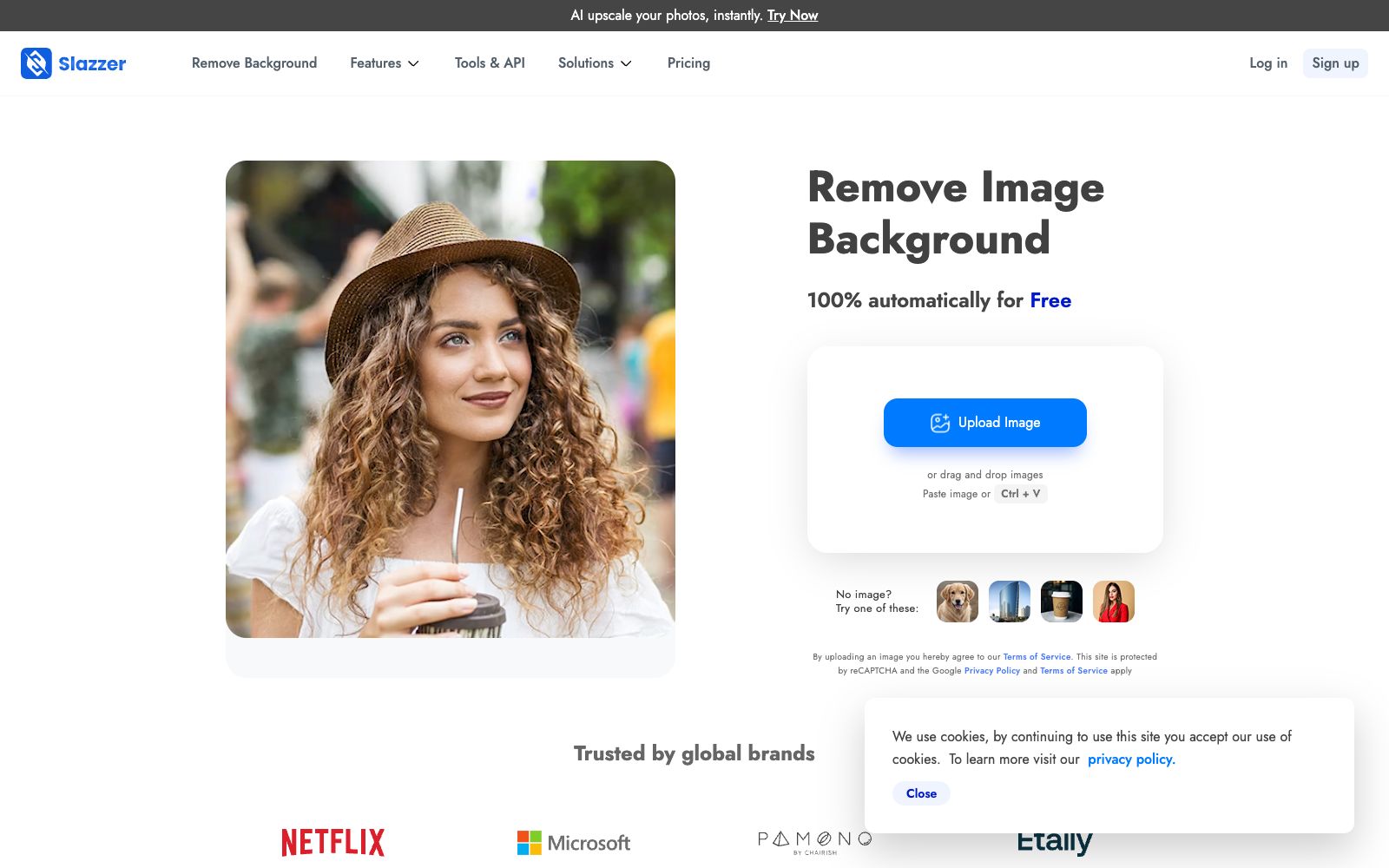
Online one-click background removal tool: remove image backgrounds in seconds. It also offers AI functions like upscaling, enhancement, shadow restoration, sky replacement and old photo coloring. Available on web, desktop and via API.
Updated: 2026-10-27
What is Slazzer?
Slazzer is an online image tool that started with automatic background removal. Officially, it can remove the background 100% automatically in a few seconds. Its positioning goes far beyond "removing the background from a single image": focusing on e-commerce, photography, advertising and other scenarios, the platform also offers a set of small tools such as AI upscaling, enhancement, light adjustment, shadow generation, sky replacement, and old photo coloring. It has extended the same set of capabilities to desktop clients, mobile apps, and developer APIs. It has been doing this one small thing for years, excelling in speed and stability. Most operations can be done on the web version, and only heavy users need to install the client.
Who is it for?
- E-commerce operations staff and graphic designers who need to batch-process supplier images into white-background main images every day.
- For second-hand trading, real estate and car sales, quickly retouch the product and scene photos to make them clean.
- Independent photographers who perform unified upscaling and light enhancement before delivering the final photos.
- Teams creating product catalogs and lookbooks that need to batch-produce images in accordance with a uniform white background specification.
- Developers and small teams integrate background removal into their own listing or design systems via APIs.
Key features
6Automatic Background Removal
Upload an image to automatically separate the subject from the background. The official emphasizes edge quality, striving to retain details when processing hair, translucent objects, and fine strands. It claims no manual selection is needed, with results ready in a few seconds.
AI Upscaling
Performs super-resolution on low-resolution materials, suitable for displaying blurry images received from suppliers on detail pages or large screens, eliminating the cost of reshooting. The upscaled images will have cleaner edges after being matting-processed again.
AI Enhancement & Light Correction
One-click adjustment of exposure, contrast, and color tones. The official states that the process is completed within a few seconds, eliminating the need to open additional image editing software and work through layers. It also makes it easier to unify the color tones of the same batch of images.
AI Shadow Generation
Adds a drop shadow to the cutout subject, ensuring the composite image doesn't look like it's floating on the background. The realism of product images largely depends on this step, and the shadow direction must match the light in the original image.
Replace Sky & Colorize
Can replace the sky in photos and colorize black-and-white old photos, applicable to real estate, car and family photos, and can also create retro-style covers.
Catalog-based workflow & multi-platform support
The official team has also developed a batch processing solution for food, grocery, and furniture catalogs, and provides desktop clients for Windows, Mac, and Linux, Android and iOS apps, as well as APIs for developers.
How to use Slazzer
- First try the most difficult image on the web version, such as hair, sheer clothing or a glass, and check if the edges are sufficient before deciding to pay.
- The free web version only processes one image at a time.
- for batch processing needs, using the desktop client or API is more time-efficient and also avoids queues on the web side.
- After cutting out the image, adding shadows and adjusting the light can significantly enhance the realism of the composite compared to simply refining the cutout edges.
- Save the cutout images as transparent PNGs before compositing.
- making direct edits on images with backgrounds will leave white edges.
- Confirm portrait authorization before processing portrait and customer materials.
- the scope of commercial use is subject to the official terms.
- the platform charges by points, and the free quota may be adjusted.
- Check the pricing page before long-term use, and don’t wait until running batch processing to find the quota is insufficient.
Traffic & popularity
Data month Sep 2026
Slazzer receives about 1.6M visits per month and ranks #32,956 worldwide.
Monthly visits
12 monthsTraffic sources
- Search60.1%
- Direct32.7%
- Referrals3.7%
- Social1.8%
- Mail1.1%
- Other0.7%
Top countries
- India19.5%
- United States9.6%
- Bangladesh6.3%
- Indonesia5.3%
- Nigeria2.8%
Estimated from third-party traffic data.
Similar tools
 EzRemoverFree online AI background removal tool: upload an image, and it will automatically remove the background and output a transparent PNG. You can change the background to white or a solid color, generate new scenes with AI, and it also offers batch processing and special modes for logos, text, anime, and more.
 Palette.fmPalette.fm is an online tool for colorizing black-and-white photos. It offers more than 20 color filters and keyword fine-tuning, supports batch processing, and allows for high-definition image export. It is suitable for people who restore old family photos and creators who work with historical materials.
 AI Image to Image GeneratorA registration-free online image-to-image tool. Upload a photo and describe it in one sentence to change the background, adjust the style, create professional avatars, expand the canvas, and restore old photos. It is ideal for e-commerce and social media operators to quickly generate images.
 PhotoAidFree online image upscaling tool developed by PhotoAid. After uploading, it scales up to 2x the size. It supports JPEG, PNG, and WebP formats, with a single file size limit of 30MB. The official claims it delivers better results for human facial features, and the entire process is completed in the browser.
 ArtCraftOpen-source AI image and video creation desktop application, available on Mac, Windows and web, focusing on controllable generation: image-to-scene, 3D composition, image-to-3D mesh, character posing and one-click background removal.
 neural.loveAn AI image and video toolkit in the browser that can restore old photos, enhance image quality, edit images with text commands, convert static photos into videos, and even generate resume avatars from a single selfie. All tools share a single credit system, making it ideal for people who need to edit materials and create illustrations.