


Riverside
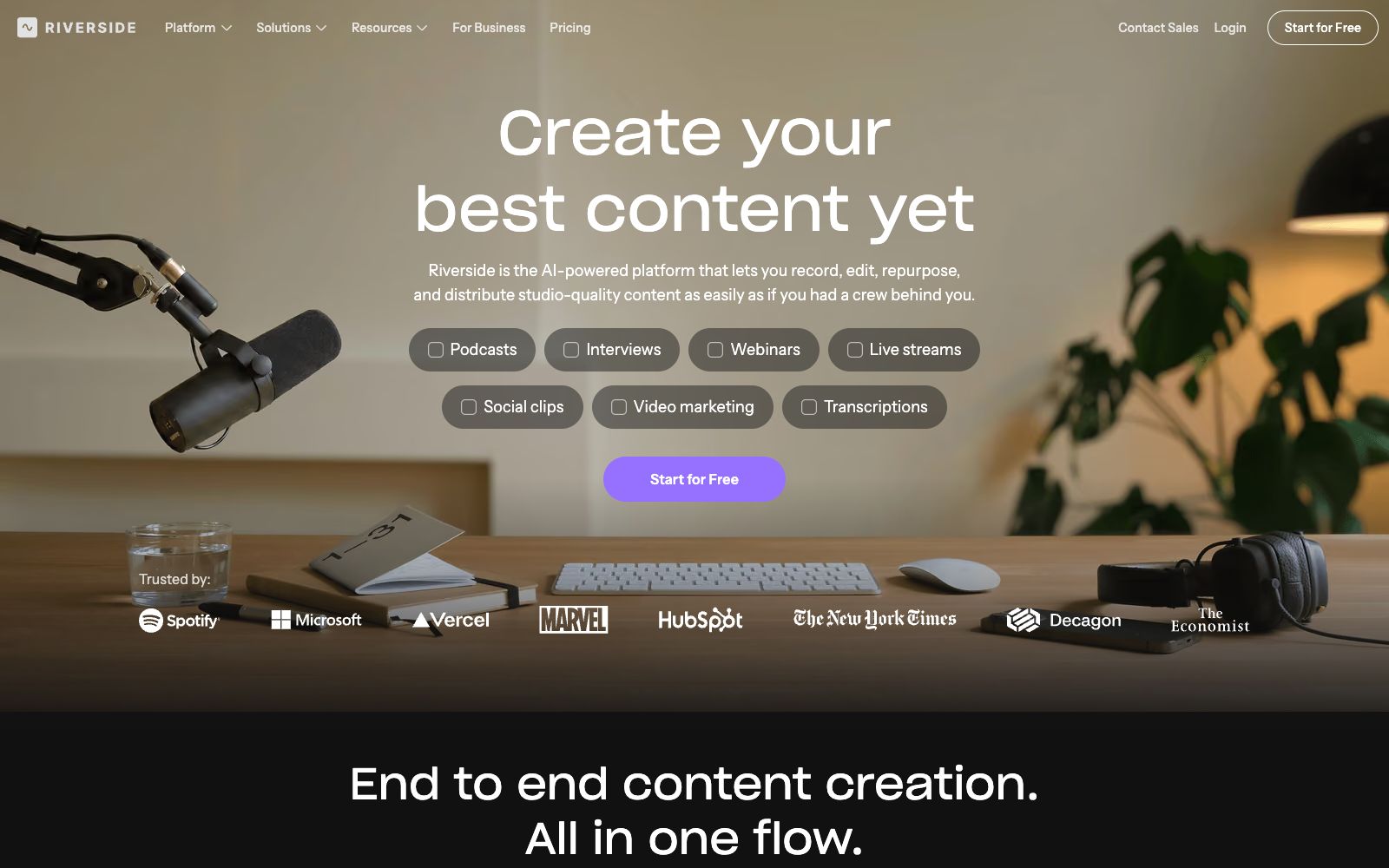
A browser-based podcast and video recording platform with local recording support up to 4K resolution and 48kHz audio. It comes with AI transcription, text-based editing, magic clips, and one-click publishing to major podcast platforms, making it ideal for content creators and small teams.
Updated: 2026-10-26
What is Riverside?
The positioning of Riverside's official website is "the AI-powered platform that lets you record, edit, repurpose, and distribute studio-quality content as easily as if you had a crew behind you." — it integrates recording, editing, repurposing, and distribution into a single workflow. Its most prominent feature is local recording: each participant's audio and video is recorded locally on their own device first before being uploaded and synthesized, eliminating echoes and crosstalk when multiple people are in the same room. The official website also offers modules such as live streaming, web-based meetings, podcast hosting, and email newsletters.
Who is it for?
- Independent podcasters and small production teams that need 4K video and multi-camera separate tracks but don't want to rent a recording studio.
- Marketing and product teams conducting video validation, user interviews, and customer testimonials, for which the official website lists dedicated use cases.
- Corporate internal training and L&D teams use Learning & Development scenarios to record content for post-training distribution.
- For creators who need to split a long interview into short videos, the Magic Clips and Repurpose features directly correspond to this workflow.
Key features
6Local Recording
The official website emphasizes "Local recording for sharp video & audio", supporting up to 4K video and 48kHz audio recording, with separate tracks for each participant.
Text-based Video Editor
The official website calls it an "AI, text-based video editor" — you can edit videos just like modifying documents, and the Pro plan includes unlimited text-based editing.
AI Toolkit
Officially lists Magic Clips, Transcribing, Captions, Magic Audio, AI Show Notes, AI Co-Creator, AI Translation, and AI Twin.
Magic Audio
The official website describes that it can remove silences and filler words, create AI B-roll, and fix eye contact issues. The Pro plan also includes audio enhancement.
Live Streaming & Multi-Platform Streaming
The Grow plan supports 1080p live streaming and can stream to YouTube, Twitch, and Instagram simultaneously.
Publishing & Hosting
You can directly publish to YouTube, Spotify, and Apple Podcasts, and it also provides podcast hosting and data analysis.
How to use Riverside
- Local recording should be tested in advance: Ask each participant to confirm their local network and storage space, as the audio quality of cloud mixing is significantly different from that of local recording.
- There are significant differences between the free version and the paid versions: The official Pro plan is priced at $29 per month ($24 for annual payment), which includes 4K, no watermarks, and unlimited transcription.
- the Grow plan costs $39 per month and adds live streaming and multi-platform push.
- Over-reliance on AI is easy during secondary editing.
- The official website emphasizes "Hours of editing, done in seconds," but it is still recommended to manually check the timeline and subtitles after automatic clipping.
- You must obtain permission before recording others' images and voices.
- the scope of commercial authorization is subject to the official website's terms.
- Subscription plans and watermark rules are subject to change, so please double-check before publishing.
Traffic & popularity
Data month Sep 2026
Riverside receives about 64.8K visits per month and ranks #504,829 worldwide.
Monthly visits
12 monthsTraffic sources
- Search57.0%
- Direct22.4%
- Referrals9.0%
- Mail5.9%
- Display ads2.8%
- Other2.9%
Top countries
- United States77.9%
- Brazil3.2%
- Spain2.6%
- Indonesia2.5%
- Iraq2.2%
Estimated from third-party traffic data.
Similar tools
 HiliteHilite is an AI podcast creation platform for creators. Its official website states that it supports remote multi-track recording, audio clipping based on scripts, automatic noise reduction, volume balancing, and generation of program descriptions. It also enables one-click publishing to platforms such as Spotify and Apple, making it suitable for interviews, courses, and brand programs.
 DupDubDupDub is an all-in-one content creation platform that offers copy generation, text-to-speech, AI digital humans and video editing. It covers scenarios such as marketing, education, audiobooks and podcasts. New users can enjoy a 3-day free trial without binding a bank card.
 AutoPodAutoPod is an automatic editing plugin suite for Adobe Premiere Pro that can automatically handle multi-camera video podcasts, batch generate vertical short videos for social media, and perform automatic jump cuts based on silence.
 Adobe PodcastA web-based podcast and dubbing audio tool launched by Adobe offers one-click noise and echo reduction, video subtitle addition, audio and video transcription, and text-based editing just like editing a document. No software download is required, making it suitable for podcasters and video creators.
 KuaijianjiA domestic cloud-based video editing SaaS that offers online watermark removal, screen recording, video-text conversion and intelligent subtitles, built-in AI tools such as text-to-video editing, intelligent matting and video original sound translation, equipped with a massive amount of copyrighted template materials, and supports web, mobile and desktop platforms.
 Word PrestoWord Presto is an editing workspace built for content teams. With Canvas and Emma handling collaboration and workflow management, teams can turn a single finished draft into versions tailored for LinkedIn, X, Instagram, and other platforms — keeping every publish-ready post consistent and on brand.