


Pixian.AI
Pixian.AI is a registration-free image background removal tool. Just drag and drop an image to extract a transparent background. You can specify a white background or a solid color background, crop margins, and output size. Free usage has a limited quota, and unlocking high-resolution images requires a paid subscription.
Updated: 2026-10-26
What is Pixian.AI?
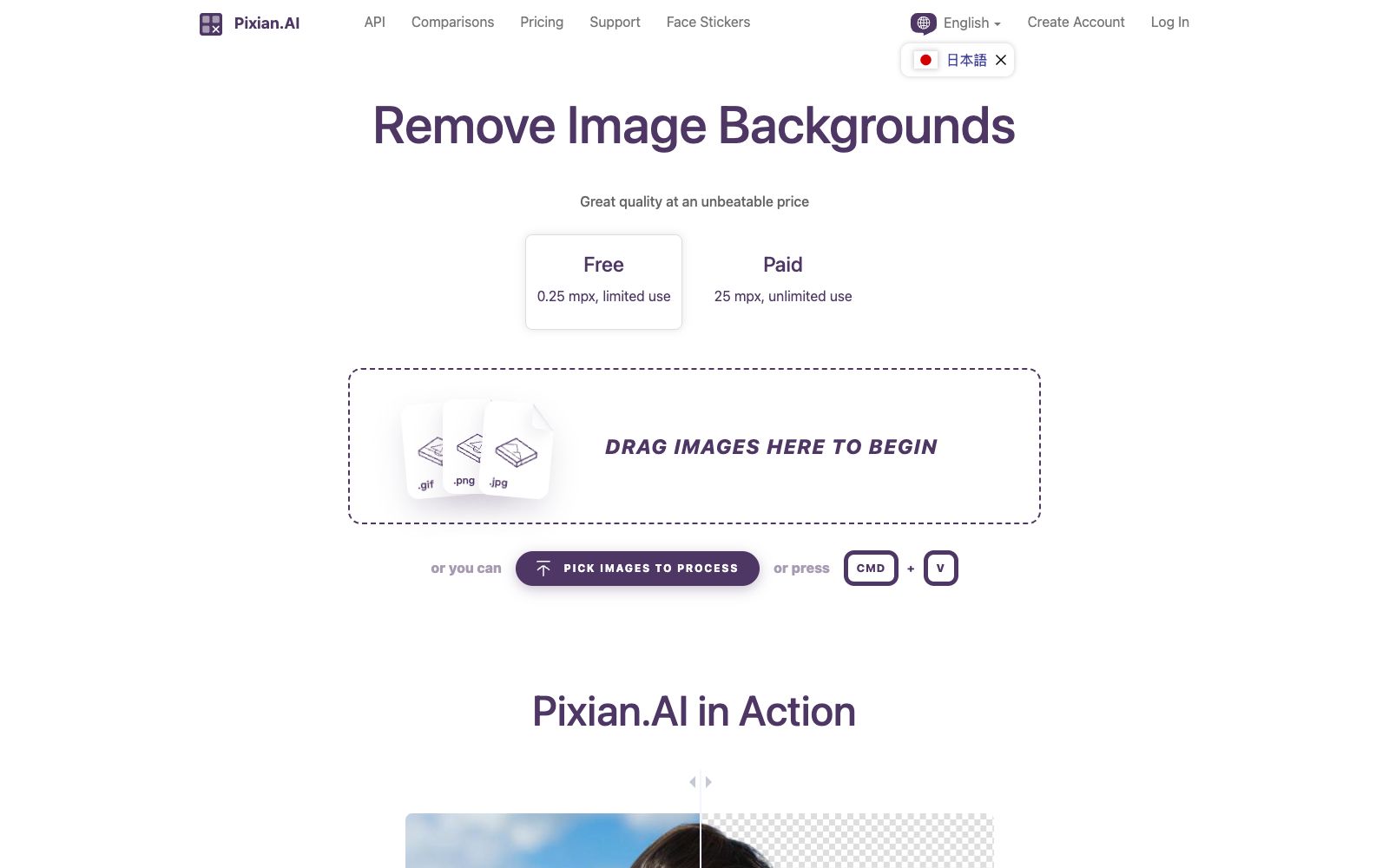
The official website title of Pixian.AI is "Remove Background from Image, Free, No Signup", and its core function is to remove the background from images. The process is summarized as three steps on the official website: PICK, PROCESS, and DOWNLOAD. You just need to drag and drop or paste the image to get the result. The output side offers many fine-grained options: the background can be transparent, white, or a specified color value; the format can be JPEG or PNG; you can also set the cropping margin, output size, and file name suffix. The official website also publicly displays data comparing the matting quality with similar services.
Who is it for?
- E-commerce sellers and operators: Batch remove backgrounds to create white-background main images, detail page elements and advertising materials.
- Designers and photo post-processing professionals: Quickly get transparent background materials and then import them into design software for composition.
- For operation agencies and print shops that need to batch process product images, the official website supports uploading multiple images at once and provides size presets.
- Content creators making stickers, avatars, and PNG materials, the official website also has a dedicated entry for Face Stickers.
- For developers who need to integrate background removal into their own systems, the official website provides APIs and comparison pages.
Key features
6Remove Image Backgrounds
The official website states that it uses GPUs and multi-core CPUs to analyze images and remove backgrounds, supporting drag-and-drop and paste uploads.
Background and Format Options
Output can be transparent, white, or a custom color value; files can be in JPEG or PNG format, with adjustable JPEG quality.
Cropping and Sizing
The official website offers options such as no cropping, adding a margin of 5% or 25px around the foreground, as well as presets for common sizes like 1920x1080, 1080x1920, and 1200x1200.
Batch Processing
The page supports dragging and processing multiple images at once, and the results and preset schemes can be reused.
Quality Comparison
The official website publicly displays a comparison of matting accuracy for people and objects, as well as for subjects shot in studios against other backgrounds, in the Quality section.
Extended Actions
The processed results can be directly redirected to associated tools such as compression, SVG conversion, and sticker creation for further processing.
How to use Pixian.AI
- 1The official website states that the free version is limited to 0.25 megapixels with limited usage, while the paid version offers 25 megapixels with unlimited usage. Please confirm your image dimensions first.
- 2Extremely large images will trigger the website's Pre-Crop prompt. It is recommended to crop to the main subject area first before uploading for a higher success rate.
- 3If you need a transparent background, be sure to choose PNG; choosing JPEG will lose the transparency channel, which is the most common mistake.
- 4Edges of hair strands, plush items and translucent objects are most prone to errors; for important materials, it is recommended to zoom in for inspection before delivery.
- 5The official website supports more than ten languages, and the interface text and packages may be adjusted. Please refer to the official instructions for commercial use.
Traffic & popularity
Data month Sep 2026
Pixian.AI receives about 29.7K visits per month and ranks #1,301,474 worldwide.
Monthly visits
12 monthsTraffic sources
- Direct85.1%
- Search10.4%
- AI assistants2.7%
- Referrals1.4%
- Social0.5%
Top countries
- United States32.3%
- China29.7%
- India7.0%
- Taiwan, China5.3%
- Russia2.8%
Estimated from third-party traffic data.
Similar tools
 Erase.bgErase.bg is an online background removal tool under Pixelbin. The official claims that it can remove the backgrounds of people, animals and objects in a few seconds and output high-definition transparent images. It supports pictures and videos, and also provides batch processing and API solutions.
 BgEraserA registration-free online background removal tool. Its official website states that it can process up to 20 images at a time and download transparent PNGs. It also has the ability to replace background colors and remove backgrounds in batches. Uploaded files will be automatically deleted within two hours.
 Remove.bgThe most well-known one-click background removal tool. Upload an image to automatically remove the background in about 5 seconds. It offers batch editing, API and plugins. The official website announced that the background removal function will be integrated into Canva, and the standalone site will be discontinued starting from December 2026.
 TudingTuding AI is an AI design assistant plug-in for Photoshop. According to its official website, it has 26 AI capabilities covering photo retouching, background removal and creative generation, and also offers 26 free pure front-end image tools that can be processed locally in the browser.
 EzRemoverFree online AI background removal tool: upload an image, and it will automatically remove the background and output a transparent PNG. You can change the background to white or a solid color, generate new scenes with AI, and it also offers batch processing and special modes for logos, text, anime, and more.
 PicWishA domestic free online AI photo retouching toolset that offers features such as image quality enhancement, background removal, and blurriness to sharpness conversion. It covers product image and daily photo processing, and provides APIs for developers.