

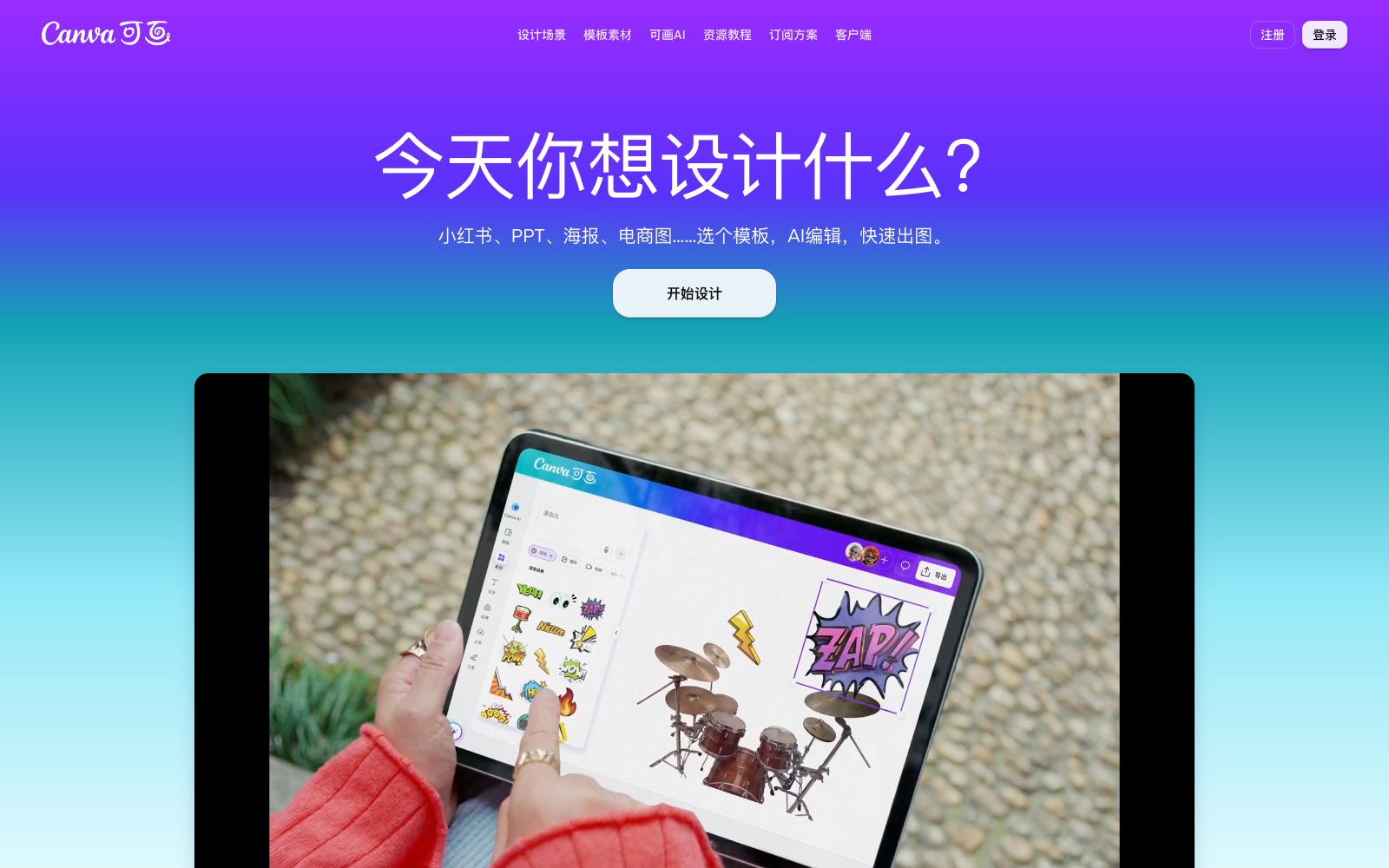

Canva
Online design collaboration platform with a vast collection of templates and genuine materials covering scenarios such as posters, PPTs, resumes, and social media images. It includes built-in AI generation, AI background removal, and enterprise-level brand management.
Updated: 2026-10-26
What is Canva?
Canva, a Chinese-oriented online design collaboration platform, officially states that it offers a vast number of templates covering dozens of scenarios such as posters, resumes, business cards, logos, PPTs, handwritten newspapers, QR codes, and Banners, as well as thousands of Chinese and English fonts and tens of millions of genuine image materials, which can meet all design needs for study, work, and self-media operation. Currently, it focuses on the positioning of a "visual office suite", connecting the processes of finding inspiration, AI generation, editing and typesetting into one, enabling visual content such as covers, illustrations, and posters to be created "from inspiration to hit" in one go. The official claims that exquisite posters can be made in just 3 minutes. For those who are not familiar with design software, the template and drag-and-drop method lowers the creation threshold to "anyone who can type can create", which is also the reason for its wide coverage.
Who is it for?
- Small and medium-sized enterprises and individual creators can make daily visual materials (posters, social media images, PPT, resumes), as well as enterprise marketing and operation teams that need unified brand specifications and multi-person collaboration; educational and non-profit organizations can also apply for the right to use some paid functions for free.
Key features
6Template Center
Templates are organized by scenarios such as social media, marketing, education and training, and printed materials. It includes selected social media templates like Xiaohongshu, official WeChat accounts, and video covers, which can be directly applied with just text modifications.
Canva AI Generation
Generate a design with one sentence; input a text description to create an image, with 25 built-in painting and photo styles, allowing design beginners to easily create artistic works.
AI Background Remover
The official claims it can remove backgrounds with fine edges down to individual strands of hair with just one click, making it ideal for portrait and product image editing.
Online Editing and Collaboration
Drag-and-drop layout, supports real-time collaboration among multiple people, completing the process from inspiration, generation to release on the same platform, and adapting to team workflows.
Brand and Team Management
Enterprise-level solutions support unified brand visual identity, permission management, and data protection, ensuring professional consistency in all outputs for convenient and secure sharing and collaboration.
Asset and Font Library
Genuine image materials, font libraries, IP zones, and resources such as monthly color and design trends are continuously updated.
How to use Canva
- The team recommends first building the brand kit (Logo, color swatches, fonts), which can eliminate a lot of repetitive adjustments in subsequent image creation.
- After generating the first draft with AI, apply the brand template for fine-tuning to achieve both efficiency and consistency.
- For daily creation, you can browse the popular categories in the template center to quickly locate scenarios, and cooperate with the monthly color and design trends to keep the works' aesthetics up-to-date.
- After the design is completed, you can directly download the finished product or copy the sharing link for delivery.
- You can also open and modify images on the mobile terminal at any time, making delivery and collaboration smooth.
Things to know
Traffic & popularity
Data month Sep 2026
Canva receives about 820.7K visits per month and ranks #59,920 worldwide.
Monthly visits
12 monthsTraffic sources
- Direct55.3%
- Search30.3%
- Referrals8.6%
- Social3.8%
- AI assistants0.9%
- Other1.2%
Top countries
- China75.9%
- United States6.5%
- Russia3.5%
- Singapore3.3%
- Hong Kong, China3.3%
Estimated from third-party traffic data.
In these collections
Similar tools
 Gaoding AIA domestic online design platform with a vast number of templates and AI assistance. You can create posters, PPTs, and e-commerce materials even without knowing PS. It integrates AI functions such as background removal, watermark removal, AI inpainting, product retouching, and video creation. The materials are officially licensed and available for commercial use.
 PixeliedPixelied is an online graphic design suite. According to the official statement, it offers thousands of templates, a million-level material library, icons and illustrations. It also supports one-click background removal, product mockups and presets for multi-platform sizes, covering social media and e-commerce design.
 Meitu AI DesignA free online design platform officially launched by Meitu Xiuxiu, focusing on e-commerce and marketing scenarios. It can one-click generate product image posters and intelligently remove backgrounds and replace backgrounds. It covers e-commerce design, posters, videos, self-media marketing, brand design and PPTs.
 Microsoft DesignerAn AI graphic design tool launched by Microsoft, which can generate posters, social media posts, invitations and custom images with prompt words. It supports AI editing and manual design from scratch, and covers a rich range of template types such as images, icons and wallpapers.
 MeijianAn online 2D cloud design platform under Kuai Group, focusing on home soft decoration matching, proposal PPT and poster design. It integrates more than 15 million trendy product materials and efficiency tools such as intelligent typesetting and background removal, and can deliver a plan in 10 seconds.
 Magic HourMagic Hour is an AI video and image creation platform that brings together more than a hundred tools. It covers text-to-video, photo animation, face swapping, lip syncing, and template application. According to its official website, users can try out some of its core features without registering an account.